Guide to Installing the EXR-8 with a CETAC Autosampler
6
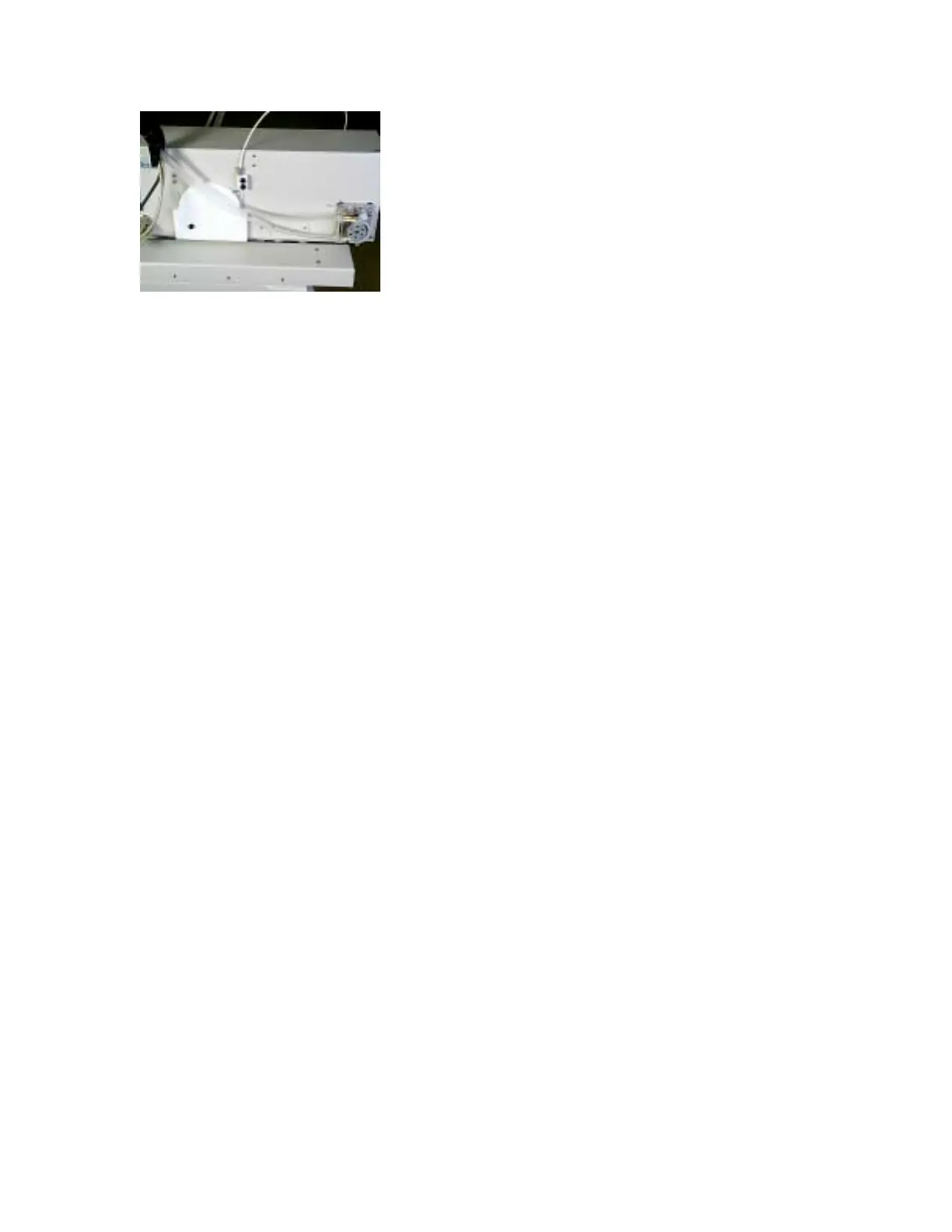
Figure 14. Connecting the pump tubing.
Connecting the Autosampler to the Host Computer
1. From the end of the chain assembly, locate the serial cable labeled 1 and connect it to COM
1 of the Host Computer.
2. Turn the autosampler on.
3. Install the Test Software on the Host Computer.
4. Run AScript.exe.
5. Select Tools | Hardware Setup.
6. Select EXR-8 and exit the software.
Aligning the Extended Rack
1. Run AScript.exe.
2. Select File | Open.
3. Select EXR-8 Alignment file.
4. Select Tools | Define Racks.
5. Select EXR-8 and then 60positions.txt.
6. Place racks on tray.
7. Select Cycle Indefinitely.
8. Press the Start button.
9. Verify that the probe hits center tube on all four corners.
10. If it does not, move the head assembly until the probe hits center tube on all four corners.
Once it does, tighten the screws on the head assembly.
11. Press the Stop button.
12. Select File | Open, and the file EXR-8 Full Alignment.
13. Press the Start Button.
14. Verify that all the racks are aligned. If not, repeat step 10.
15. Press the Stop button.



 To Previous Page