Guide for Upgrading the Firmware on the ASX-520 and ASX-520HS Autosamplers with an EXR-8
5
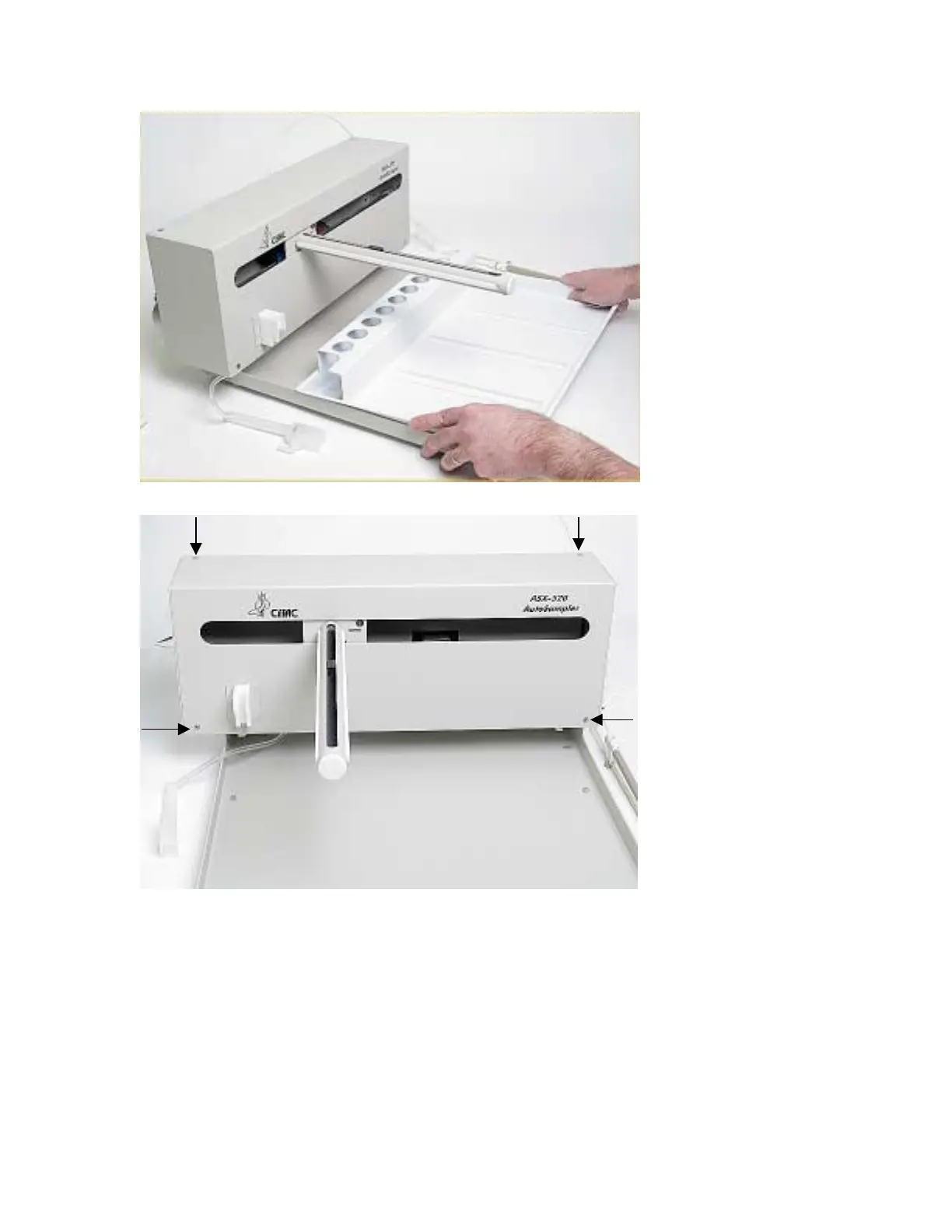
Figure 1-6. Removing the tray.
Figure 1-7. Front view of ASX-520 Autosampler showing front cover screws.
6. Next, the front cover needs to be removed. Remove the four corner screws (Figure 1-7).
7. The front cover can be removed by lifting it slightly and pulling forward (Figure 1-8).



 To Next Page