Guide for Upgrading the Firmware on the ASX-520 and ASX-520HS Autosamplers with an EXR-8
4
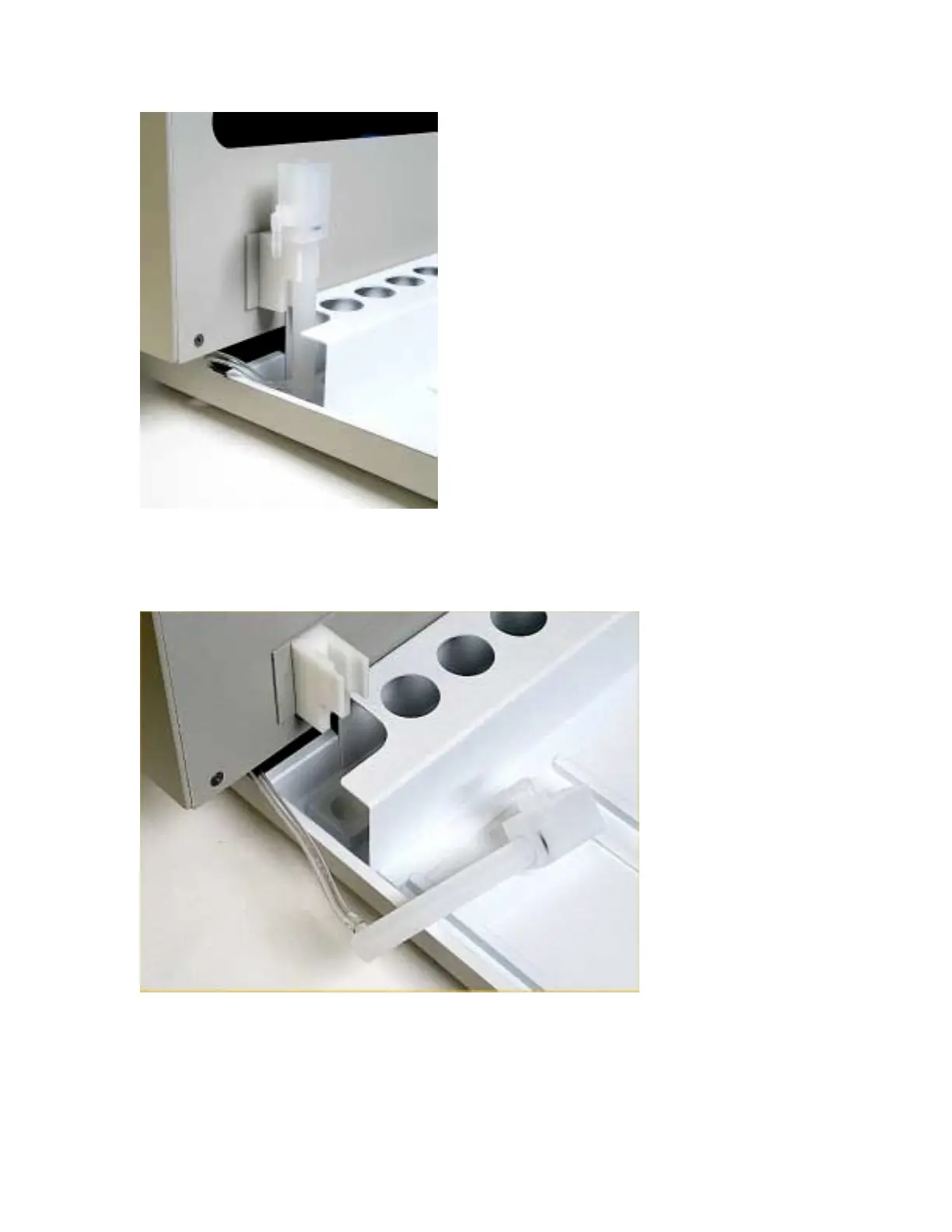
Figure 1-4. View of rinse station.
4. Once the Z-drive assembly is removed, remove the rinse station (Figure 1-4). Turn the rinse
station ¼ turn counter-clockwise while pulling up. Also, the tubing located at the bottom of
rinse station will have to be removed or moved aside (Figure 1-5).
Figure 1-5. View of rinse station removed from the front cover.
5. The autosampler tray should then be removed. Lift up the tray and pull out (Figure 1-6).



 To Next Page