Guide for Upgrading the Firmware on the ASX-520 and ASX-520HS Autosamplers with an EXR-8
7
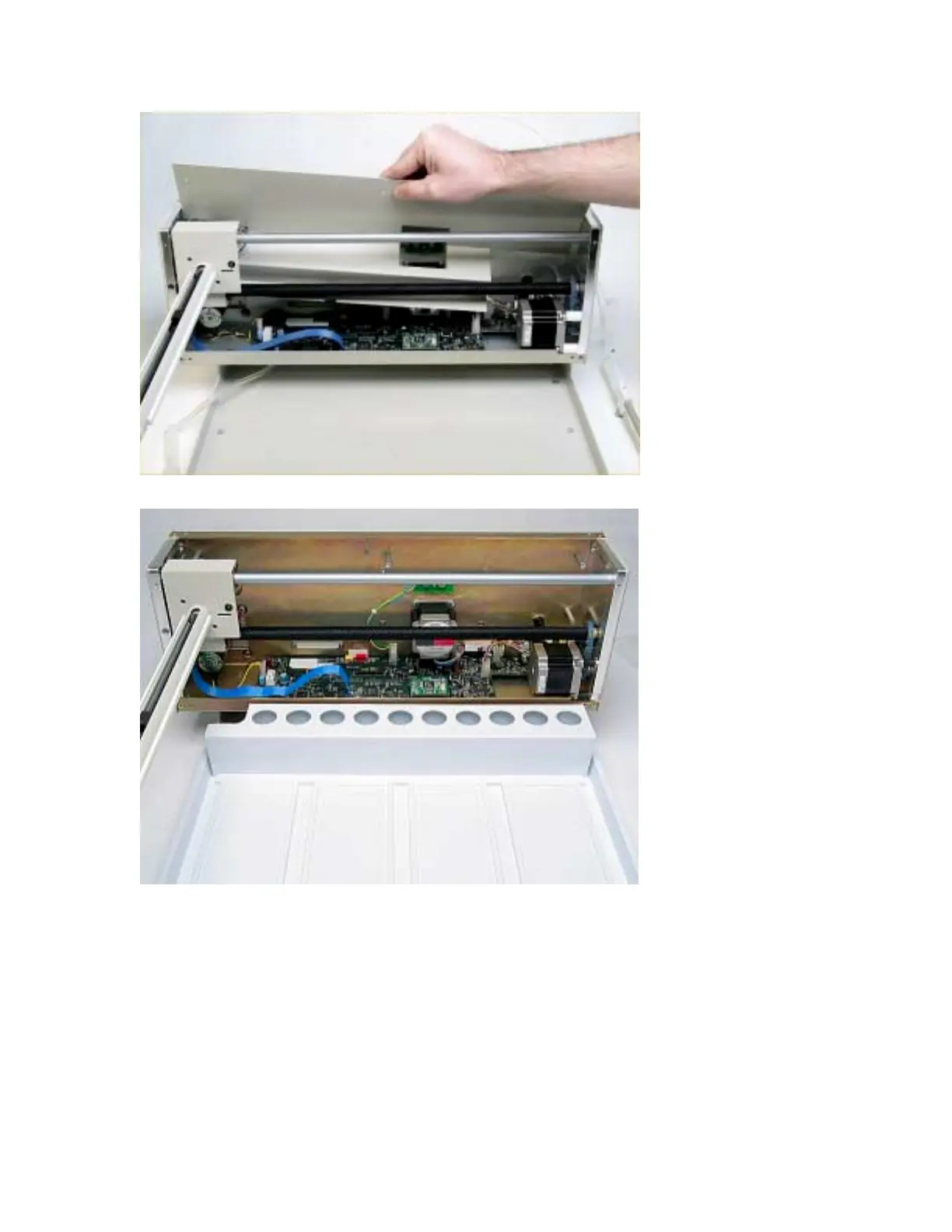
Figure 1-10. Removal of inner shield.
Figure 1-11. View of ASX-520 with inner shield removed.
Establish Communications
1. Put the Z-drive assembly back on the arm and screw in the Y-axis home block.
2. Reconnect the power cord and the serial cable and turn the autosampler on.
3. Start HyperTerminal. (For instructions on using HyperTerminal, refer to the Guide to
Operating a CETAC Autosampler using HyperTerminal).
4. In HyperTerminal type VERSS. The system will respond with the current firmware version
and it should be noted.
5. In HyperTerminal type HOME. This is to verify that the system is communicating.



 To Next Page