FEATURES & CONTROLS
58
Electronic Fence Receiver - Pairing With The Vehicle
1� Ensure the vehicle and receiver are powered o.
2� Power on the vehicle, then turn on the receiver and complete
the steps 3 and 4 within one minute; if it takes more than a
minute, please power o and then power on the vehicle, and
turn on the receiver again.
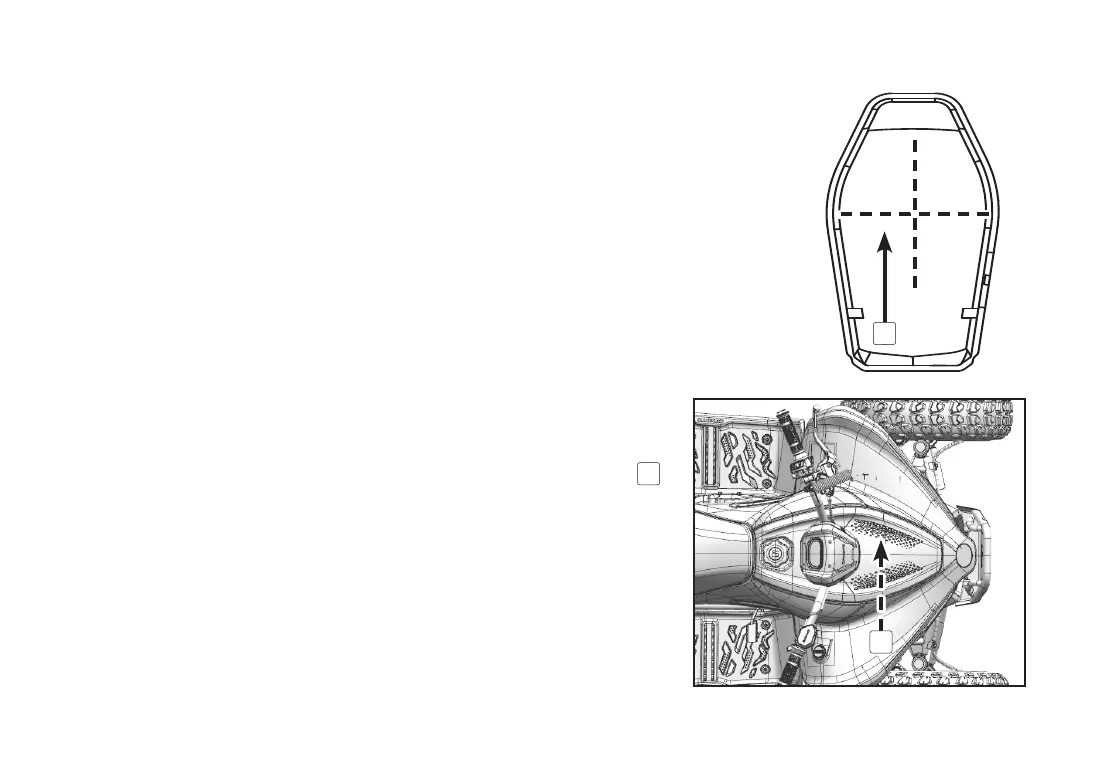
3� Hold the receiver close to the front service cover (20 cm away
from the transmitter). Press OFF, press ON, then double press
OFF (These operations must be completed within 2 seconds).
4� When the vehicle alert emits a short sound, the pairing is
nished. A long sound means too much distance.
5� If there is no response, please repeat the steps 1-4 until the
pairing is nished.
6� Apply a back-up QR sticker to the back of the receiver
1
if
required. Scan the QR code to pair with a mobile device using
the CFMOTO YOUTH App�
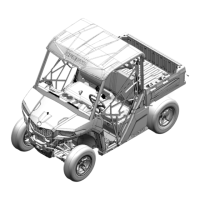
Transmitter location (1) is under the front cover as shown:
1
1



 To Next Page