2) Unlock the battery cover;
3) Take out the battery;
4) Install the SIM card;
5) Install the battery and lock the battery cover;
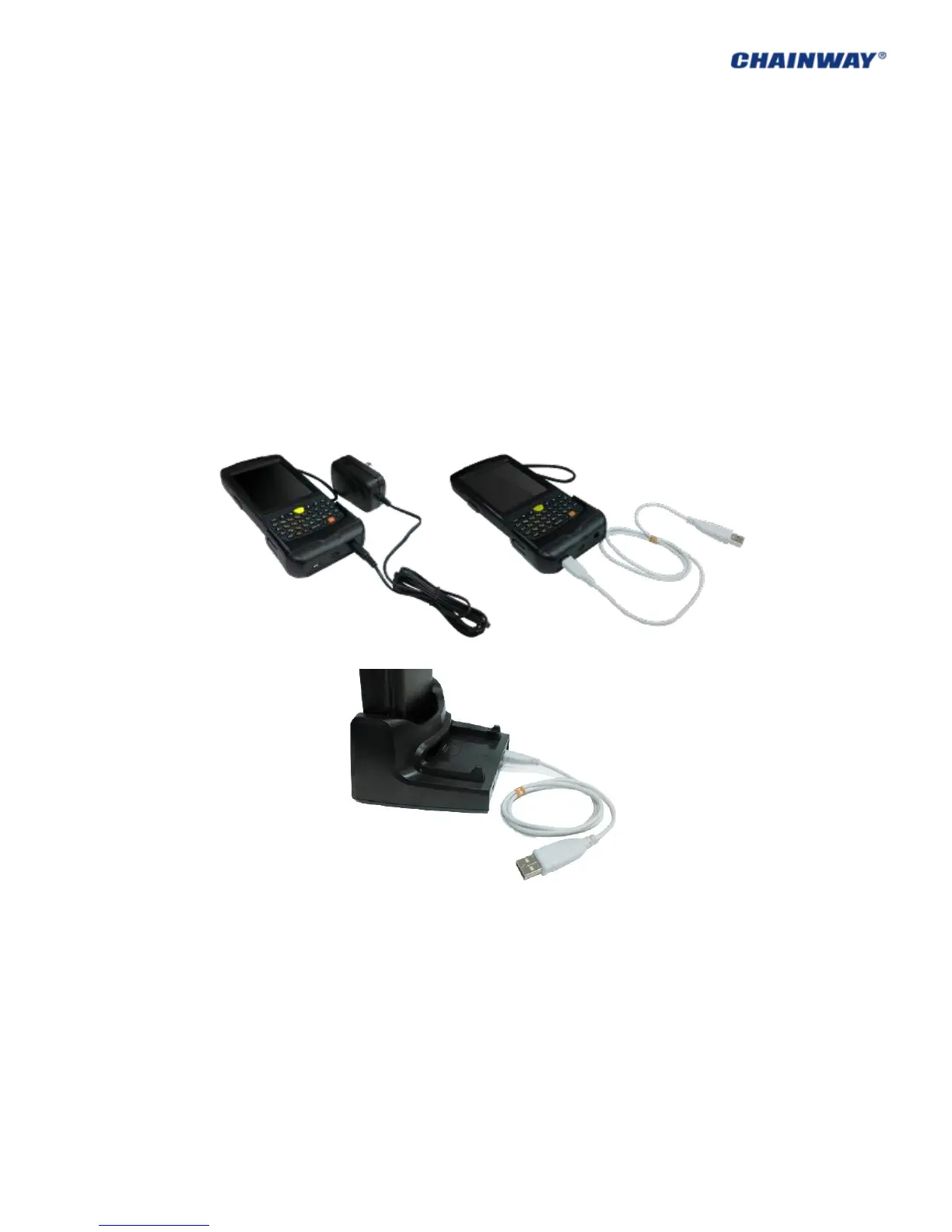
2.4 Battery Recharging
Three methods to charge the battery:
1) Use AC Adapter to charge by 220V AC power sockets;
2) Use USB cable to charge by connecting with the PC;
3) Use the cradle to charge the battery;
Pic 2-4-1
2.5 TF Card Installation
After installing the TF card, files under the catalogue of ‘My Device/Storage Card’ (Pic 2-5-1)
can be viewed, while is also the TF card catalogue.



 To Next Page