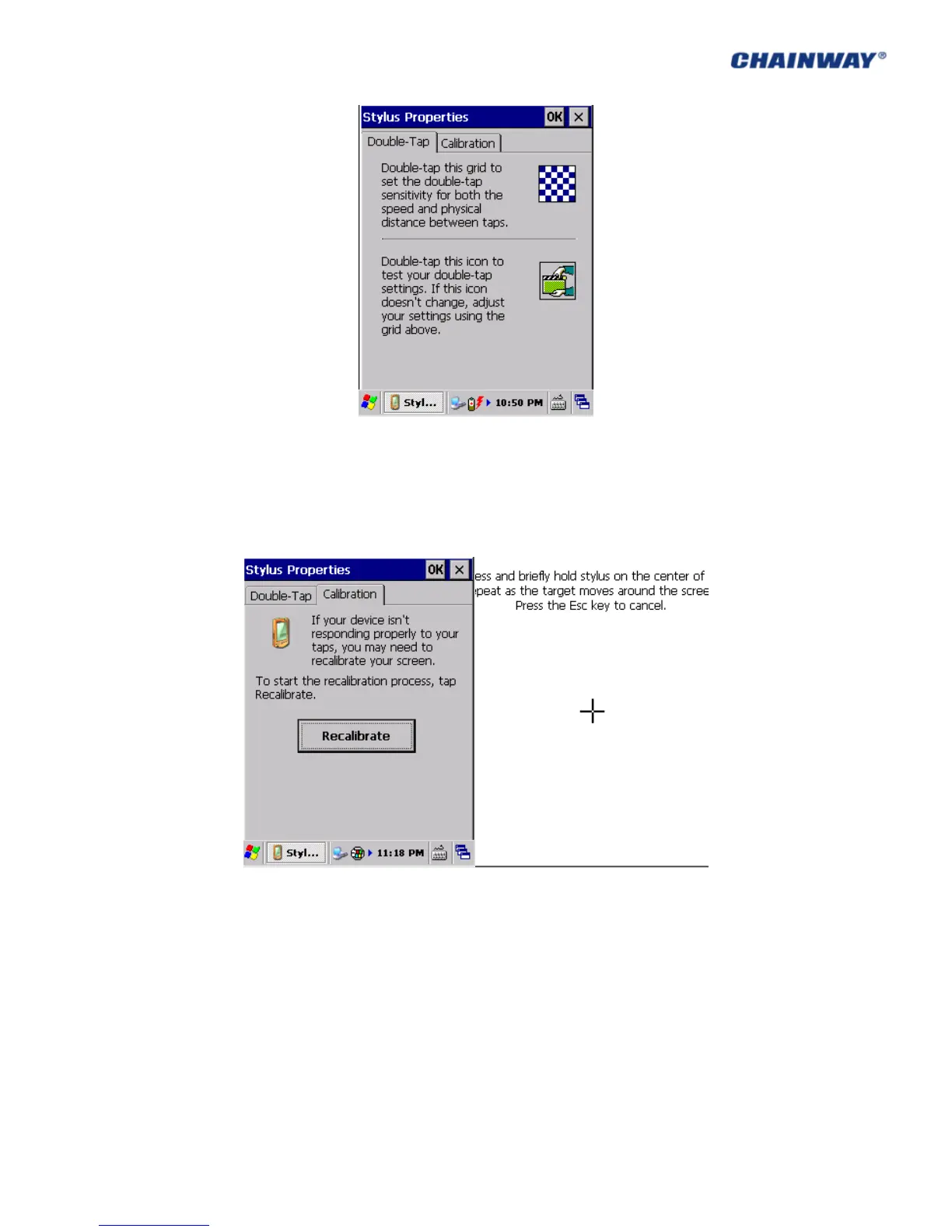
Pic 3-16-1
Calibration: it is used for touch screen calibration when the screen is not responding
properly.
Click ‘Recalibrate’ and in the new interface, please operate as the introduction (5 times, from
the middle to the four corners). Pic 3-16-2 and Pic 3-16-3
Pic 3-16-2 Pic 3-16-3
3.17 Bluetooth Device Properties
Bluetooth Device Properties including nearby Bluetooth devices can be scanned by ‘Control
Panel->Bluetooth Device Properties’ as Pic 3-17-1;



 To Next Page