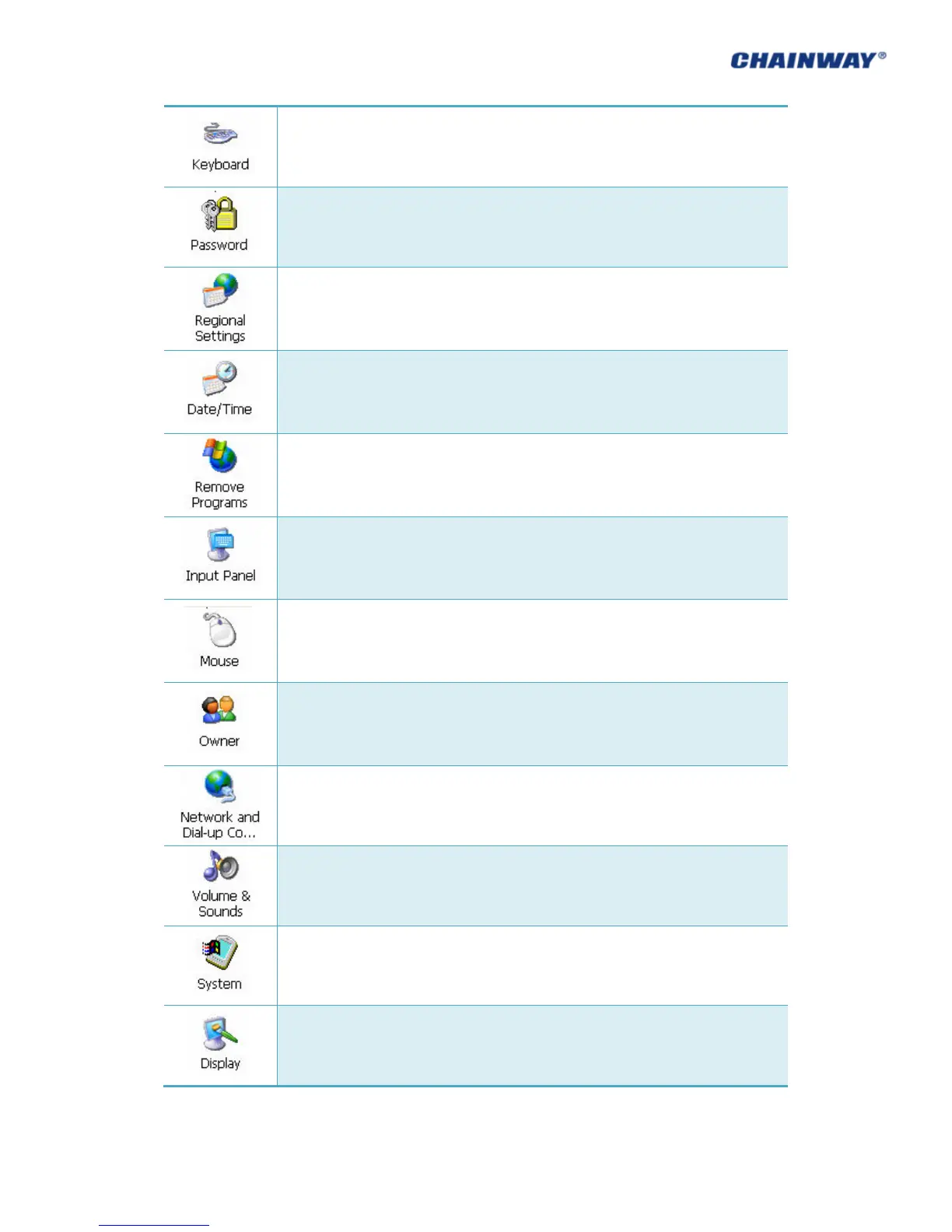
Regional settings, customized regions, user interface/input language.
Adjust current time, current date, and change time zone.
Select and remove programs.
View properties of mouse.
Change the owner information
Network and dial-up connections. Used for WiFi or GPRS connecting configuration.
Adjust volume and sounds.
Display system information, adjust memory and change device name.
Adjust background, appearance and backlight.



 To Next Page