30
Your remote control has been programmed at the factory to operate with your garage dooropener.
Older LiftMaster remote controls are NOTcompatible, see page 35 for compatible accessories. Programming can be done through the door control or the learn button the garage door opener. To program
additional accessories refer to the instructions provided with the accessory or visit www.liftmaster.com.Ifyour vehicle is equipped with a Homelink
®
, you may require an external adapter depending on the make,
model, and year ofyour vehicle.Visit www.homelink.com for additional information.
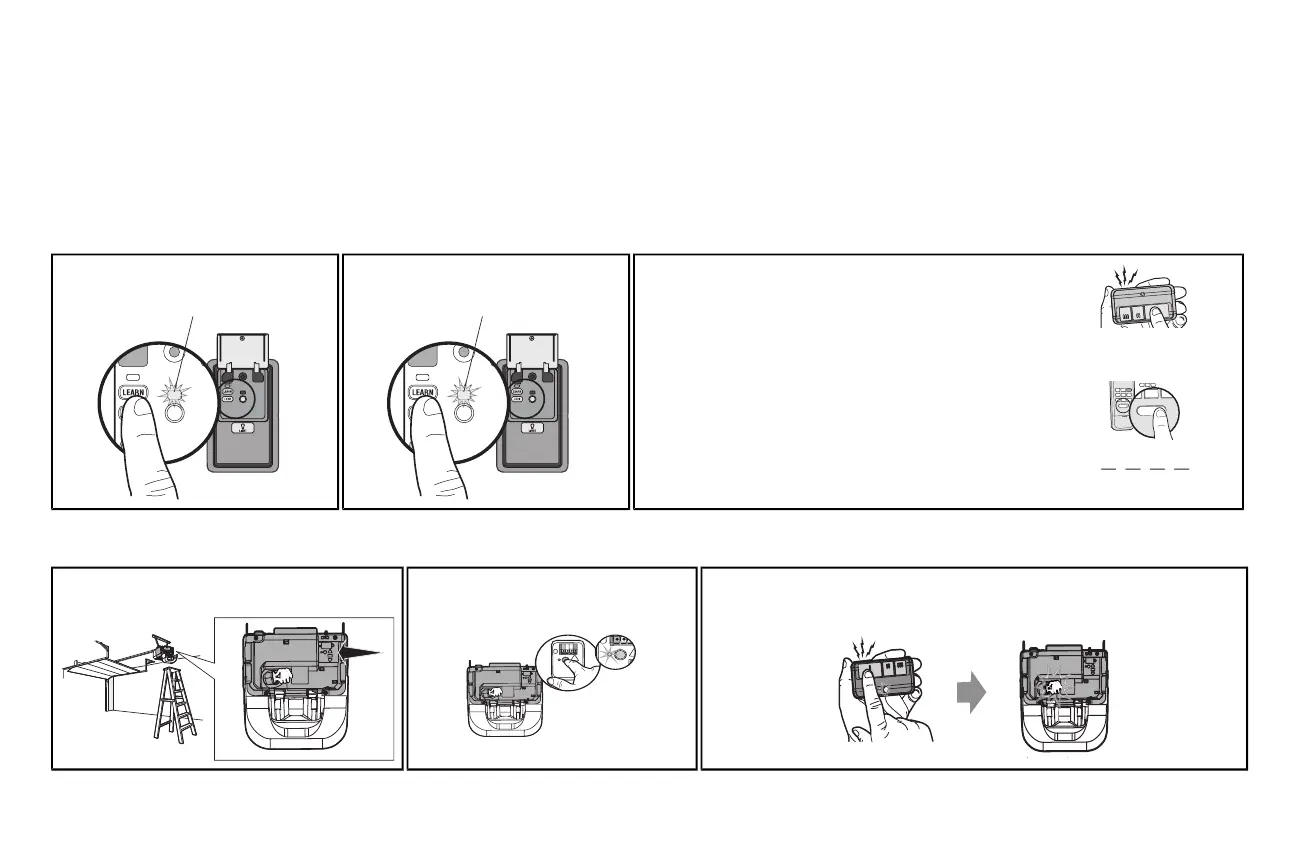
TO ADD, REPROGRAM,OR CHANGE A REMOTE CONTROL/KEYLESS ENTRY PIN USING THE DOOR CONTROL
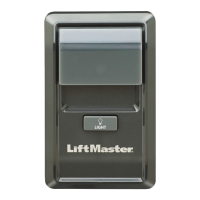
1 Pressthe LEARNbutton on the door control
to enter Programming Mode.
The command LED will flash once.
2 Pressthe LEARNbutton again, the LED will
flash once.
The command LED will flash once again.
3 Remote Control:
Press the button on the remote control thatyou wish to operate
your garage door.
Keyless Entry:
Enter a 4-digit personal identification number (PIN) of your choice
on the keyless entrykeypad. Then press the ENTERbutton.
The garage door opener lightswill flash (or two clickswill be heard)
when the code hasbeen programmed. Repeatthe steps above for
programming additional remote controls or keyless entry devices.If
programming is unsuccessful, program the remote using the learn
button.
PIN
? ?
? ?
1
2
A
BC
3
DEF
4
GHI
5
JKL
6
MNO
7
P
RS
8
TUV
9
WXY
0
Q
Z
*
#
E
NT
E
R
PROGRAMUSINGTHEGARAGEDOOROPENER
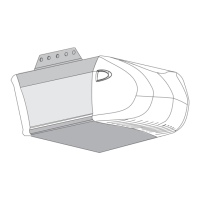
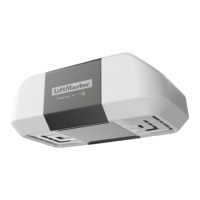
1 Locate the Learn Button. 2 Pressand immediately release the Learn
button. The Learn LEDwill glowsteady for
30 seconds.Within 30 seconds...
3 Pressand hold the button the remote control thatyou wish to use.
Release the button when the garage door opener lightsblink or two clicksare heard.
If programming to other products,pressthe button a second time to activate products.
Remote Control






 To Next Page