Filter Master Programming
Regeneration Time (r)
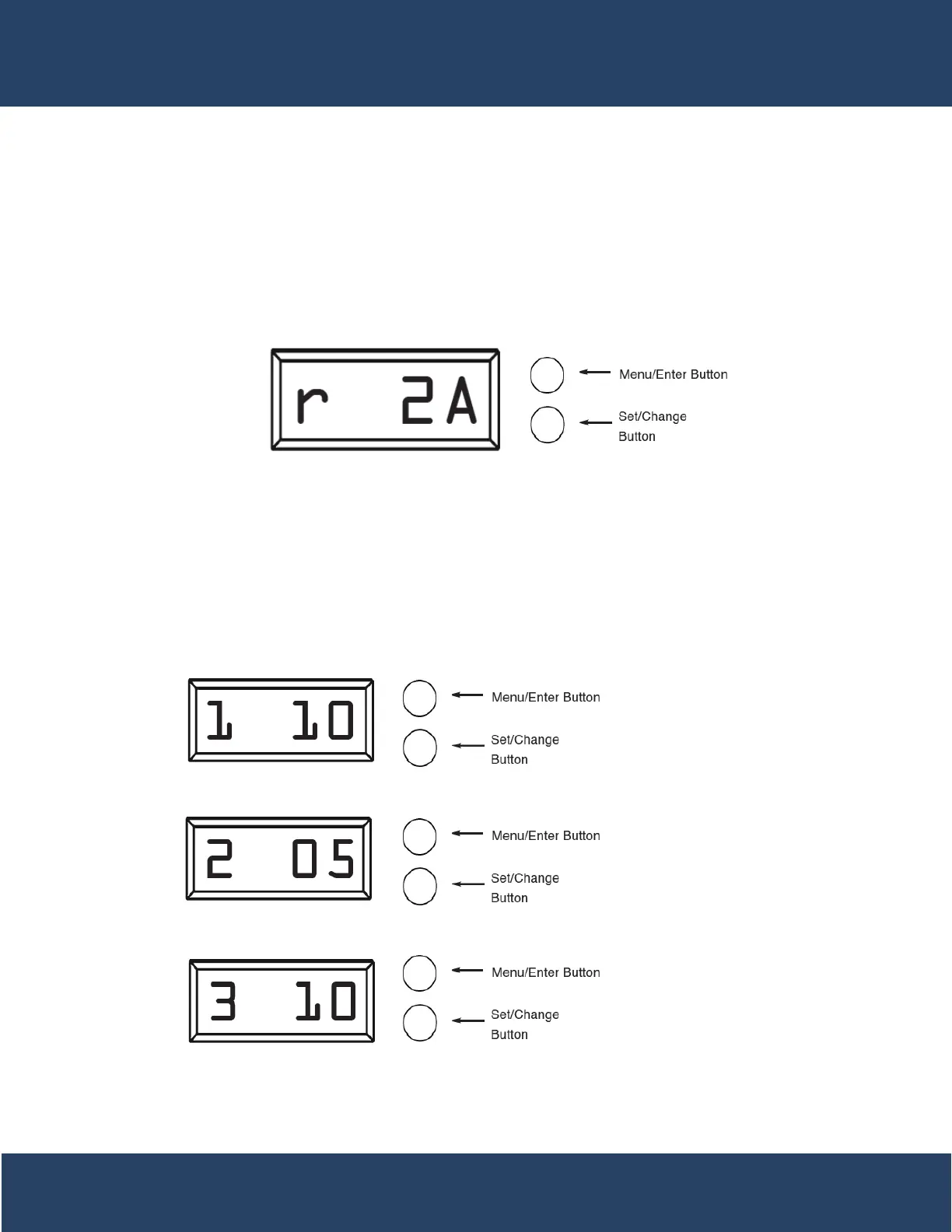
After pressing the Menu/Enter and Set/Change button, the display shows the option setting for Regeneration
Example: 12 A.M. regeneration time - [ r12A ] (Factory Setting for Filters)
To Adjust this Value Press the Set/Change Button.
To Accept the Digit Value Press the Menu/Enter Button.
Regeneration Cycle Step Programming
Press the Menu/Enter Button. The next 3 displays viewed are part of a series of option settings used to program
-
ation cycle. A step # will turn on for the regeneration cycle step being programmed. Regeneration steps
are skipped by setting the display to 0.
Examples: Regeneration Cycle Step #1 - 10 minutes - [ 1 - 10 ] (Factory Setting)
Regeneration Cycle Step #2 - skipped - [ 2 - - 0 ]
23


 To Next Page