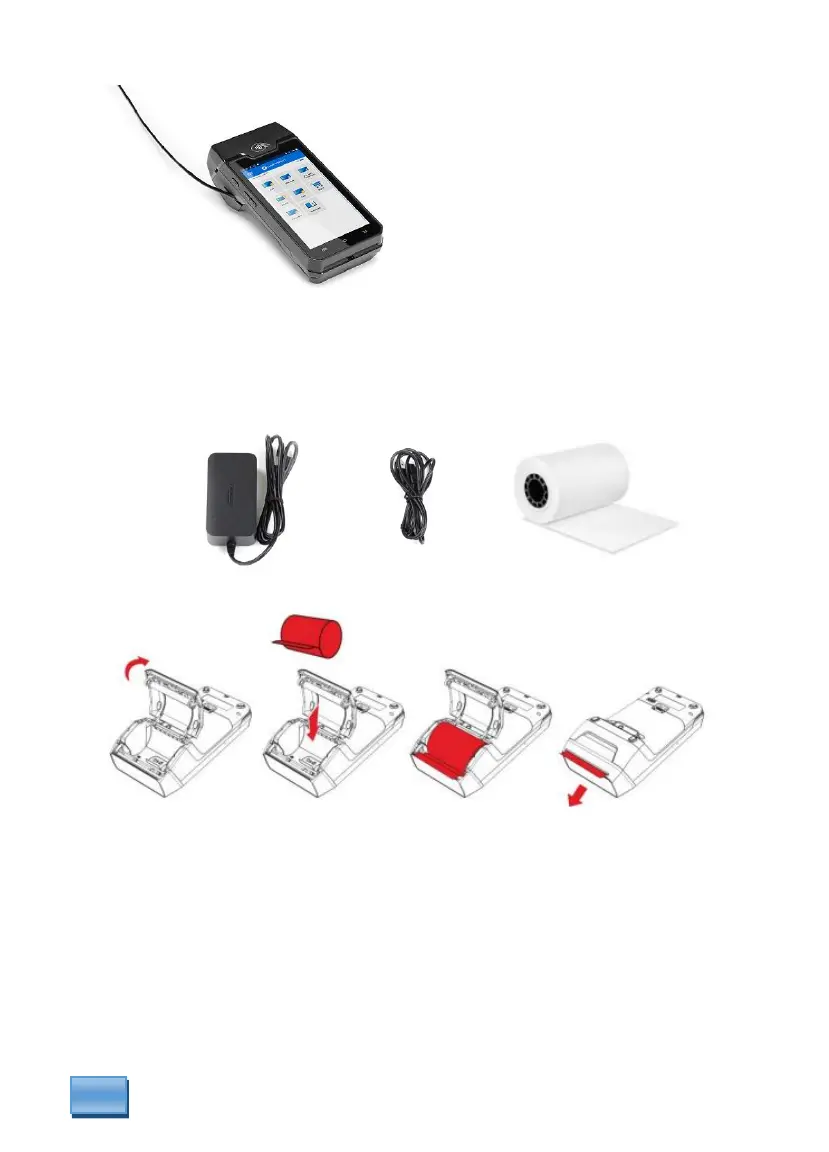
Unpacking the DX4000 Terminal
The DX4000 Terminal are shipped with the following items:
• Axium DX4000
• Paper Roll
• Magic Box with attached cables
• 2 Piece power adapter with power cord
Installing paper roll:
• Turn device over to open the paper cover by lifting the catch located at the top of
the DX4000. Pull the cover to the rear of the terminal.
• Inter the paper roll in the compartment following the directions above.
• Pull the paper up to the top of the terminal. While holding the paper and close the
cover.
• Make sure to press both upper corners of the paper flap to ensure it snaps into
place.
• To tear the receipt, paper should be cut off in an upward motion.



 To Next Page