Page 12 of 23 CORE™ 3x3 User Manual Rev. 1
(DMX)
Set the product in DMX mode to control with a DMX controller.
1. Connect the product to a suitable power outlet.
2. Turn the product on.
3. Connect a DMX cable from the DMX output of the DMX controller to the DMX input
socket on the product.
Starting Address
When selecting a starting DMX address, always consider the number of DMX channels
the selected DMX mode uses. If you
choose a starting address that is too high, you could
restrict the access to some of the product’s channels.
The CORE™ 3x3 uses up to 31 DMX channels in its 31-channel
defines the highest configurable address to 482.
If unfamiliar with DMX or DIP switches,
download the DMX Primer from
www.chauvetlighting.com.
To select the starting address, do the following:
1. Press <MENU> repeatedly until 3-CH, 5-CH, 9-CH, 27CH, or 31CH shows on the
display.
2. Press <ENTER> to activate the selected DMX personality and d 1–d512 shows on
the display.
3. Use <UP> or <DOWN> to select the starting address.
4. Press <ENTER>.
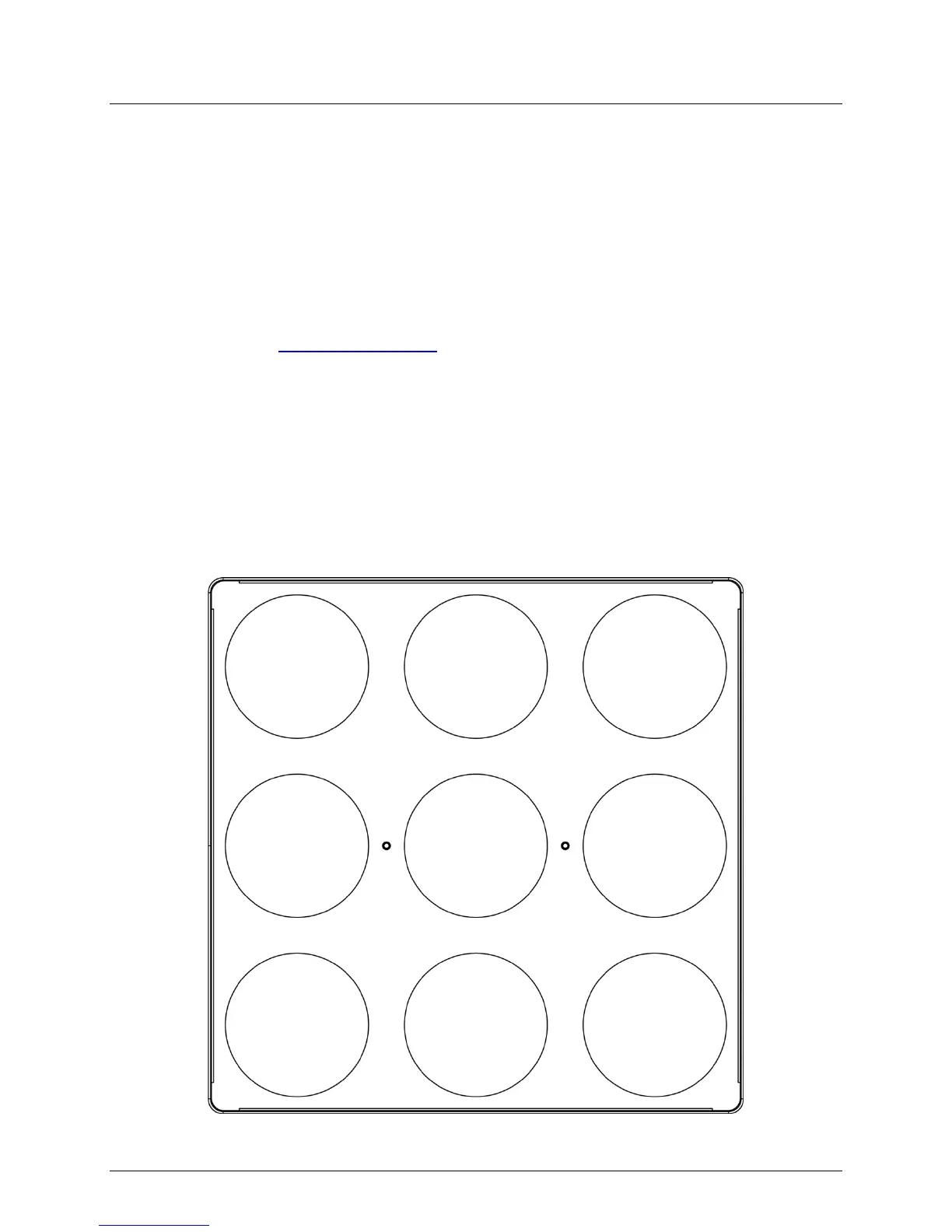
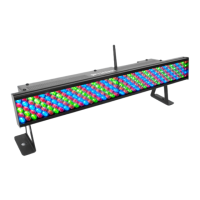
CORE™ 3x3 Sections for DMX Control
Section 1 Section 2 Section 3
Section 4
Section 9
Section 8
Section 7
Section 6
Section 5



 To Next Page