Getting Started with E91
14
2.3.2 External Power Supply
There is one recommended method for providing the external power (9 V DC to 36 V
DC):
Connect the receiver to a vehicle battery by using the external power cable.
WARNING - Use caution when connecting external power cable's clip leads to a
vehicle battery. Do not allow any metal object to connect (short) the battery's positive
(+) terminal to either the negative (-) terminal or the metal part of the vehicle battery.
This could result in high current, arcing, and high temperatures, exposing the user to
possible injury.
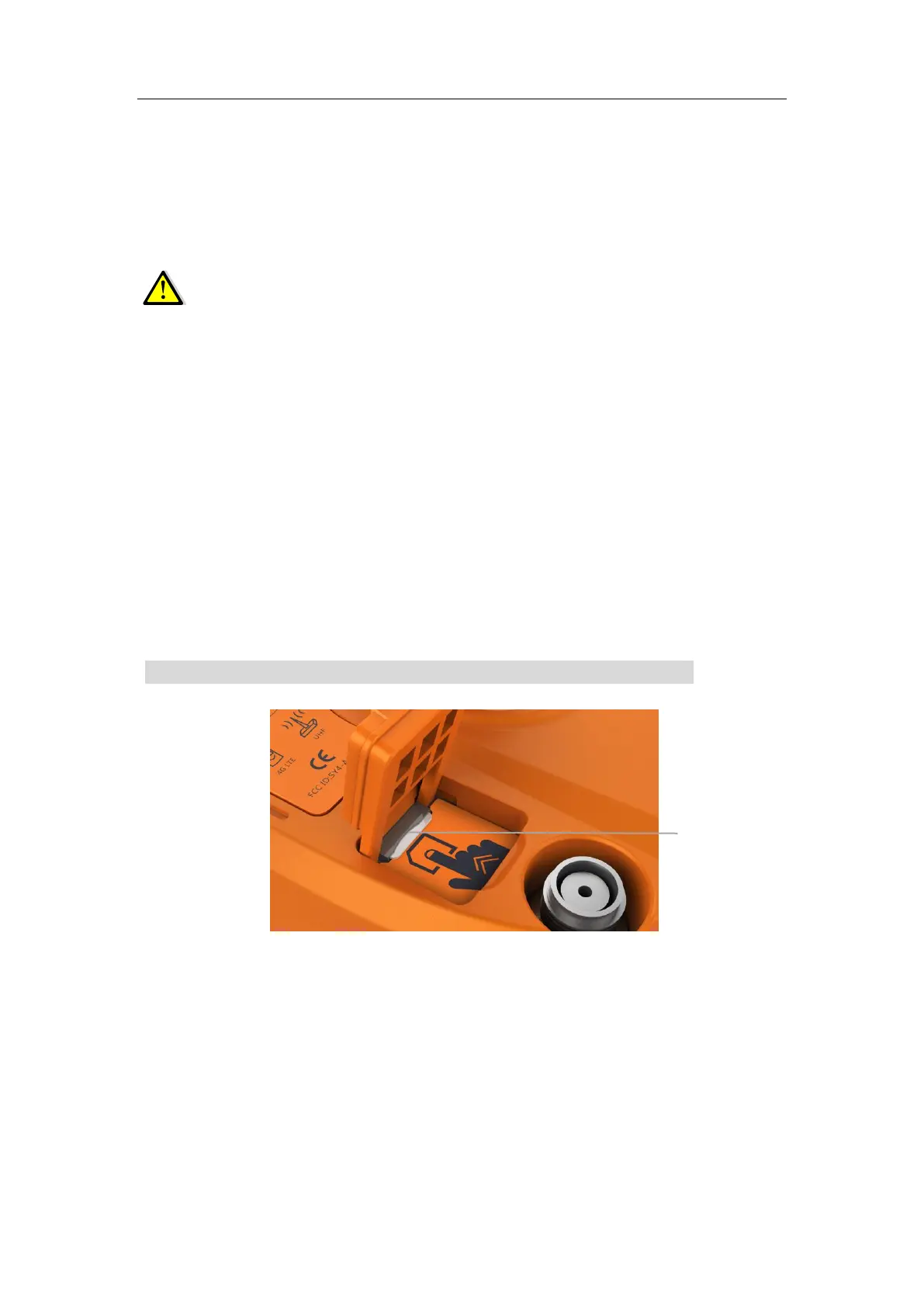
2.4 Inserting SIM Card
(a) Open the cover.
(b) Insert the SIM card with the contacts facing upward, as indicated by the SIM card
icon next to the SIM card slot.
(c) Close the cover to prevent water immersion.
(d) To eject the SIM card, slightly push it in to trigger the spring-loaded release
mechanism.
Note: The SIM card is provided by your cellular network service provider.



 To Next Page