Getting Started with E91
19
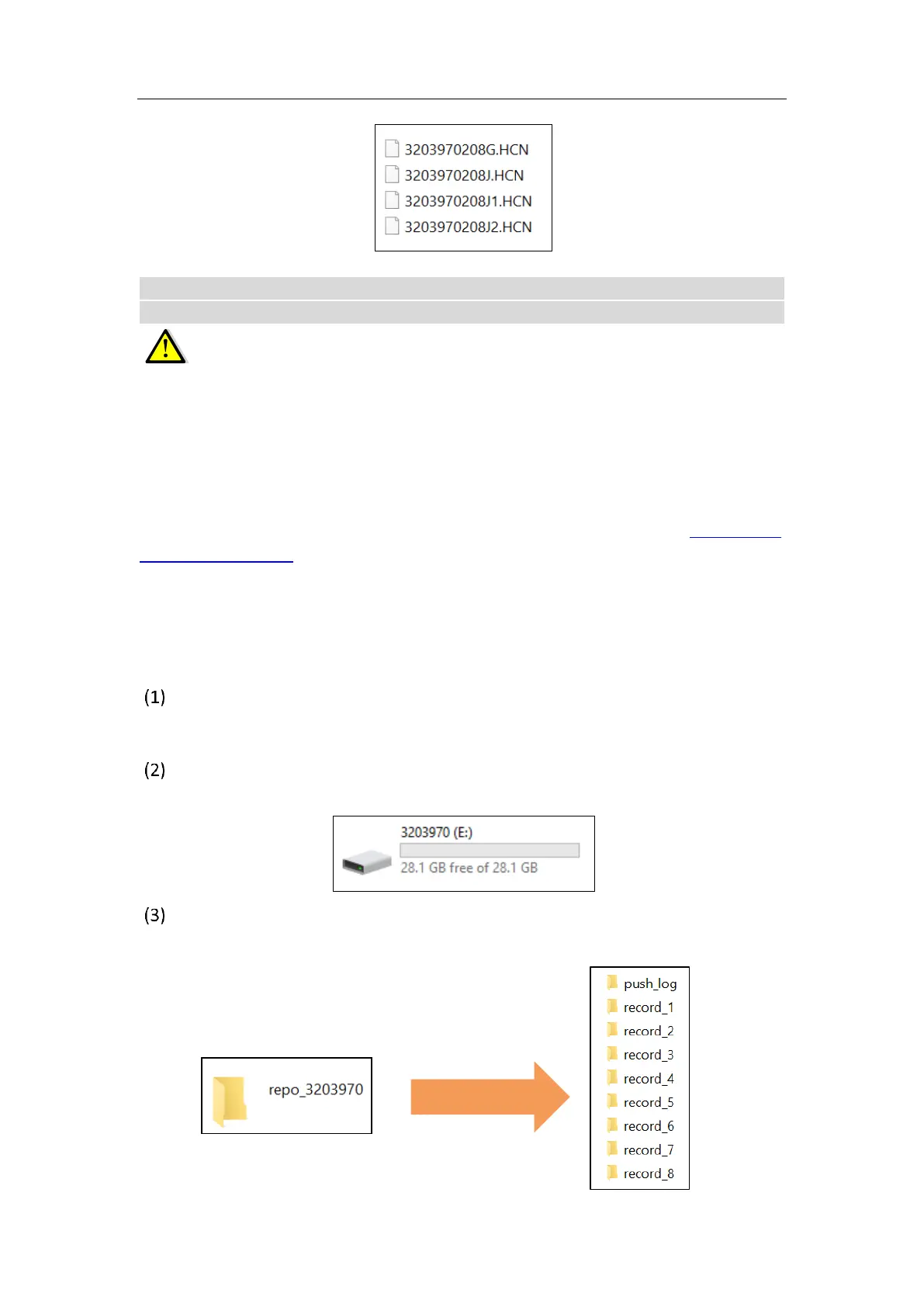
Notes: For hcn files, the name of the file is represented as XXXXXXDDDNN, where
XXXXXX is the SN of the receiver, DDD is day of year, and NN is the recording session.
WARNING – The static data will be saved in the first logging session, the
“record_1” folder, by default. Old files will be deleted if the storage space is full. If you
configure not to auto delete old files when the memory is low, the receiver will stop
data logging.
2.6.2 Web Server Download
The procedures of downloading logged data through web server refer to 5.4.4 Data
Download Submenu.
2.6.3 USB Download
The procedures of downloading logged data through USB cable are as follows:
Switch on the receiver, and connect it with a computer by USB Cable. After the
successful connection, a removable disk named as the Serial Number (SN) of the
receiver will appear on the computer.
Double click the removable disk and you will see the folder named as
“repo_receiver SN” (take 3203970 as example).
Double click this folder, you will see 9 folders. The “push_log” folder is used to
save the log files, and the other 8 folders represent different logging session and
are used for store static data.



 To Next Page