Configuring through a web browser
37
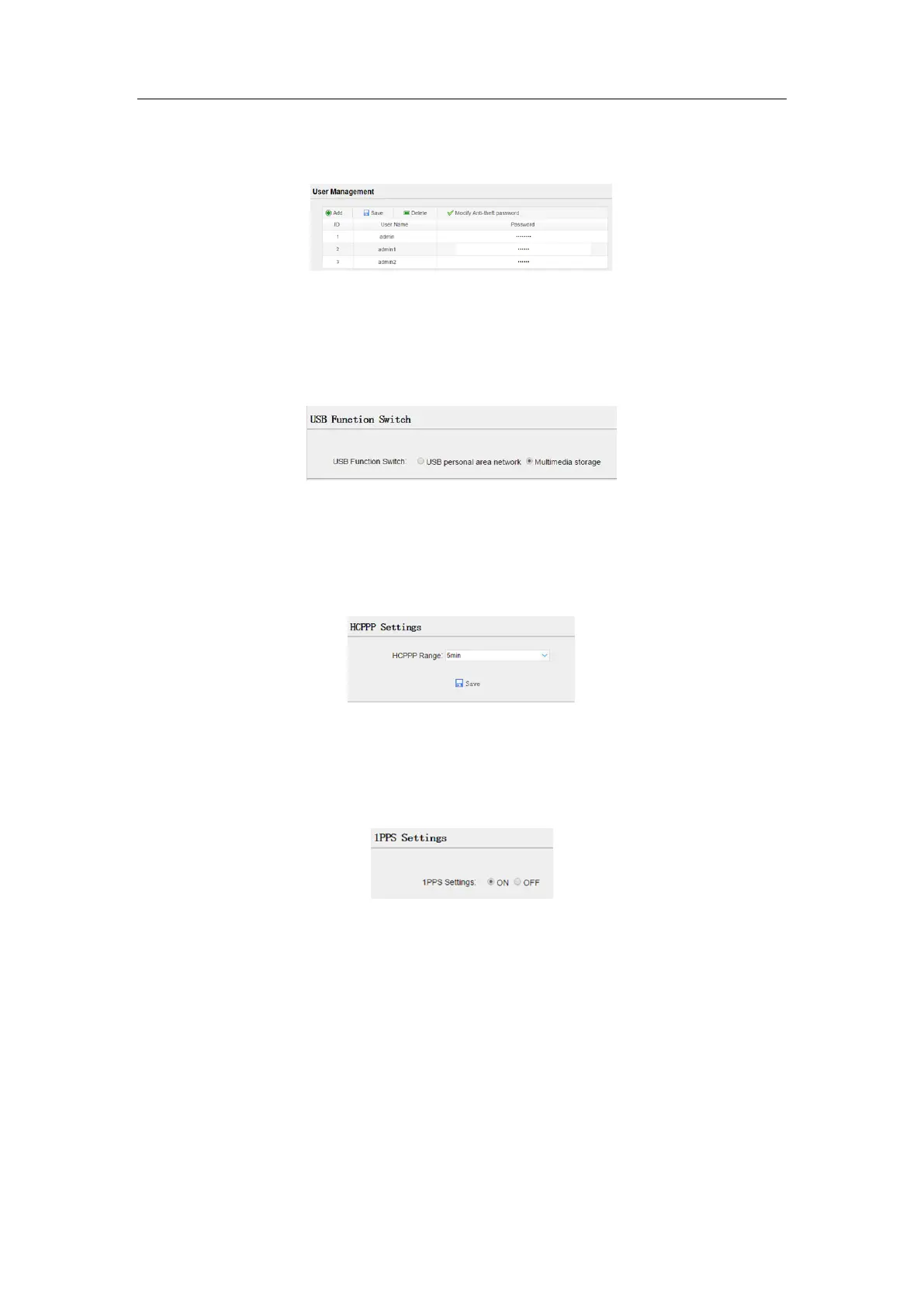
5.3.6 User Management submenu
5.3.7 USB Function Switch submenu
Use this menu to switch between USB personal area network and Multimedia storage.
5.3.8 HCPPP Settings submenu
Use this menu to select HCPPP Range.
5.3.9 1PPS submenu
Use this button to turn on or turn off 1PPS.
5.4 Data Recording menu
Use the Data Logging menu to set up the receiver to log static GNSS data and to view
the logging settings. You can configure settings such as observable rate, recording rate,
continuous logging limit, and whether to auto delete old files if memory is low. This
menu also provides the controls for the FTP push feature:



 To Next Page