Getting Started with i73+
CHCNAV i73+ GNSS USER GUIDE | 2022-3 P a g e | 25
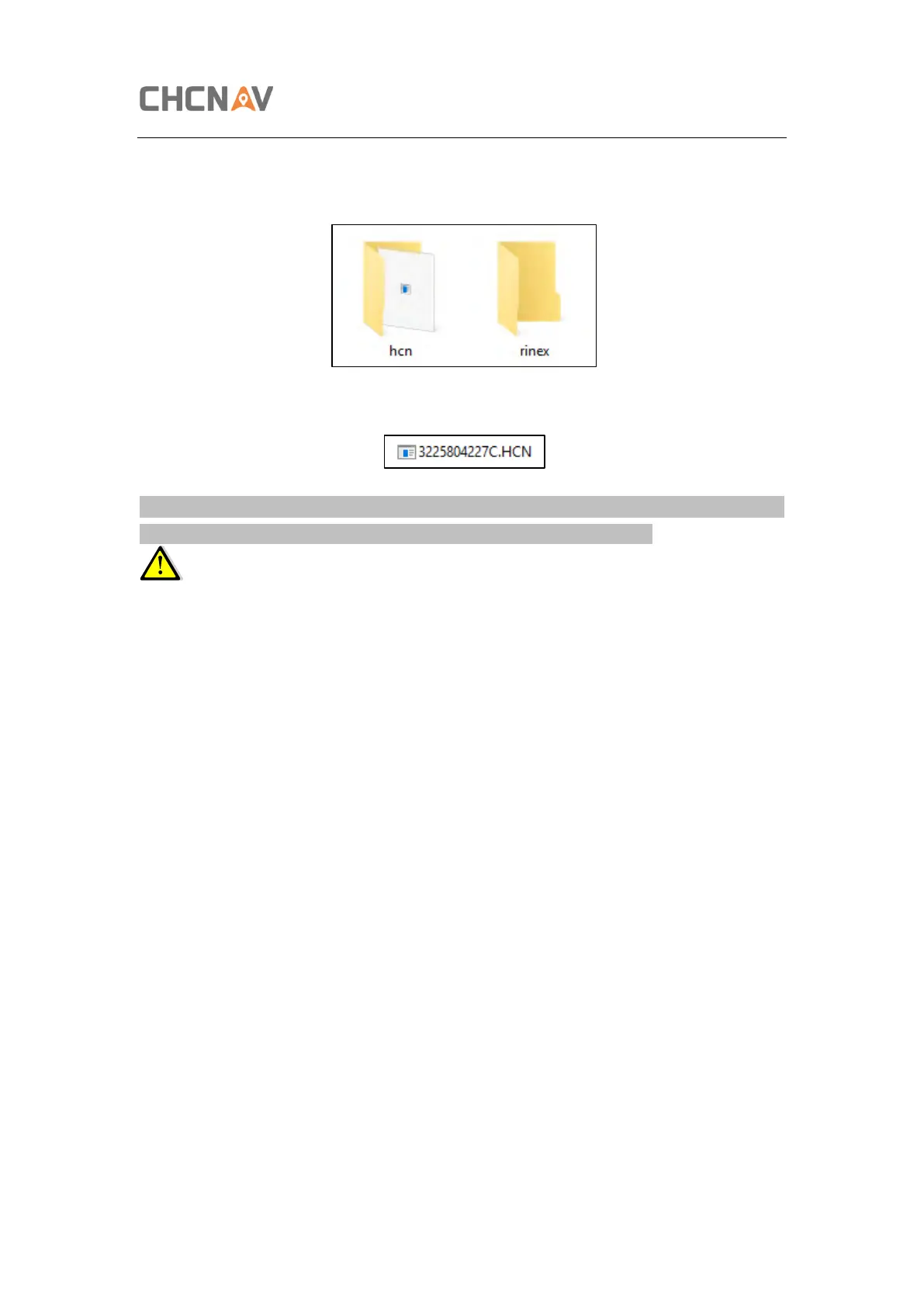
(5) Select the destination folder and double click it, and then two folders named as different
data format (hcn and rinex) will be displayed.
(6) Select the data format that you have configured to save the static data, you will find the
static raw data.
Tip – For hcn files, the name of the file is represented as XXXXXXDDDNN, where XXXXXX is
the SN of the receiver, DDD is day of year, and NN is the recording session.
WARNING – The static data will be saved in the first logging session, the “record_1” folder,
by default. Old files will be deleted if the storage space is full. If you configure not to auto
delete old files when the memory is low, the receiver will stop data logging.



 To Next Page