Configuring Through a Web Browser
CHCNAV i73+ GNSS USER GUIDE | 2022-3 P a g e | 54
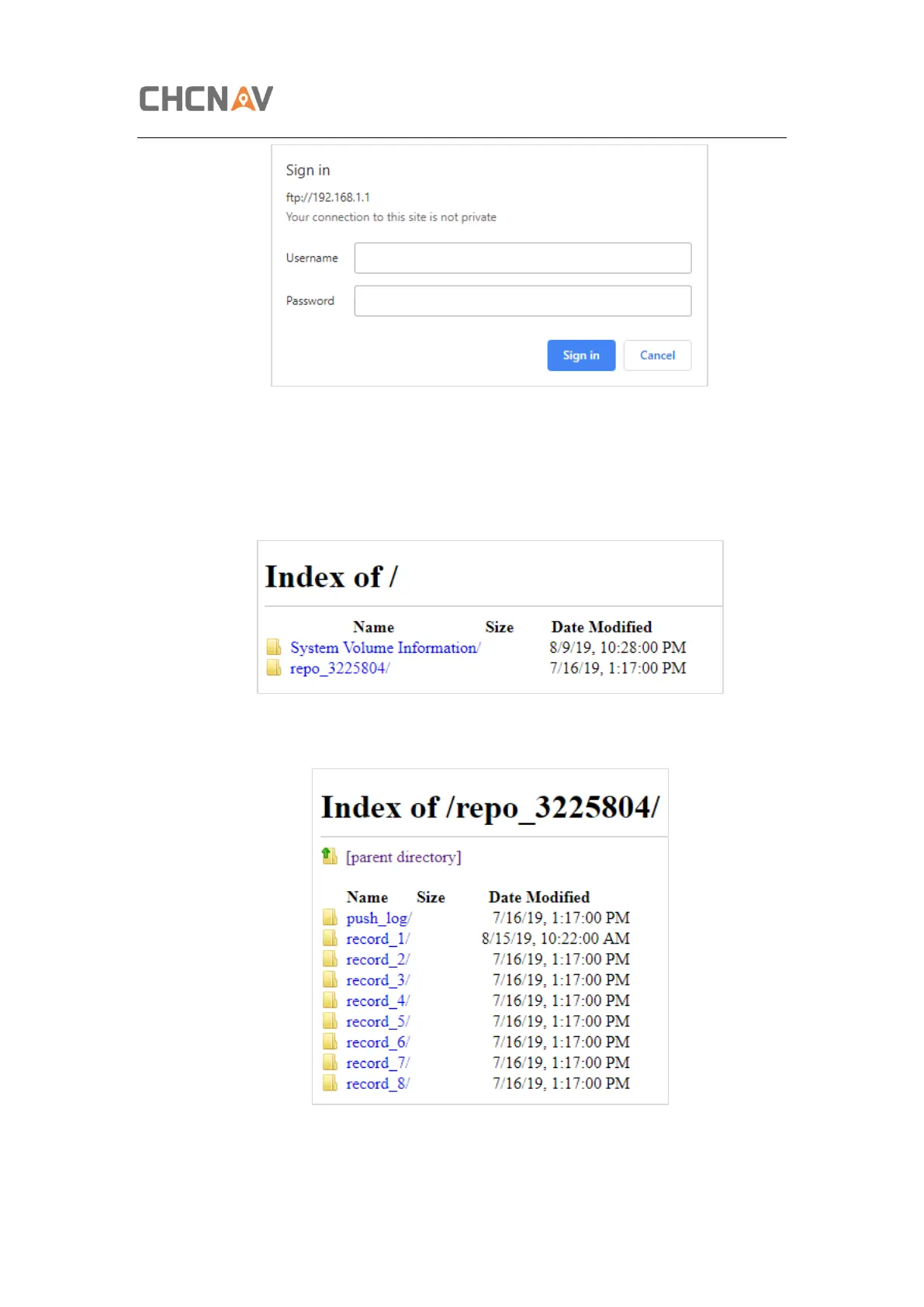
The default logon account for the internal FTP site is:
➢ User name: ftp
➢ Password: ftp
2. Click the directory named as “repo” to view and download the files currently stored
on the receiver:
3. To find the file need to be downloaded, click the name of data logging session → the
date of file that be recorded → the format of the file → the name of the target file.
4. To download a file, left-click the name of the target file → download the file
according to the prompts.



 To Next Page