6000 and 7000 Appliances Installing and Removing Memory
6000 and 7000 Appliances Replacing Memory|24
The top of the DIMM is smooth. The bottom edge has two different-length sets of contacts,
which connect to the slots on the socket.
Important:
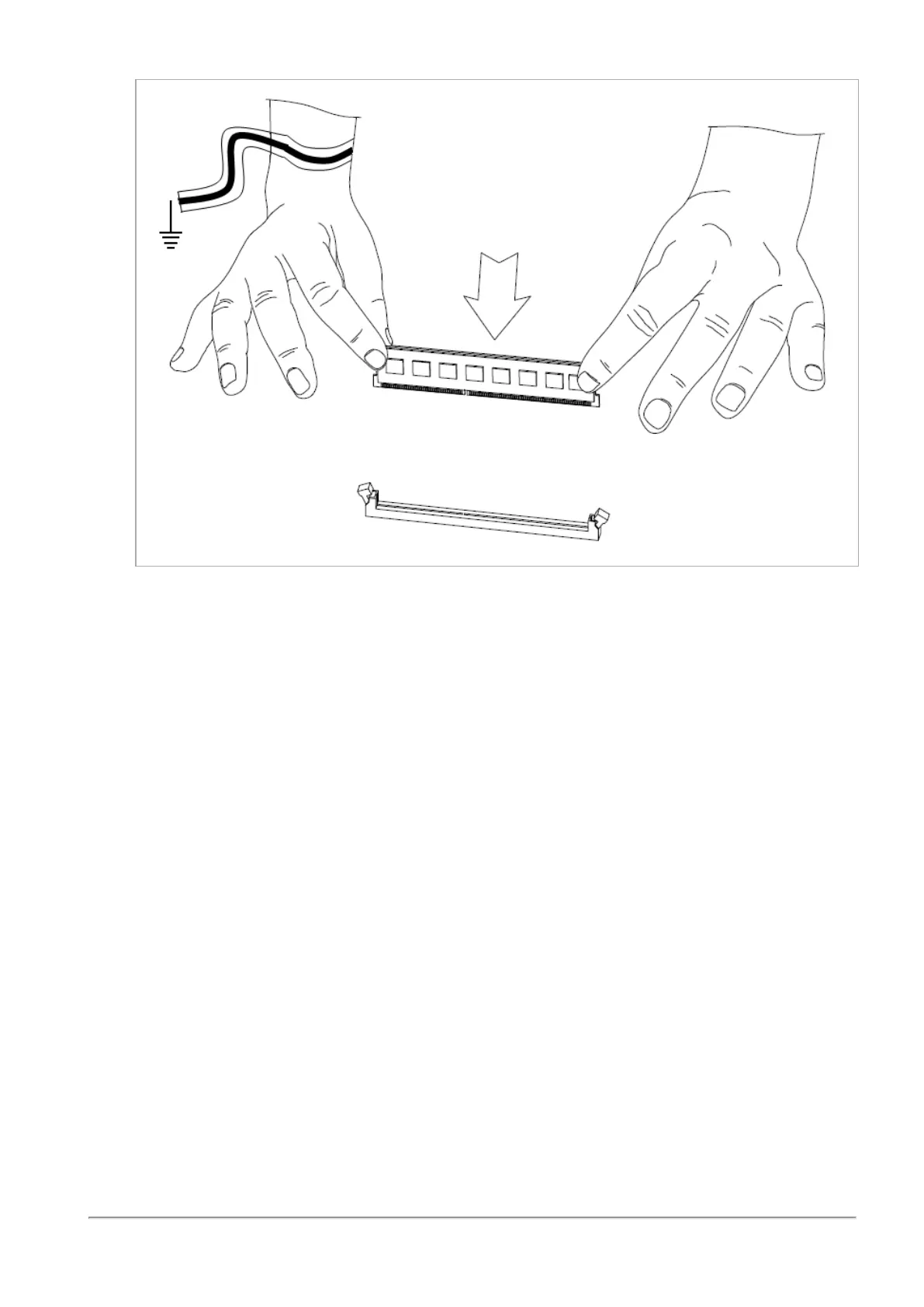
n Only touch the top corners of the DIMM. Pressing on the heat sink or other DIMM
components can damage the hardware.
n DIMMs are not symmetrical. Use the hole in the DIMM to guide the DIMM into the
raised tooth in the slot.
4.
Press the new DIMM into the socket until it clicks into position.














 To Next Page