6000 and 7000 Appliances Installing and Removing Memory
6000 and 7000 Appliances Replacing Memory|21
Removing DIMMs
Important - The appliance contains sharp metal parts such as the heat sink fin and bracket
that can cause injury or damage the DIMMs.
Make sure that you prepare the appliance before you remove DIMMs. For more information, see
"Preparing the Appliance" on page5.
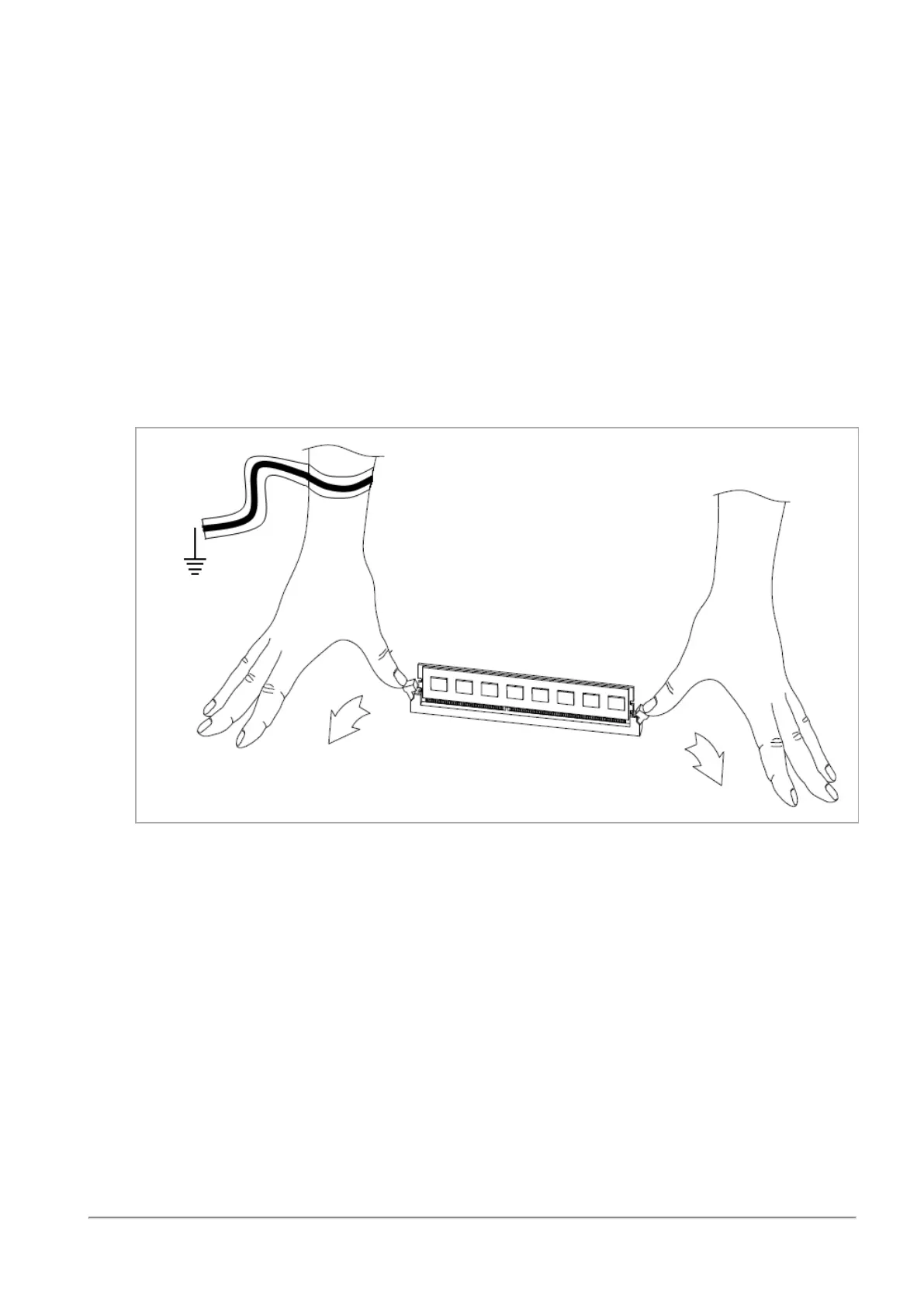
To remove DIMMs from the appliance:
1.
Remove the power cords from the appliance.
2.
Put on the ESD strap and attach the other end to a grounding point.
3.
Press the two retaining clips outward.
4.
Carefully pull the DIMM up.
Important - Only touch the rear corners of the DIMM. Pressing on the heat sink or other
DIMM components can damage the hardware.














 To Next Page