6000 and 7000 Appliances Installing and Removing Memory
6000 and 7000 Appliances Replacing Memory|7
Item Description
1 Appliance cover
2 Appliance cover screws
3
ESD grounding plug (for placement in all models, see the Rear Panel section in 6000
and 7000 Appliances Getting Started Guide)
6000 and 7000 Appliance Configuration
The memory sockets in the 6000 appliances are colored black and blue. The memory sockets in
the 7000 appliances are colored blue.
In the DIMM configuration diagrams that follow note that:
n The view shown is always from the top
n The front panel of the appliance is always at the bottom of the diagram
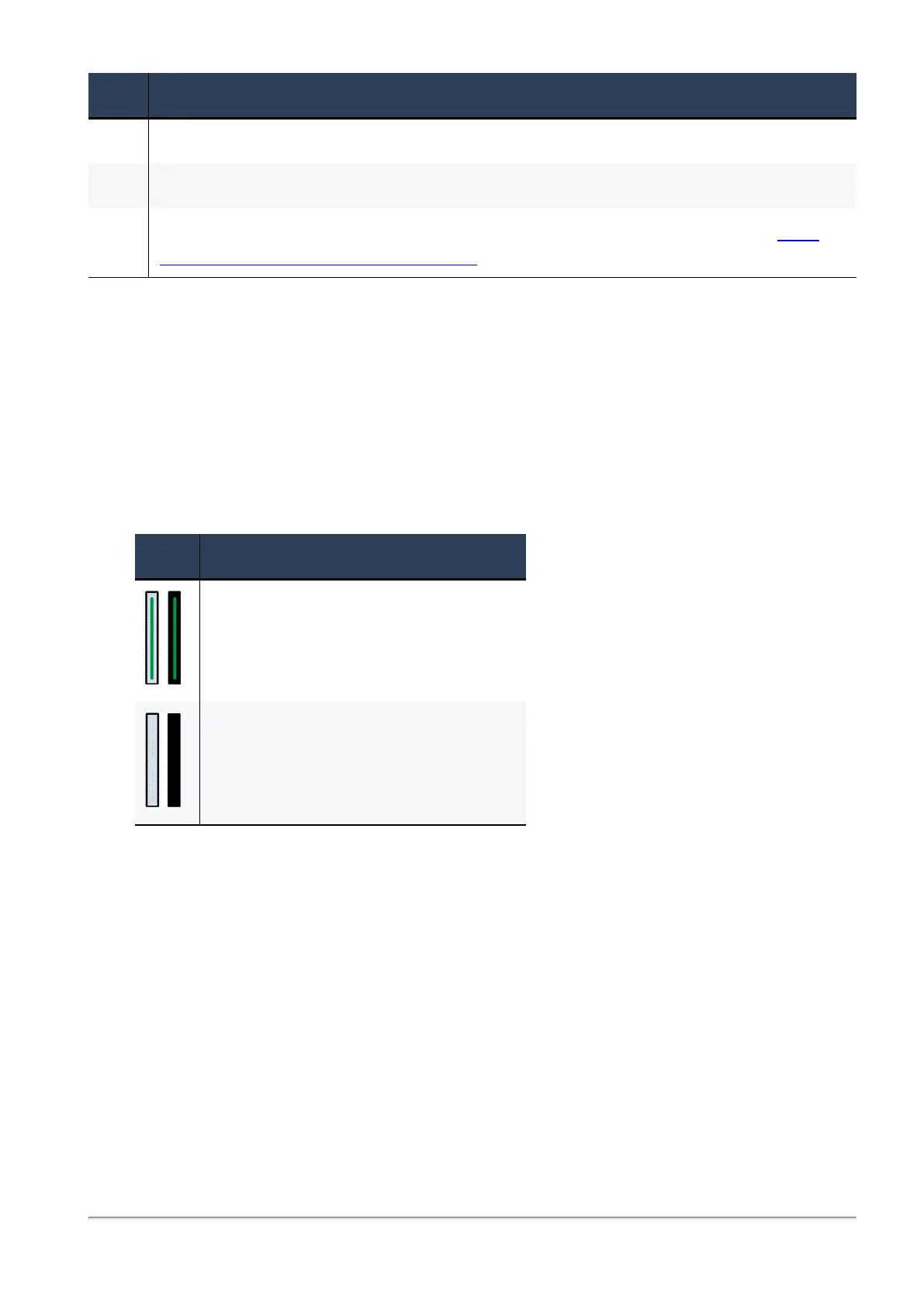
Item Description
Memory socket with DIMM installed
Memory socket without DIMM installed














 To Next Page