Configuring Appliances
Quantum Force 19000 and 29000 Appliances Getting Started Guide|42
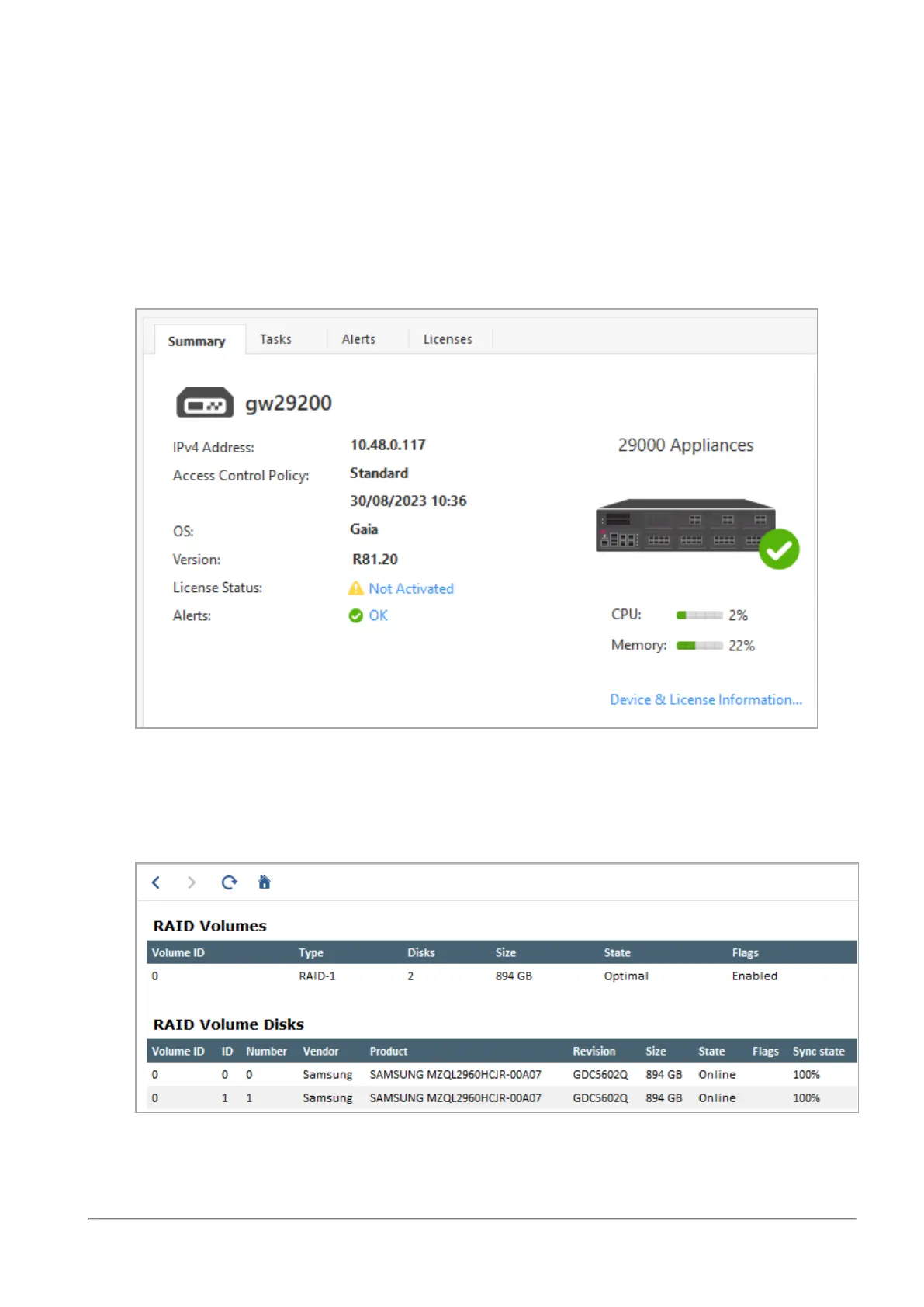
To monitor the RAID status of the storage devices in SmartConsole:
1. From the left navigation panel, click Gateways & Servers.
2. In the top pane, select the Security Gateway / Cluster object that represents the
appliance.
3. In the lower pane, on the Summary tab, click Device & License Information.
Example:
4. Click RAID Volumes.
The window shows volume and disk information.
Example:









 To Next Page