Chiltrix Inc. www.chiltrix.com
Standard Controller (cont’d)
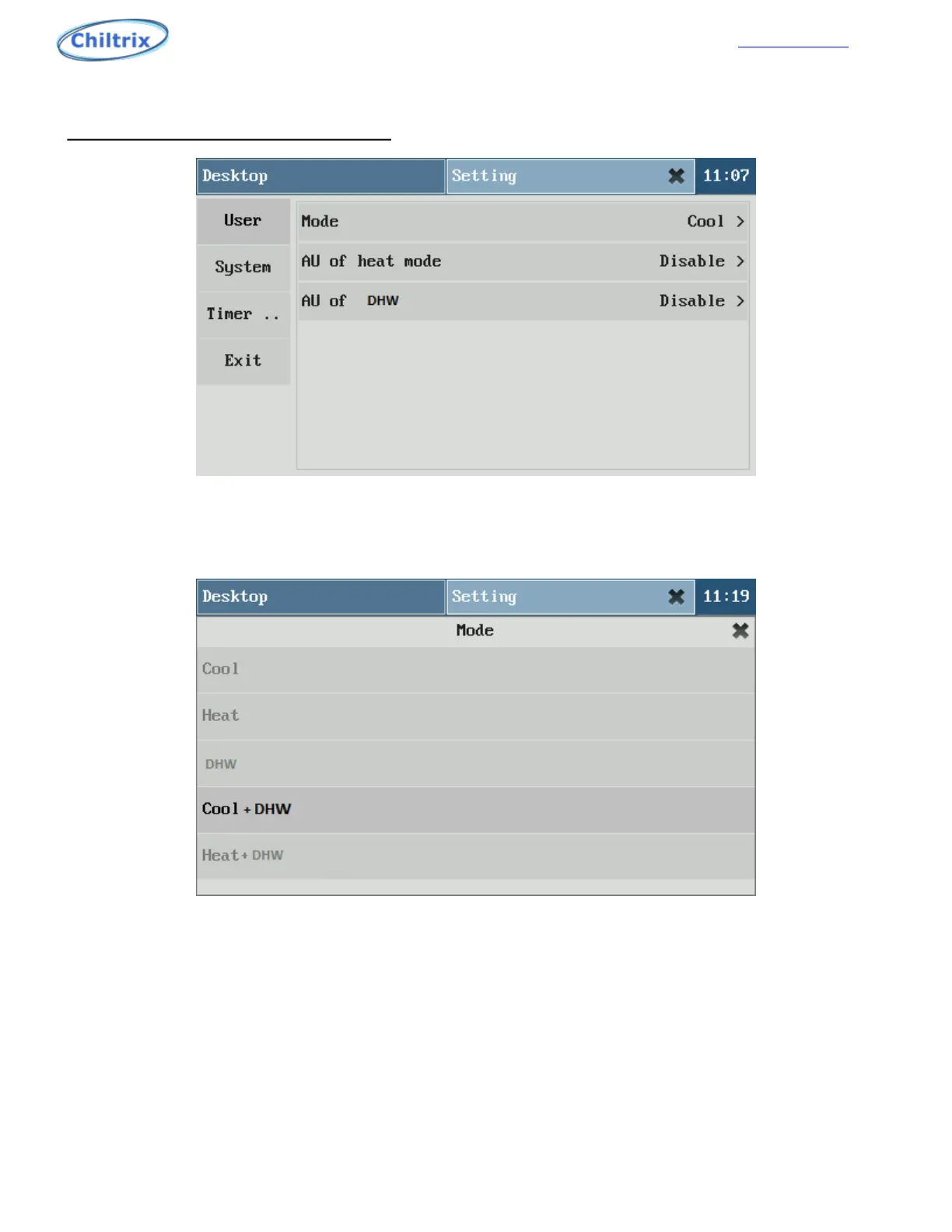
Figure 1-6
After the password is entered correctly, as shown in Figure 1-6, The Mode may be set, click "Exit" in the
main menu or "X" in the task bar to exit the application.
Figure 1-7
1.2 USER PARAMETERS (Figure 1-7)
Operation mode: Set the units’ operation mode.
Five optional modes:cooling、heating、DHW、cooling + DHW、heating + DHW
1.3 SYSTEM
Language: Default is English.
Screensaver: Sets the screen saver pop-up time.
Buzzer: Disables or uses the buzzer sound when the unit has an alarm.
Date & Time: you can set the machine date and time.
Password setting:Set the password to enter applications.
34


 To Next Page