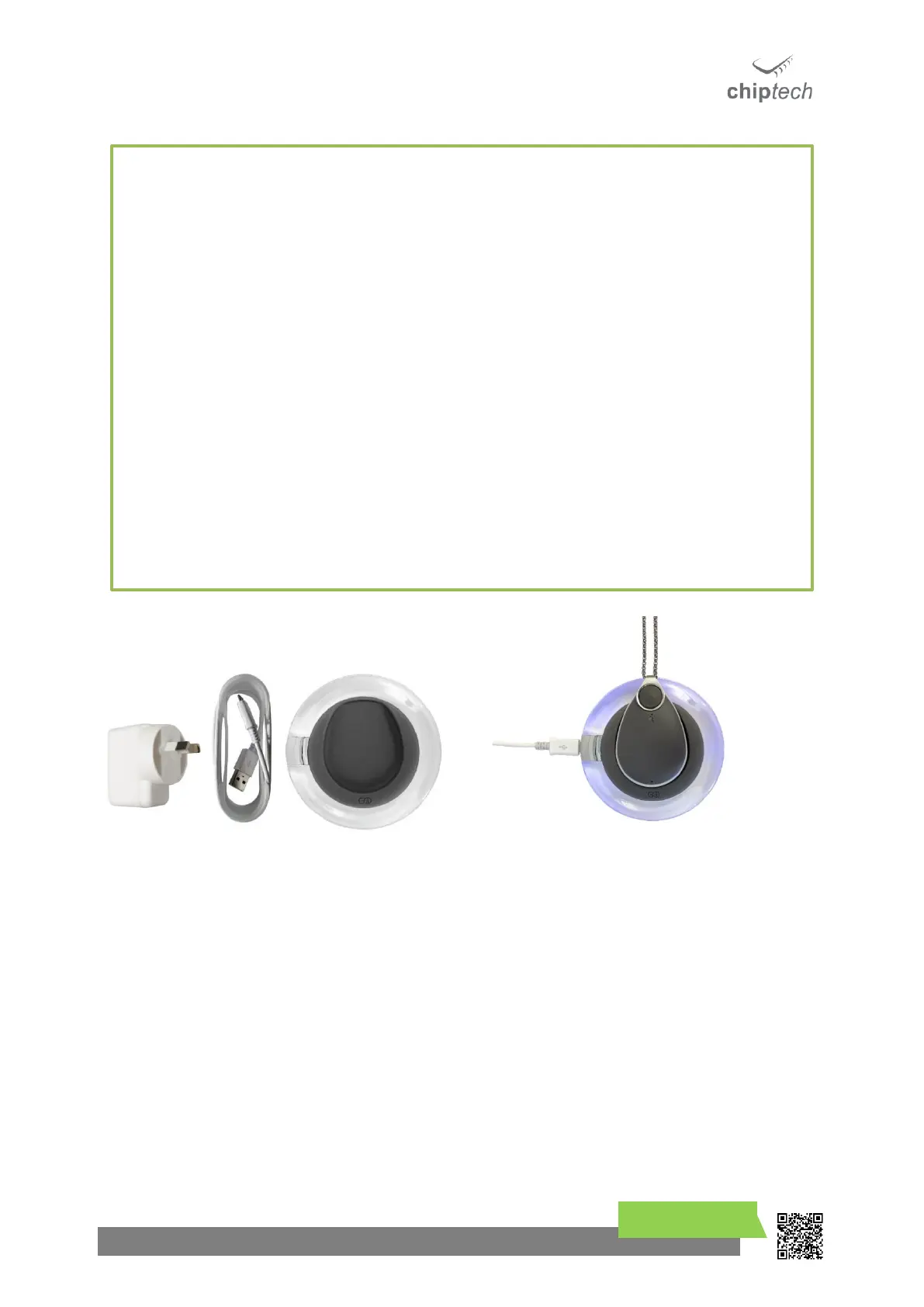
Important Notes on Battery
➢ GO may not function or may stop functioning during an alert for help if it does not have
sufficient battery level.
➢ During charging GO can become warm to the touch.
➢ When charging the chain must not sit between GO and the charger.
➢ If the user has a pacemaker, the wireless charger and GO should be kept at least 25cm
away from the pacemaker during charging.
➢ Place the charger on a flat surface.
➢ Please make sure all parts of the charger are properly connected before use.
➢ Do not use the charger if any part of the charging system is damaged.
➢ Do not place anything metal on top of the charger.
➢ Do not cover the charger with any material.
➢ Do not place the charger in direct sunlight, recommended charging temperature between
10°C to 35°C.
➢ Perform a System Check in the charger’s location to ensure that GO will have adequate
cellular coverage during charging.



 To Next Page