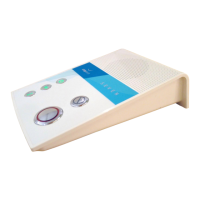
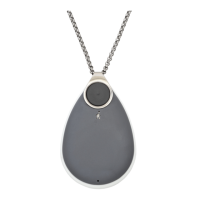
• Flight Mode is used by those who are flying with their GO, and shipping or storing the product
(where GO functions need to be turned off to prevent the battery from going flat too quickly,
to stop notifications, and RF transmissions.)
• Any button press will cancel Flight Mode and reinstate normal operation.
• Likewise, putting GO on the charger will also wake it from Flight Mode.
• Flight Mode is enabled at Chiptech when units are first supplied, it should be enabled before
shipping to customers.
• Flight Mode is not a configuration option.
10.3 Lost Mode
When GO has not been moved for a period of time, it will detect this and send a Lost Mode
notification with its GPS coordinates to SmartCare Locate, or other mapping software, so it can be
found. If GO is lost, a user can contact monitoring to check where GO is located.
• Lost Mode function can be enabled or disabled, and the timing updated, from the
configuration file only.
• GO can been configured so that if it does not sense movement for a period of time (typically
72 hours) the GPS module will activate and send its current location along with a ‘Lost’ code
through to SmartCare Locate (or other monitoring mapping software).
• GO will then continue to report its GPS location at a predefined period, (typically every 24
hours). If for any reason GO is unable to obtain or send its GPS location, it will retry once
every 24 hours.
• The ‘Lost’ code is only sent to SmartCare Locate or mapping software and is not a report that
is sent to monitoring.
• If GO is moved, this will reset the Lost Mode function, and it will take another predefined
period of time before GO will begin to report its ‘lost’ GPS location again.
Important Notes:
➢ If GO is left in Flight Mode for a prolonged period of time, the user will not receive
automated voice notifications for “low battery…” or “critically low battery…” GO
battery could run flat without the end user knowing.
➢ Once Flight Mode is no longer needed, it is recommended that the user starts a
System Check (by pressing a single button on GO) and checks the battery status, to
ensure the device will continue to operate as intended. If a full System Check is not
required at this point, it can be cancelled at any time. (See Section 4, Cancel).


 To Next Page