SPECIALISTS IN DIGITAL TELECARE
27
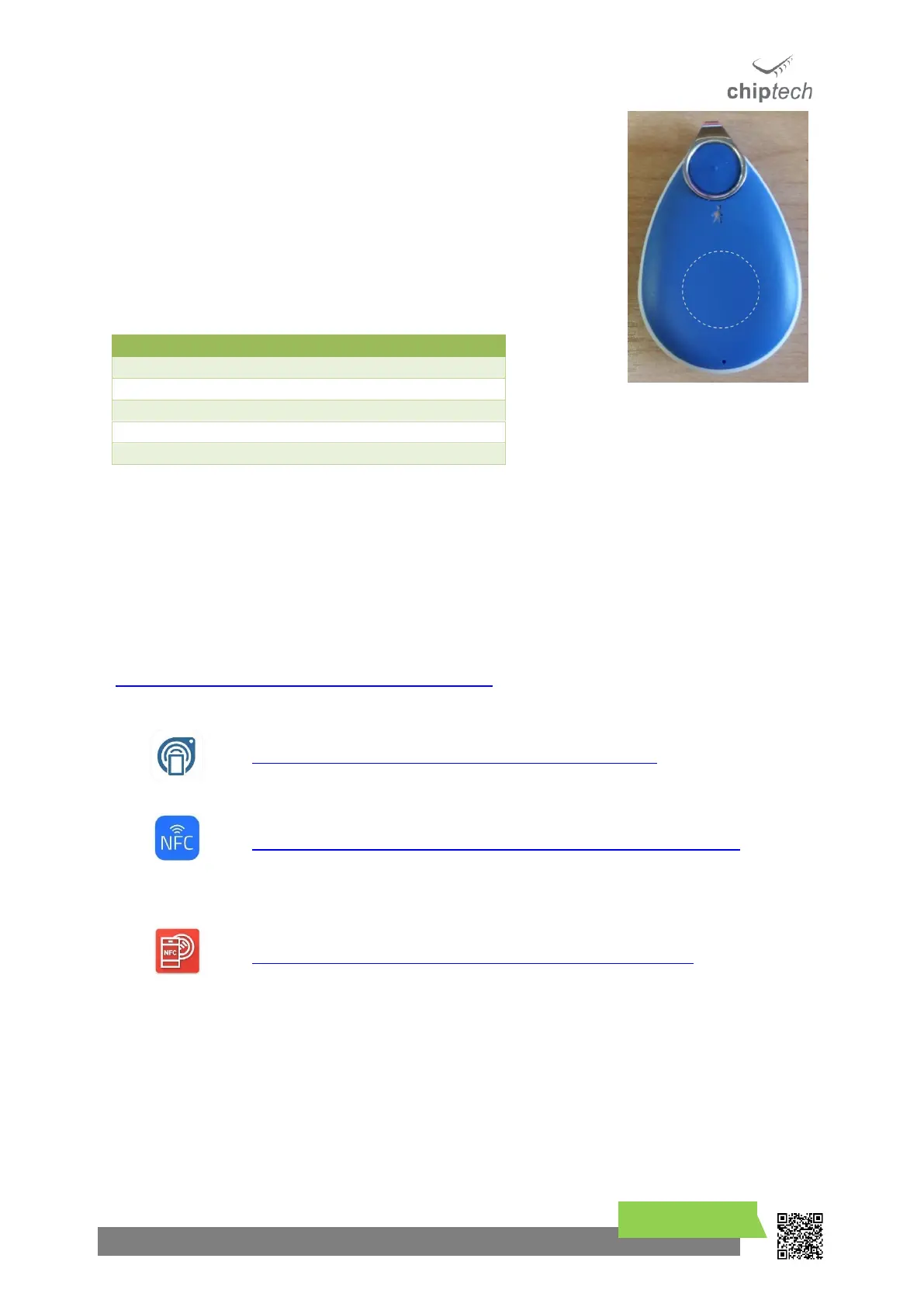
GO has an RFID tag fitted internally, which is used in manufacture to
store important information about the device. The content of the tag
can be read by any Near Field Communication (NFC) compatible
smartphone or reader. The RFID tag is located directly under the top
plastic, see image.
The information on the tag will look similar to this:
SN: 20123456, CUST: CHIPTECH, PH: 02101234567,
HW: 1.05, DOM: 250118
This data is protected so cannot be deleted or changed.
19.1 Reading an RIFD tag
To read the RFID tag, please use a smartphone with NFC hardware fitted. The following website has
a comprehensive list of phones with this feature:
https://www.nfcworld.com/nfc-phones-list/#available
https://itunes.apple.com/us/app/gototags/id1271508009?mt=8
https://itunes.apple.com/us/app/nfc-reader-for-iphone/id1249686798?mt=8
https://play.google.com/store/apps/details?id=com.ssaurel.nfcreader



 To Next Page