DESIGN | MANUFACTURE | SUPPORT
A voice message will play to confirm GO battery status;
• “My battery is…” (Then one of the following)
o “Excellent”
o “Good”
o “Low battery, please place me on the charger today”, or
o “Critically low battery; please place me on the charger immediately.
An alert may fail.”
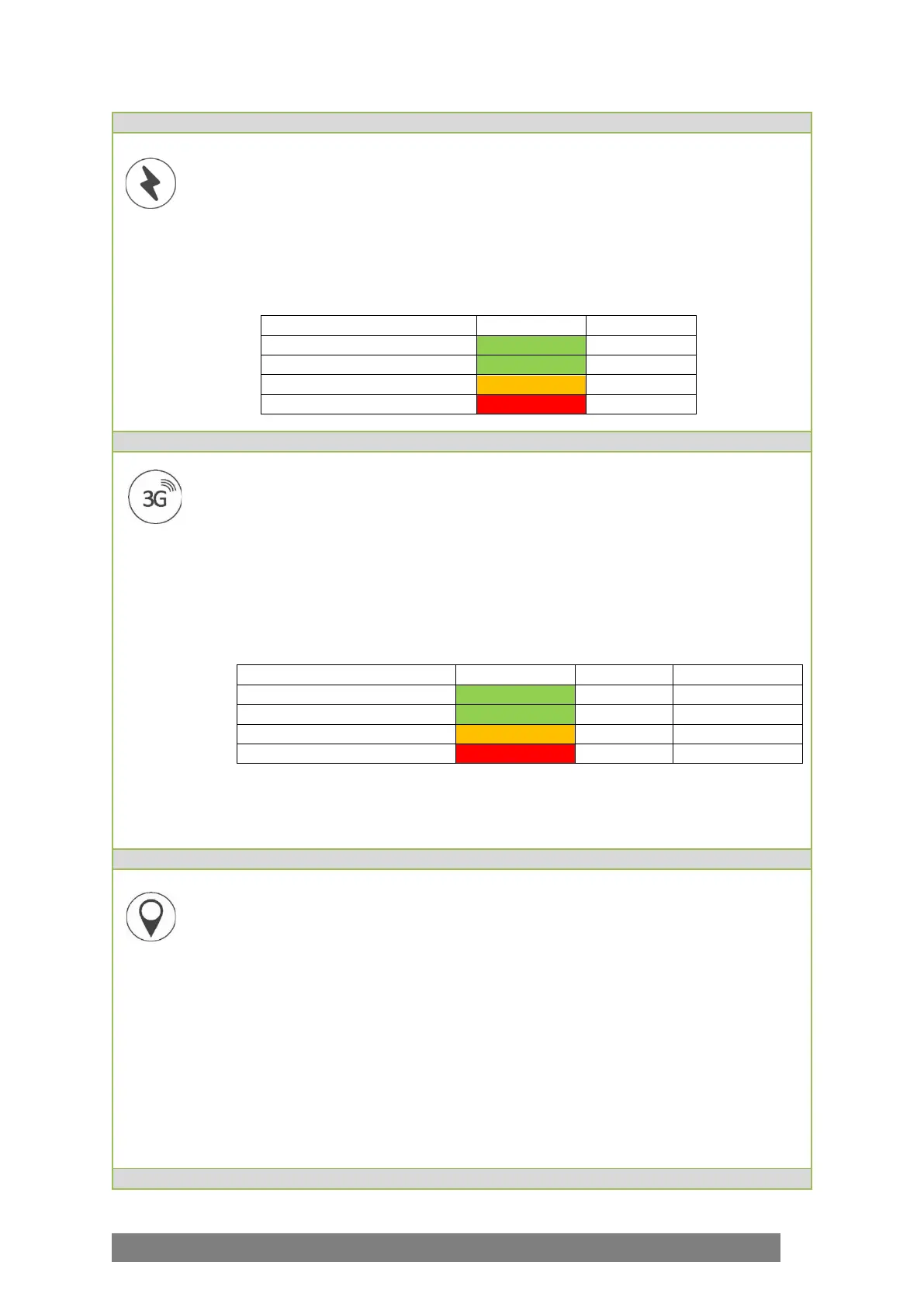
• This will also be accompanied by a status light:
GO will then announce, “Checking cellular connection.”
GO will check the cellular coverage of its location and will announce after a few seconds,
“The connection is…” (then one of the following)
• “Excellent”
• “Good”
• “Poor”, or
• “Unavailable.” If unavailable, GO will not try to obtain the current GPS location as it
will have no way of sending this information. The System Check will finish at this
point.
Please note: If GO announces that cellular coverage is poor or unavailable, an alert for
help may not be successful. This should be clearly communicated to the end user.
Following a successful cellular check, and if configured to do so, GO will check if its GPS
coordinates can be obtained and will send coordinates to GPS mapping software. This can
take as little as 15 seconds and up to five minutes.
• GO will announce, “Finding your location…”
o
When successful, a voice message will announce;
“Current location has been sent.”
o
If the current location cannot be obtained, GO will announce; “Location
check unsuccessful.”
Following either of these announcements the System Check will end and GO will resume
its standard function, no lights should be seen and the sounds will cease.



 To Next Page