- 7 -
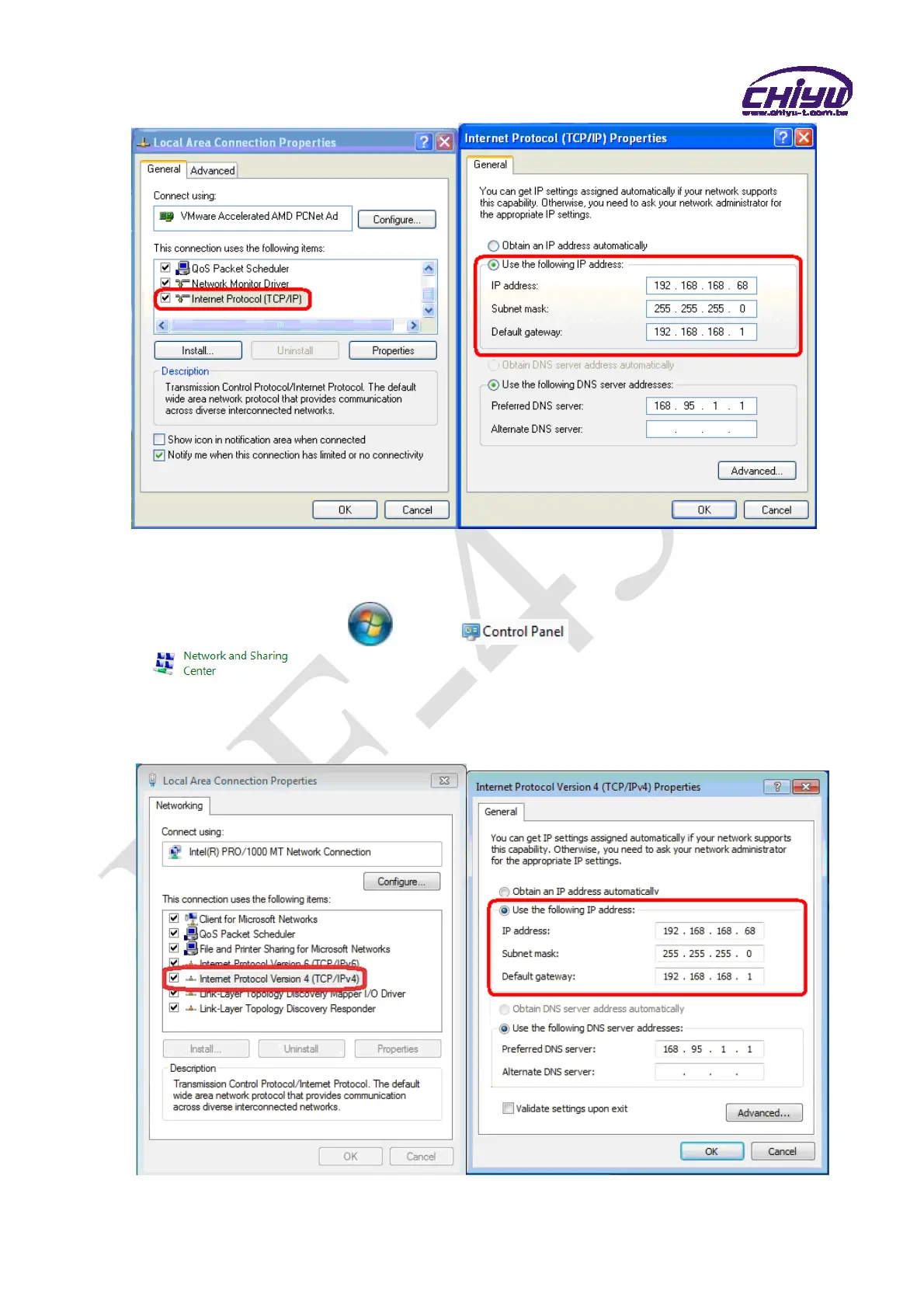
WINDOWS 7:
《Step 1》
Click Windows 7 icon, select , open and search for ,
click Alter Interface Card on the upper-left side.
《Step 2》
Click LAN link, select content, then the LAN settings will be shown, click Internet
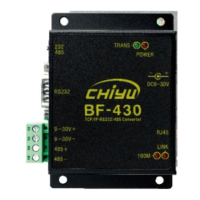
Protocol(TCP/IPv4) , then input the same setting as BF-430, as below figure:


 To Next Page