21 22
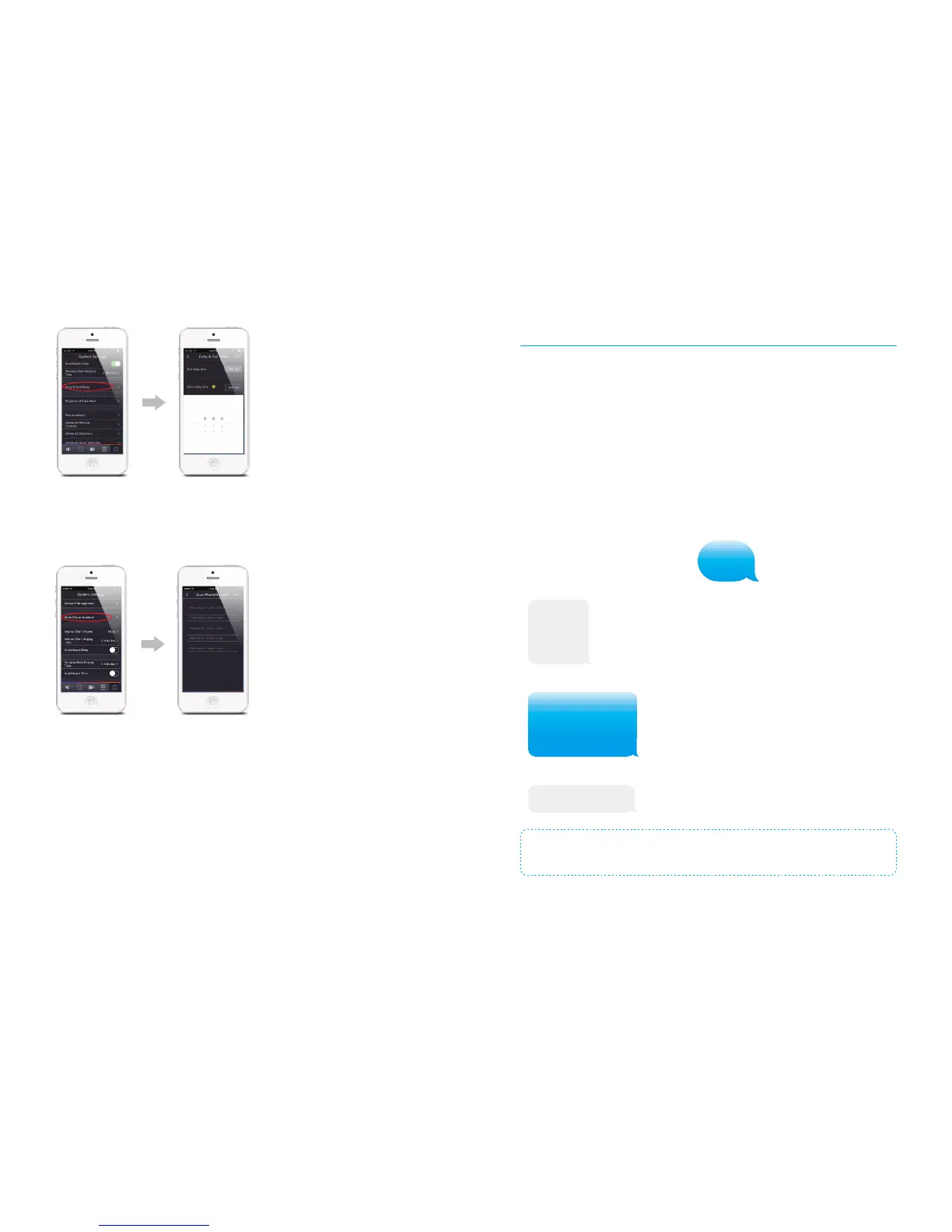
Ringtone of Push Alert
When system goes alarm, it will push an alert to user’s smart phone with the default
ringtone. There are 5 distinguishing ringtones available for choosing to avoid missing the
alert.
Add Accessories
Accessories can also be paired in App. After tapping [Add accessory] in the setting
interface, please follow the guidance on the interface .
History
Tap [History], the latest 100 records of alarm and operation information can be traced.
Panel Tamper Switch
After this function is enabled, whenever this Panel Tamper Switch (a tall white
button underneath the back cover)is released, it will activate an alarm to indicate an
unauthorized attempt is made to remove the Panel from its installed location.
Default setting: Off
APN Setting
If the system is controlled through GPRS data, some SIM cards may be required to set
APN rst to enable the GPRS function. so if the GPRS function of the SIM card in H4
doesn’t work. Do as follow:
1. Make sure the control panel not connect with WiFi before this APN setup or you can
power up the control panel only by battery.
2. Send ‘APN’ to the SIM card in the control panel; you’ll get a message back. Forward
and ll in related APN, username and password, then send it back. You’ll get a
message ‘Operation Succeeded’ from the SIM card in the control panel, after a while,
the GSM indicator on control panel will blinks every 3 seconds to notify you that the
GPRS connection is successful, then you can operate the APP via GPRS freely.
For instance, for SIM card from Vodafone in Netherlands, there is no username and
password, leave it as it is. A message replied ’OK’, means the setup is successful.
APN
APN:
User name:
Password:
APN:live.vodafone.com
User name:
Password:
Operation succeeded
Note:
The APN setting varies in different countries. Consult the local operator on
how to set the APN correctly.


 To Next Page