55
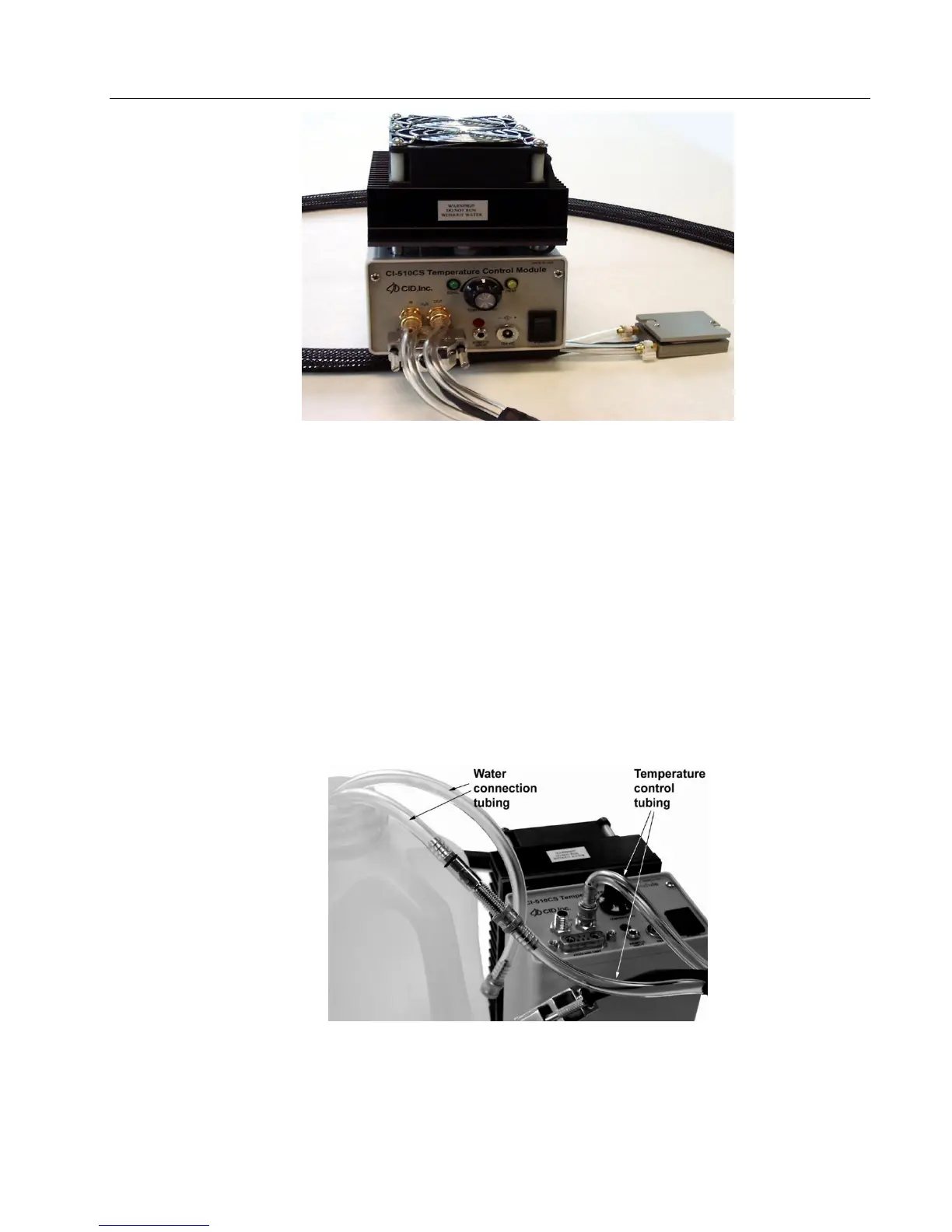
Figure A-5
EMPTYING RESERVOIR
Care for the CI-510CS Temperature Control System as you would any other sensitive
instrument. The water in the hose needs to be completely drained after your experiment is
finished. Empty the reservoir, by leaving the “IN” port on the controller panel open to air.
Connect one hose from the Temperature Control Attachment to the “OUT” port on the controller
module. Connect the water connection tube to the other hose from the Temperature Control
Attachment and insert it in a container (Figure A-6). Turn on the controller module and allow it
to empty. It may be necessary to rotate the unit from side to side to get all excess water out of
the reservoir. Store the components so that the hoses are not crushed or twisted. This permits
the water to flow freely throughout the hoses for future usage.
Figure A-6 Configuration for emptying reservoir.



 To Next Page