9
USE
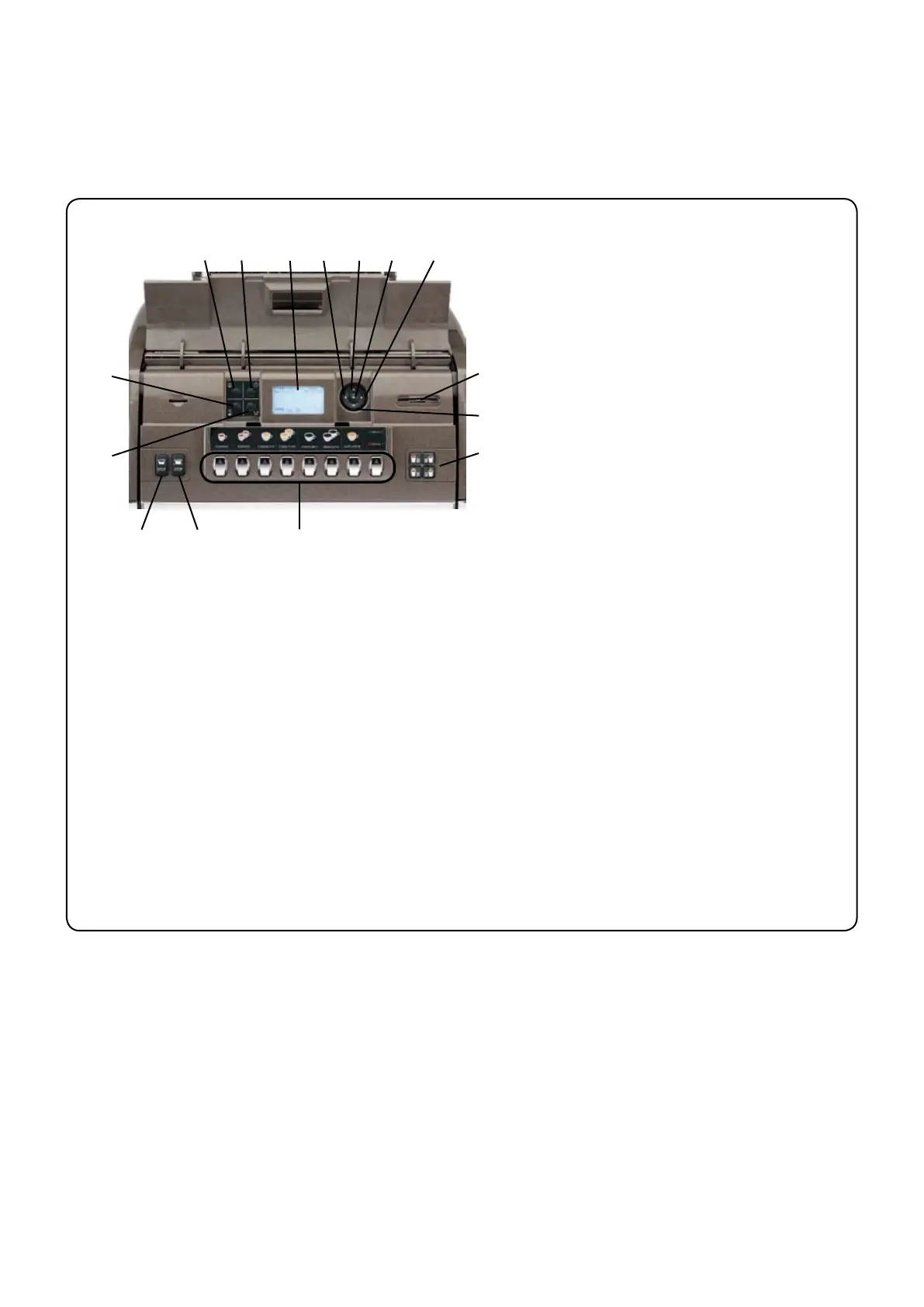
1. Description of the control panel - Keyboard
DESCRIPTION OF THE COMPONENTS
5 Graphical display
12 Hot water button
13 Steam dispensing knob
24 “RES” key (to quit programming mode/
25 Special key
26
27 "i
28 Milk circuit wash key - automatic wash
29 "PRG" key (to access programming
30 "+
31 "-
32 Beverage selector key
34 "CUSTOMER PARAMETERS" key
35 Hot water “STOP-CONTINUOUS” key
39
45 Turbosteam selector *
OK "OK" key (stops products from being
The components - * - are applied only in
OK30
31
24
5
34
26
28
39
27
12
32
45
35
29












 To Next Page