27
5. Language selection
CUSTOMER PARAMETERS
SERVICE TIME
ITALIANO
ENGLISH
DEUTSCH
FRANCAIS
+
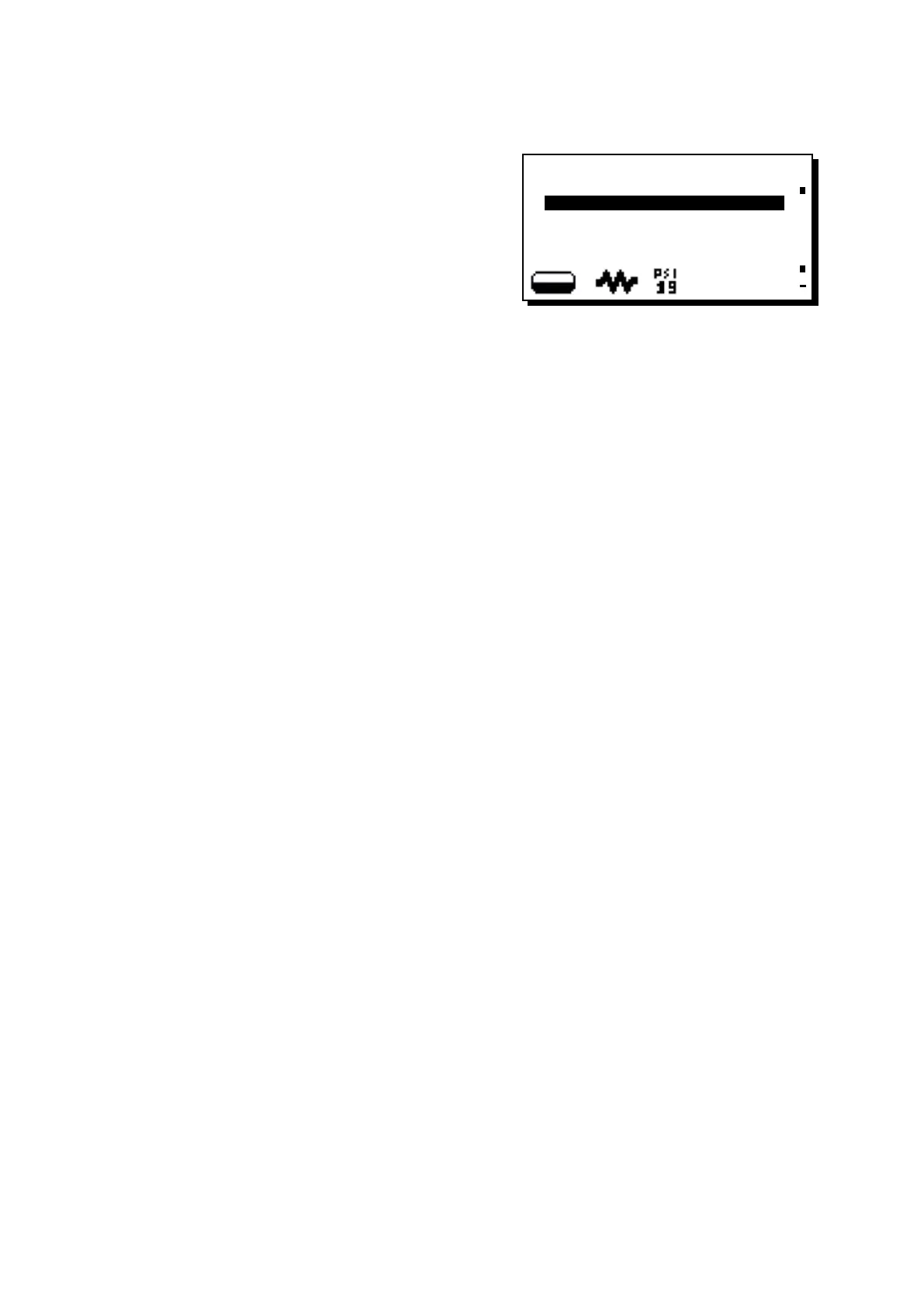
To display the messages in a different language from that set,
after entering into Programming mode, position the cursor on
the desired language by pressing the "+" (30) and "-" (31) keys
and then pressing the PRG (29) key. The machine will restart
with the messages provided in the selected language.
The display (5) provides a choice of the following languages.:
Italian, English, German, French, Spanish, Portuguese,
Dutch, Japanese, Russian, traditional Chinese and modern
Chinese.












 To Next Page