EasyManua.ls Logo

Cimbali S39 - Dispensing of Beverages - Coffee; General Information

Cimbali S39
29 pages
Print Icon
To Next Page IconTo Next Page
To Previous Page IconTo Previous Page
Loading...
11

This symbol indicates that the machine is pre-heating


The symbols and will alternate on the display until

The machine has reached the set work pressure and
temperature when the icon

This symbol indicates that a services card has
been inserted in the slot (39

3. Dispensing of beverages - Coffee
GENERAL INFORMATION
1

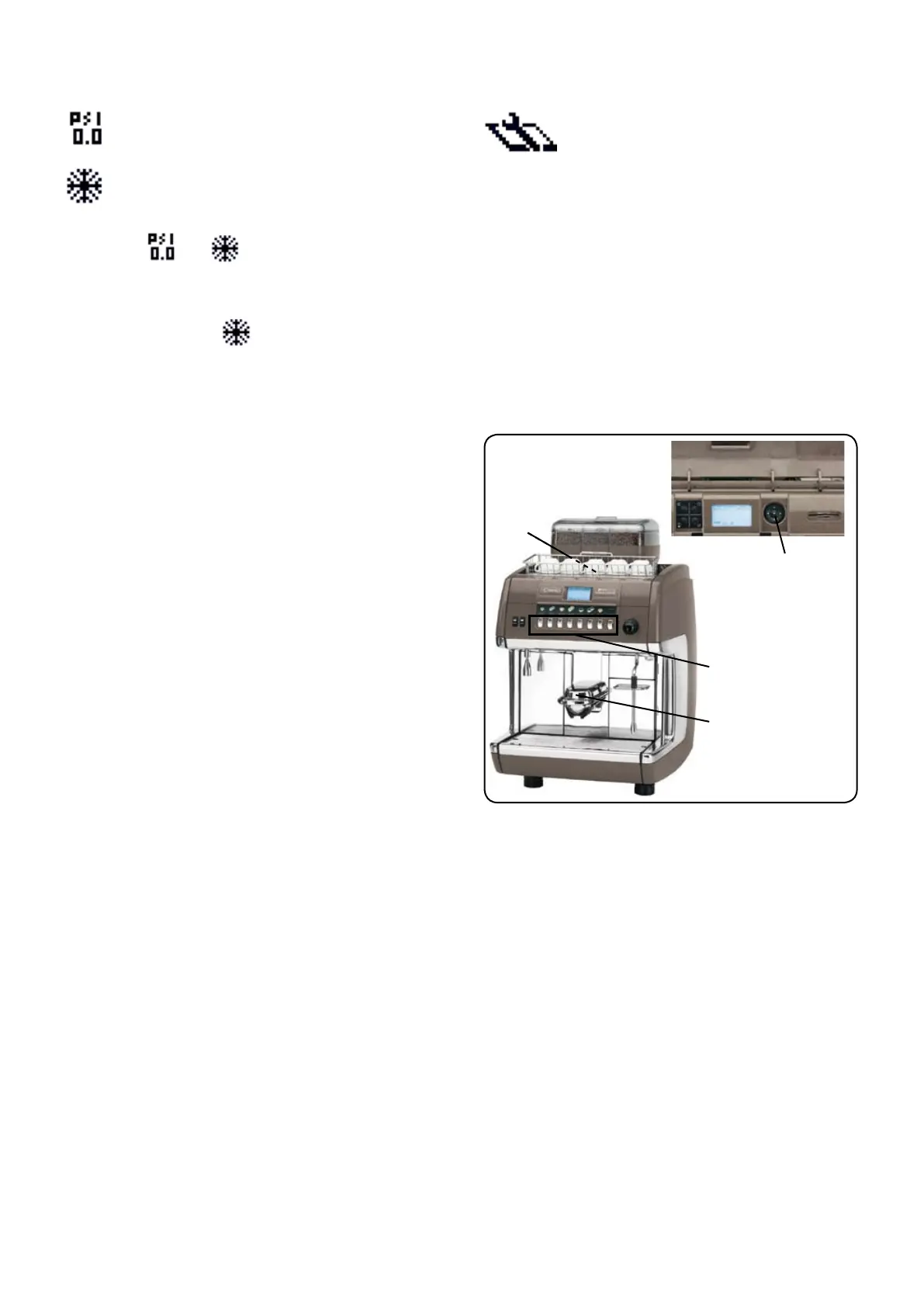
Adjust the height of the dispenser (1
Press the coffee dispensing key relative to the selected
      


Delivery of powdered coffee for machines without
automatic dosers
        
decaffeinated coffee panel (18
powdered coffee into the tube and close the powdered coffee
panel (18
cup located on the display panel (3
second selection and special key (25
if programmed (see paragraph "Special function" on the

Press one of the keys associated to the ignited leds that


Coffee STOP function
Use "OK" key to stop coffee dispensing before the programmed

OK" button will not modify the programmed

SECTION REPETITION Function

           
seconds press the same key again for the number of

The number of dispensed drinks programmed is indicated
OK" key and keep

          
    
paragraphs referring to Key Menu



18
1
OK
3

Related product manuals