26
To access "Customer parameters" press "
" key (34); the
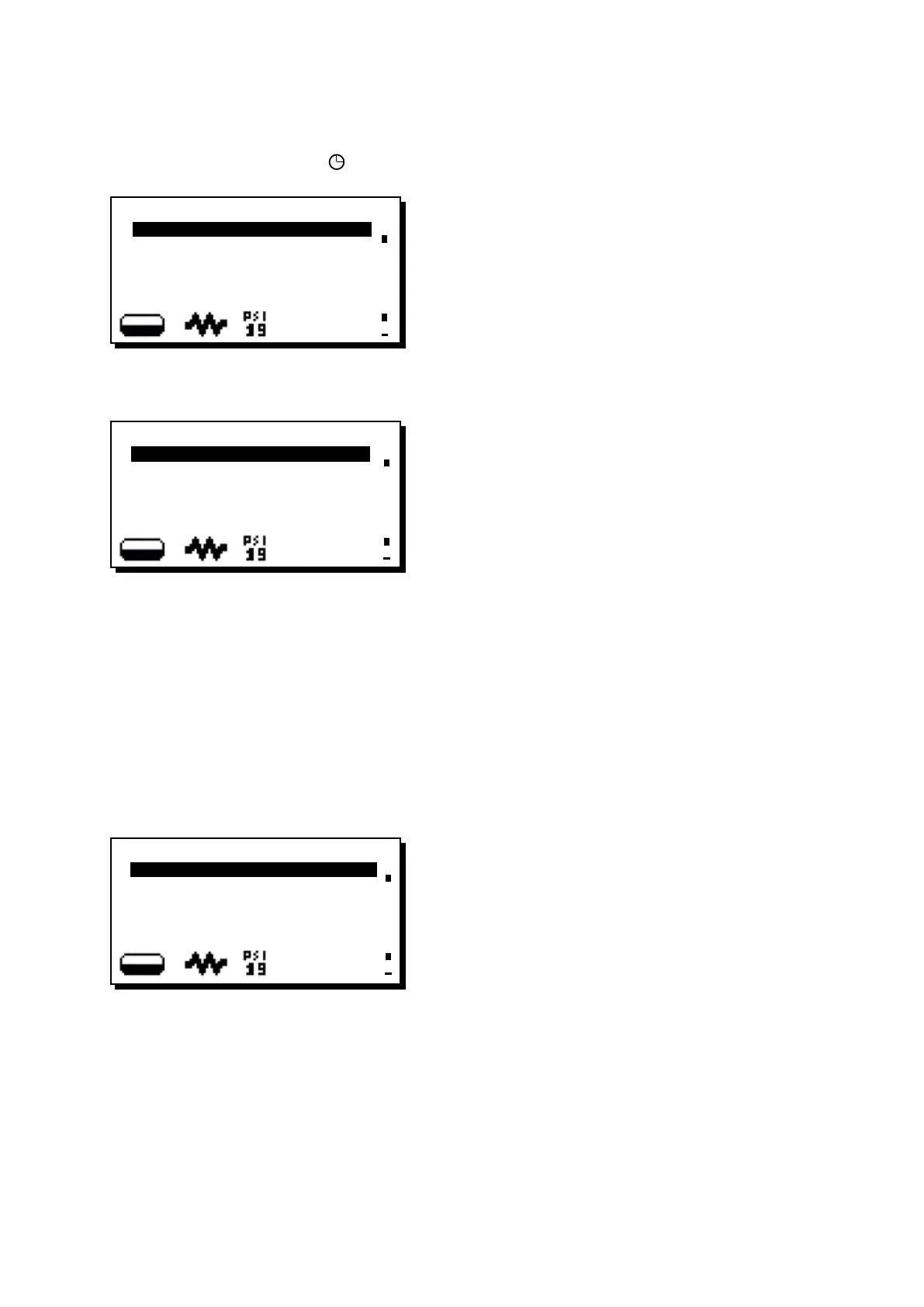
message shown below will appear on the display:
Pressing the PRG key (29), the following message will appear
on the display:
The following service time parameters can be modied:
- ON time (time the machine switches on);
- OFF time (time the machine switches off);
- day off (day on which the enterprise is closed);
- Night ON (start time for evening beverage price: only when
payment system is connected);
- Night OFF (end time for evening beverage price: only when
payment system is connected);
- Wash 1 (request - every 24 hrs - at the programmed hour;
cannot be disabled);
- Wash 2 ÷ 5 (hour of scheduled washes from 2 to 5)
Pressing again the PRG key (29), the following message will
appear on the display:
Use the “+” (30) and “-“ (31) keys to move the cursor (black
line) to the entry to be modied, then press the PRG (29) key.
The cursor will turn into an arrow è and it becomes possible
to change the number for the selected entry by using the “+”
(30) and “-“ (31) keys.
Once the operation is completed, press the RES (24) key or
the OK key (depending of the machine model) to conrm the
data.
Note: the cursor changes back to black line.
Repeat the operation described above to modify other para-
meters.
General indications
If there is no day off (i.e. the enterprise never closes), enter
“none” for the “day off” item.
Enter the same time for the “ON time” and “OFF time” param-
eters (for example:
ON time 22:00
OFF time 22:00)
"WASH 1" AND "WASHES 2 ÷ 5"
These are scheduled washes that are independent of the wash
cycles related to the switching on and switching off phases.
At the set hour, the messages "EXECUTE WASHING GROUP",
"EXECUTE WASHING MILK CIRCUIT", "EXECUTE SHORT
WASHING" appear, according to the programmed washing.
After having positioned the cursor on the line to be changed
and after having pressed the PRG (29) key, change the value
using the “+” (30) and “-” (31) keys. Then press the RES
(24) key or the OK key (depending of the machine model) to
conrm the data.
Repeat the above operations to change the other wash
scheduling times.
"Wash 1"
When this function is requested, a long wash cycle is performed
(milk circuit and coffee circuit) as described in the "Cleaning
operations" paragraph.
NOTE: Wash 1 cannot be disabled. It is requested daily at the
programmed hour, and always within 24 hours.
"Washes 2 ÷ 5"
When these functions are requested, they can either be a long or
short wash cycle depending on how they were programmed.
If the set hour for these wash cycles occurs when the machine
is switched off, the request will be canceled.
NOTE: Set OFF against the time so as to not activate these
wash cycles.
OFF is displayed press the “-” (31) key the indicated time is
"00:00"
For more details, please consult the technical manual at the
"Conguration menu - wash options" paragraph.
4. Service time menu
+
SERVICE TIME
DATE AND TIME
ON time 03:00
OFF time 03:00
Day off none
Night ON 02:00
+
DATE AND TIME
Year 09
Month 04 APR
Date 15 WED
Hour 17
Minutes 12
+
CUSTOMER PARAMETERS
SERVICE TIME
ITALIANO
ENGLISH
DEUTSCH
FRANCAIS












 To Next Page