25
3.4 Key menu - Hot water selection
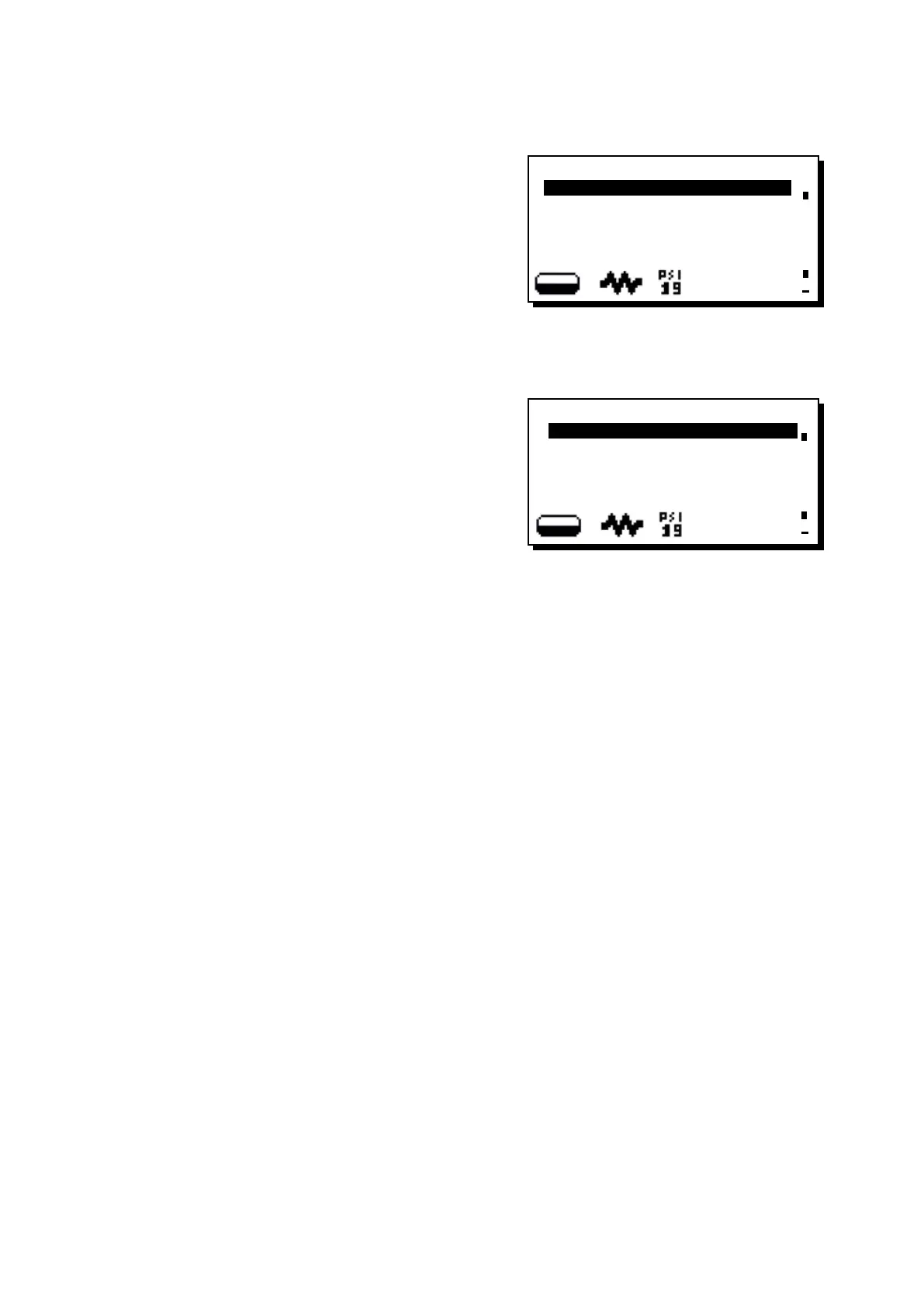
Press the hot water dispensing key (12). The following mes-
sage will appear on the display:
The following hot water selection parameters can be modi-
ed:
- water dispensing time (from 0 to 60, with increments of
0.1 seconds).
+
KEY MENU
Type water
Water dose 05.0
3.5 Key menu - Steam and air selection (where contemplated)
Only on machines with the TURBOSTEAM system, without
ow regulator, with the item “regulator” set on “NO".
If the frothed milk key is pressed or the frothed milk knob (13)
is turned, the following appears on the display:
The following parameters can be modied:
- emulsion level (here 4 levels can be chosen, where 001 is
less emulsion and 004 is continuous emulsion).
+
KEY MENU
Type steam and air
emulsion level 003












 To Next Page