15
Internal Diagnostics
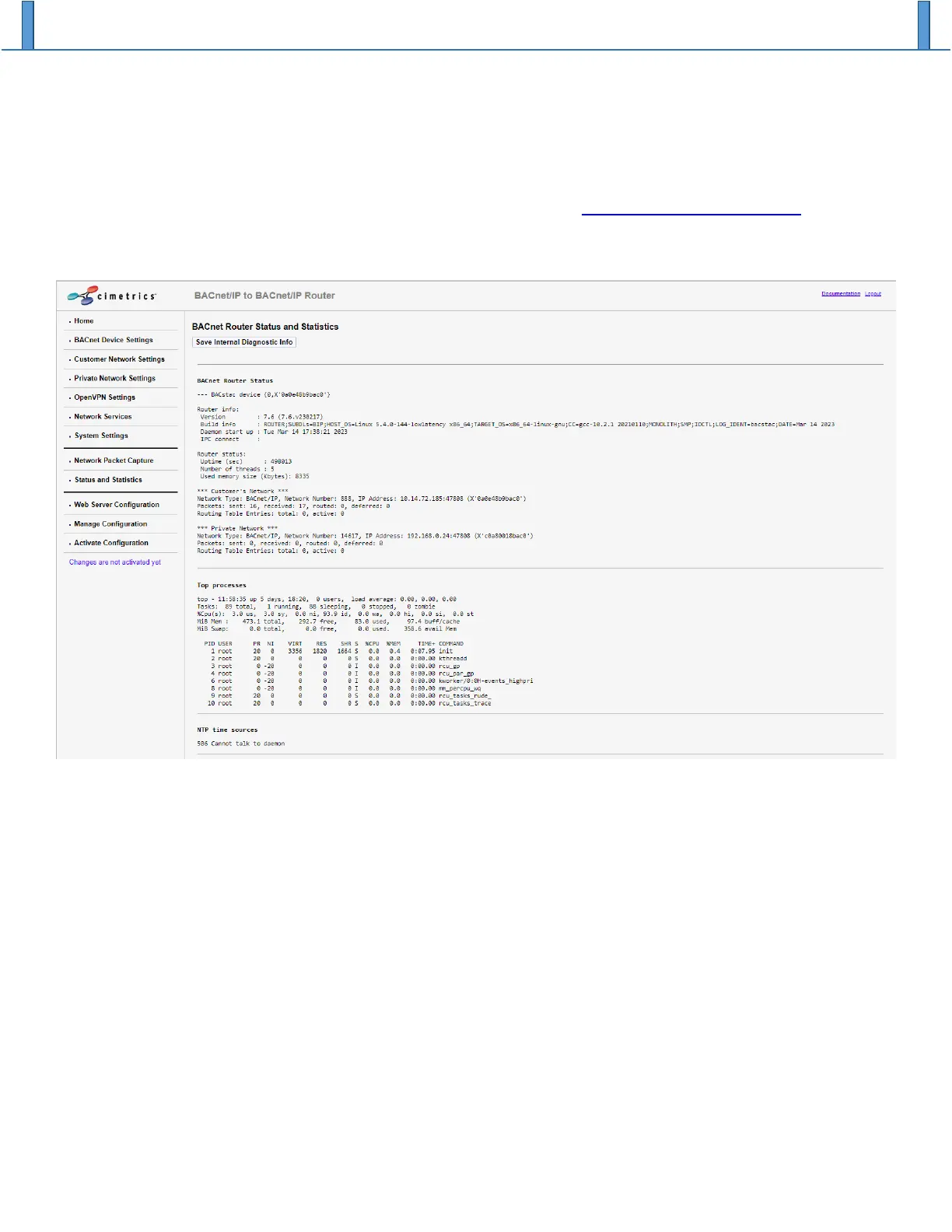
The Status and Statistics page shows the output of various internal tools that, in aggregate, provide a
technically dense view of the health of the B3075 since its last reboot. If you suspect that the B3075 is
malfunctioning or that it might not be correctly configured, you can click the “Save Internal Diagnostic Info”
button to save diagnostic information in a file that you can send to Cimetrics technical support. You should
also download and send the B3075’s current configuration file (see Managing B3075 Configuration)
with the internal diagnostic file.


 To Next Page