7
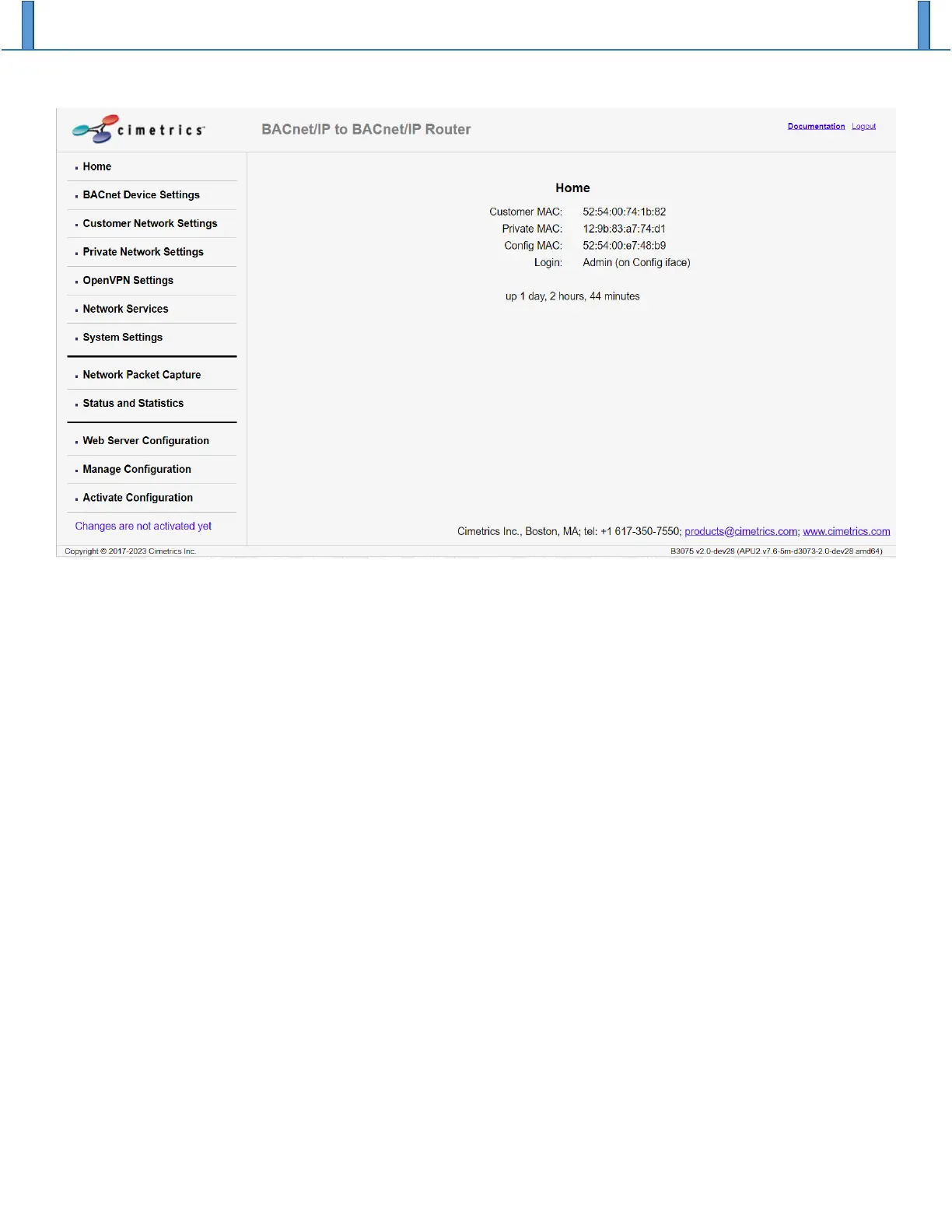
To select a specific web page, click on the corresponding menu item on the left side of the window below
the Cimetrics logo. After you have finished modifying the configuration parameters on a page, click the
“OK” button on the bottom of the page to accept your changes.
After you finish making changes to the B3075’s configuration, select “Activate Configuration” to store your
changes on the B3075’s non-volatile memory and reboot. See the section Activate New Configuration.
BACnet Device Settings
The B3075 contains a basic BACnet Device that will respond to a few BACnet service requests. See the
B3075’s BACnet PICS document for details.
The default BACnet Device Instance Number is chosen at random over a specific range of values, and the
default BACnet Device Name is derived from the default Device Instance Number. If you want to change
these values, you can do so on the BACnet Device Settings web page, and please remember to click on the
“OK” button to accept your changes before you move to a different web page.
Note that the BACnet Standard requires that each BACnet Device have a Device Instance Number and the
Device Name that are unique across the entire BACnet internetwork to which the Device is connected. It is
the responsibility of the system integrator to configure all the BACnet Devices accordingly.


 To Next Page