17
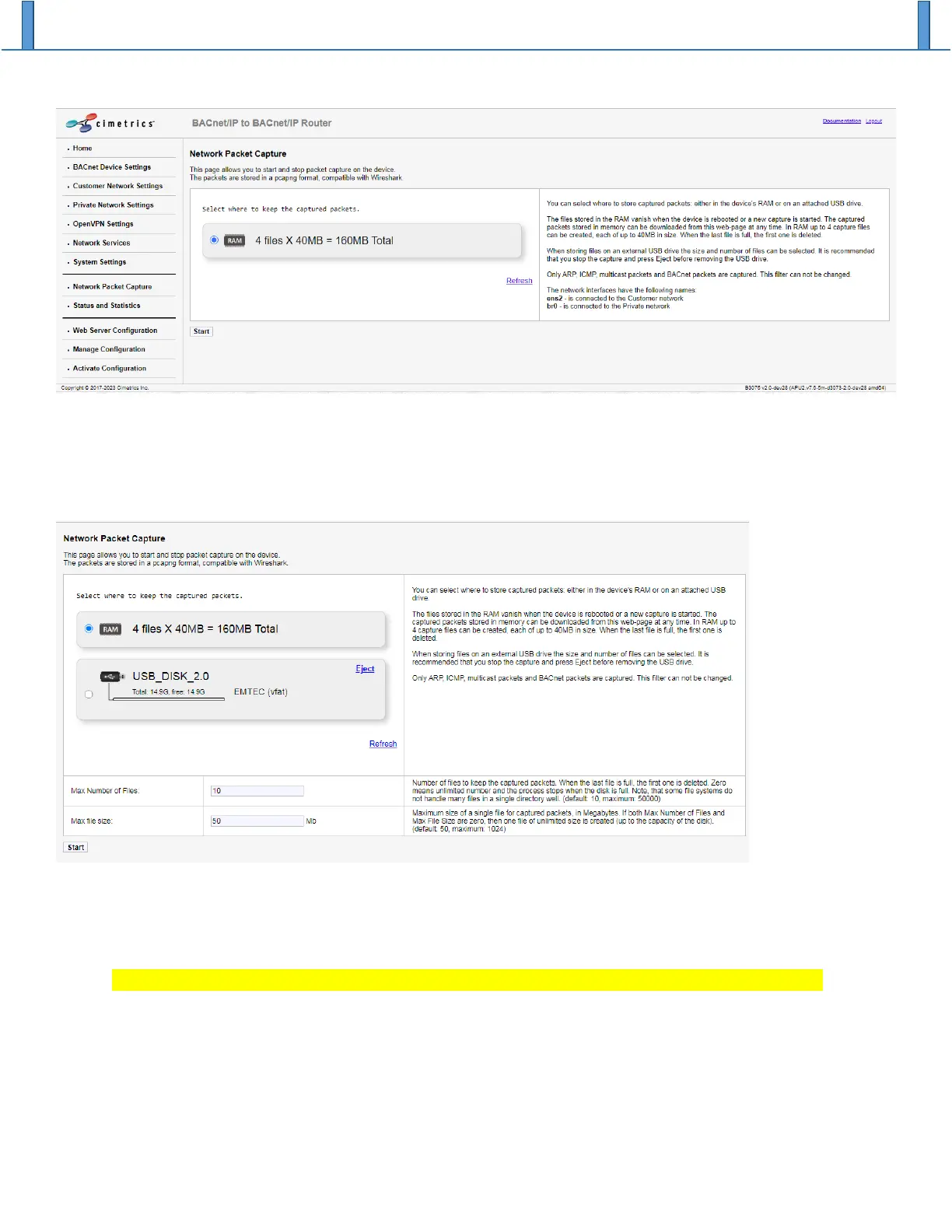
If you want to do a packet capture that is expected to require a considerable amount of memory, you can
use a USB memory stick to store the files containing the captured packets. Insert a formatted memory
stick into one of the B3075’s USB ports, and then navigate to (or refresh) the Network Packet Capture web
page. If the memory stick is recognized by the B3075, you should now see something like the following:
Select the “USB disk” as the location for the captured packets, select the number of packet capture files
and the maximum size of each file, then click on the “Start” button to begin capturing packets. You should
click on the “Stop” button to terminate a running packet capture.
Be sure to click on “Eject” before you physically remove the memory stick from the B3075.


 To Next Page