University of Wisconsin - Parkside
[2]
Voicemail Functions
Your voicemail ID is your 4 digit extension number.
First Time Enrollment
• If you have multiple lines
o Press the line button of the extension desired
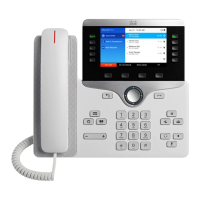
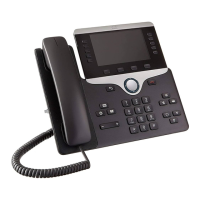
• Press the Messages button.
• Enter your default PIN (1234) then #
• Follow the prompts, you will have to:
o Record your name
o Record a personal greeting
o Change your numeric PIN
§ NOTE: When selecting a PIN it must be at least 4 digits long.
The system disallows trivial PIN’s such as 1234, 222222, your own extension, etc.…
Check Messages from your phone:
• If you have multiple lines
o Press the line button of the extension desired
• Press the Messages button.
• Enter your PIN
Check Messages from any Cisco phone:
• Press the Messages button
• Press * when you hear the recording
• Enter your ID (extension)
Check Messages remotely, from cell for example:
• Dial Your Direct Telephone Number
• Press * when you hear the recording
• Enter your ID (extension)
Main Menu—while listening to the Main menu, press:
Turn alternate greeting on or off
Change message notification
Choose full or brief menus




 To Next Page