5Telia Yritysinternet Plus Langaton
Service overview
Use this installation guide to
set up the Cisco ISR1100 series
router included in the service.
Telia owns the customer
device and SIM card used in
Yritysinternet Plus Langaton
(Wireless) subscriptions.
You have the right to use the
customer device included in
the service. Telia manages and
maintains the customer device.
The service includes high-quality customer-
premises equipment, by default protected by
a firewall for secure Internet connectivity. At
your discretion, you can also use a fully open
Internet service with static, public IPv4 or IPv6
addresses.
As a supplementary service, you can use
the wireless LAN built into the customer-
premises equipment that supports the
IEEE 802.11a/b/g/n/ac Wi-Fi standards with
WPA2 traffic encryption. It is possible to
extend the coverage area of the wireless
LAN with a separate wireless access point,
available as a supplementary service. It is also
possible to implement a guest network in the
wireless network service for users external
to the company. The guest network traffic
is completely isolated from the company’s
internal network.
Setting up the
customer-premises
equipment included in
the service
The Yritysinternet Plus Langaton (Wireless)
service uses Cisco ISR1100 series router
as a customer device. You can check the
model on the label located on the back of the
router at the bottom left corner (see figure 3).
The device also has a label indicating your
subscription ID (as INxxxxx). You will need
the subscription ID when communicating
with Telia. With the ID, we can find your
subscription details quickly.
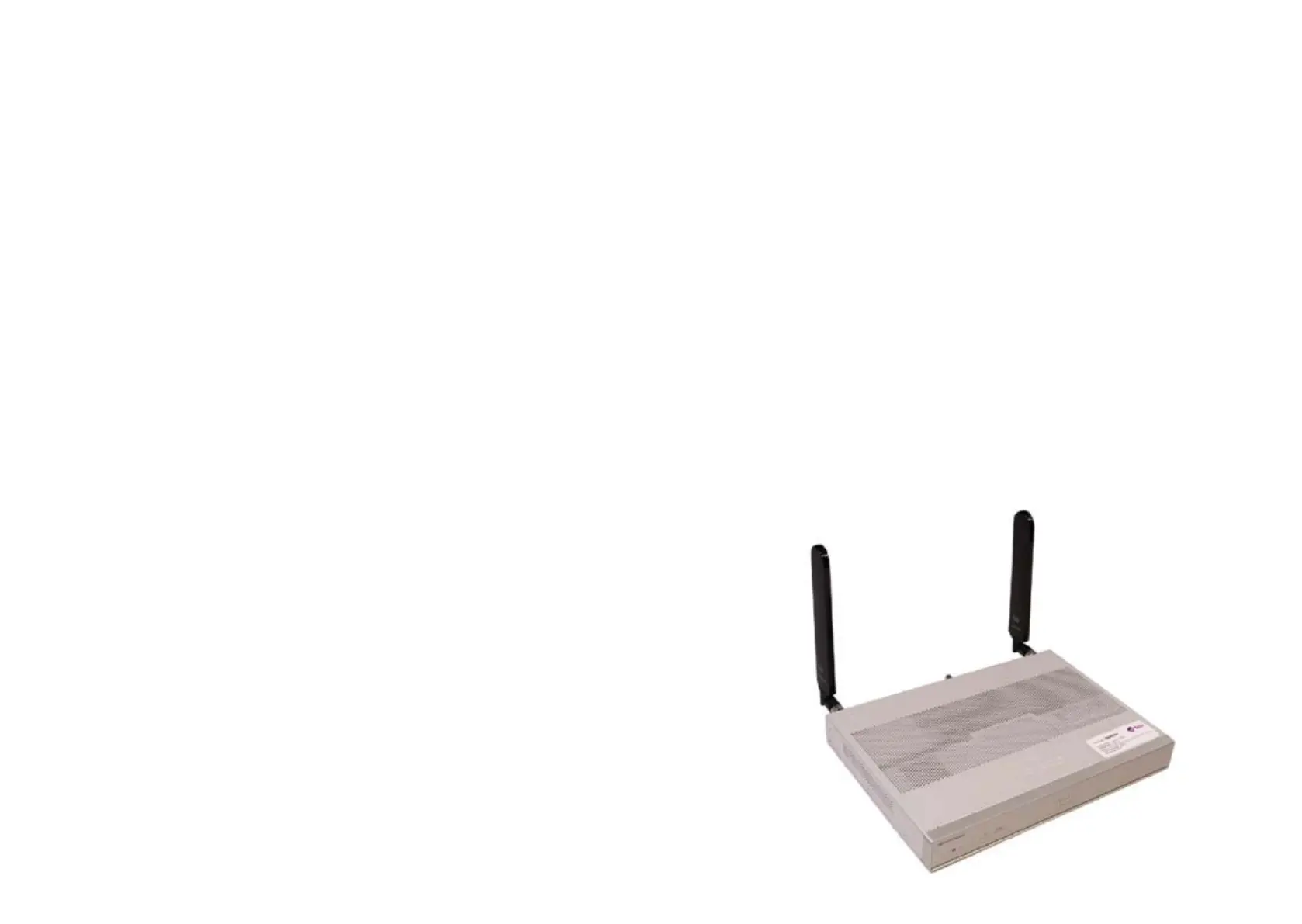
Figure 1. C1111-8PLTEEAWE + PoE




 To Next Page