www.cisco.com
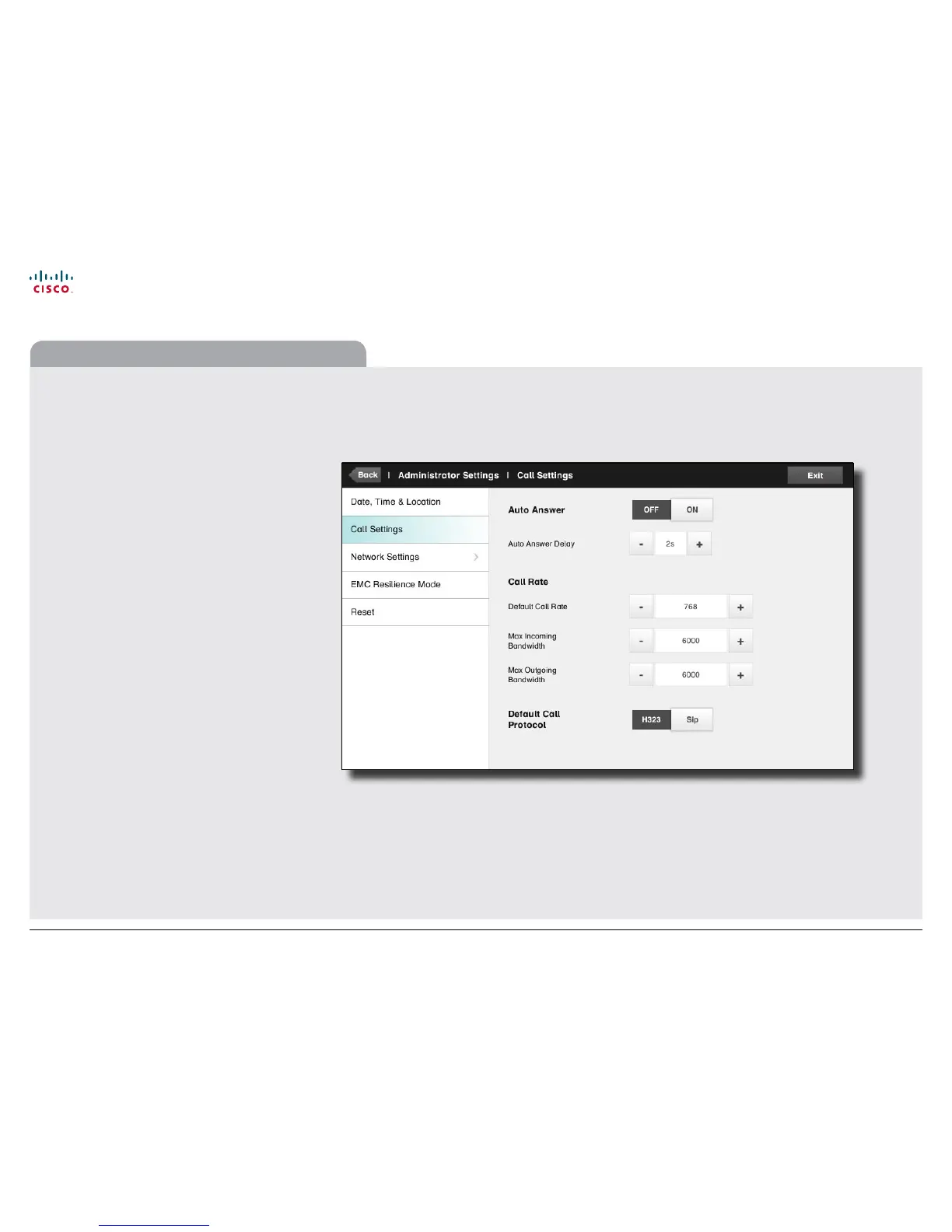
The Call Settings pane lets you specify:
• Auto Answer On or O. If you set this to On, the
system will respond automatically to incoming calls.
Note that the microphone will NOT be muted. If risk of
eavesdropping is an issue, you may want to set this
setting to O.
• Auto Answer Delay. Specify the time until your
system actually responds to an incoming call.
• Default Call Rate. If your connection has limited
capacity you may want to use this setting.
• Max Incoming/Outgoing Bandwidth. You may
specify these separately. May come in handy if you
are on an asymmetric connection.
• Default Call Protocol. Specify which protocol to use
as default.
Note how the settings chosen are indicated. In the
example shown, Auto Answer is set to O.
Administrator settings—Call settings
34
Cisco TelePresence System Prole Series, Codec C Series, Quick Set C20, MX200 User guide
D14582.07 User guide Prole Series, Codec C Series, Quick Set C20, MX200, July 2011.
All contents are copyright © 2010–2011 Cisco Systems, Inc. All rights reserved.











 To Next Page