Citrix ADC MPX
7. Turn on the Citrix ADC appliance. The appliance starts the Citrix ADC soware and reads the
configuration file from the CompactFlash card.
Direct attach cable
A direct attach cable (DAC) assembly is a high performance integrated duplex data link for bi-
directional communication. The cable is compliant with the IPF MSA (SFF-8432) for mechanical form
factor and SFP+ MSA for direct attach cables. The cable, which can be up to 5 meters long, is data-rate
agnostic. Supporting speeds more than 10 Gbps, it is a cost-eective alternative to optical links (SFP+
transceivers and fiber optic cables.)
The transceiver with DAC is hot-swappable. You can insert and remove the transceiver with the at-
tached cable without shutting down the appliance. The Citrix ADC appliance supports only a passive
DAC.
Important:
• DAC is supported only on 10G ports. Do not insert a DAC into a 1G port.
• Do not attempt to unplug the integrated copper cable from the transceiver and insert a fiber
cable into the transceiver.
Install a direct attach cable
Note: The illustrations in the following figures are only for reference and might not represent the ac-
tual Citrix ADC appliance.
To install or remove a direct attach cable:
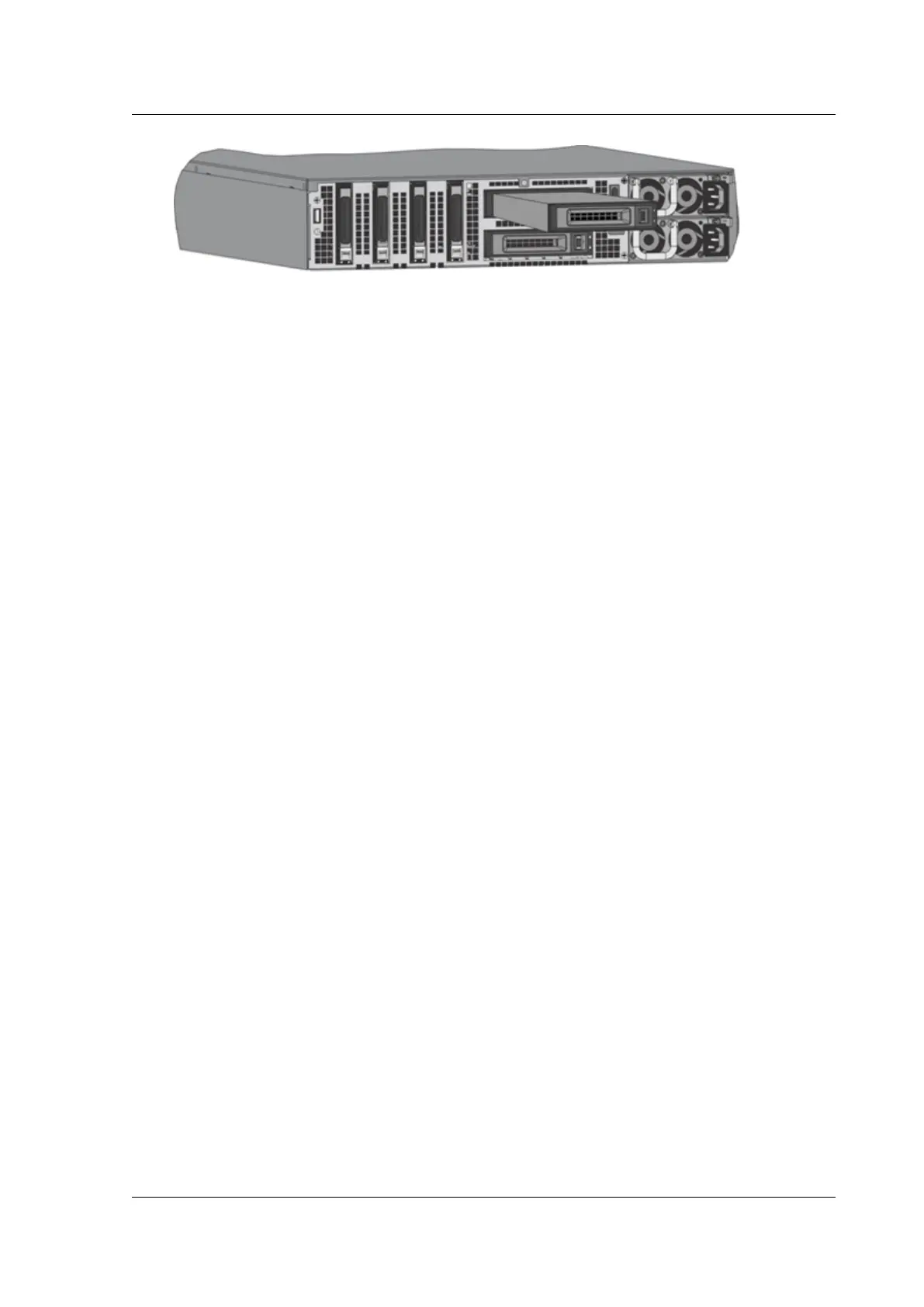
1. To install the DAC, slide it into the 10G port on the appliance, as shown in the following figure.
You hear a click when the DAC properly fits into the port.
Figure 8. Insert a DAC into the 10G port
© 1999‒2022 Citrix Systems, Inc. All rights reserved. 122



 To Next Page
 Loading...
