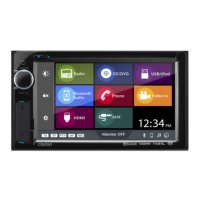
G E NE R A L OP E R ATION
TUR N T HE UNIT ON
After all connections are completed
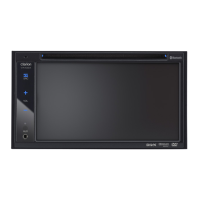
correctly, press the (P OWE R )
button on the front panel or
(P OWE R ) on the remote control
to turn on the power.
When the unit is on, it will search the
disc automatically. If there is a disc in
the disc slot, the unit will start
playback automatically.
B esides this,you should turn on
the monitor that connected to
the player.
S tandby S tate
1) When the unit is on, press
(P OWE R )
on the front panel or
(P OWE R ) on
the remote control to turn the unit off
temporarily, in order to stop the
playback in a short time and the unit
goes into s tandby state.
2) In standby state, press
(P OWE R ) onthe front panel or
(P OWE R ) on the remote control
again to recall playback.
And for disc playback, it can realize
memory play function.
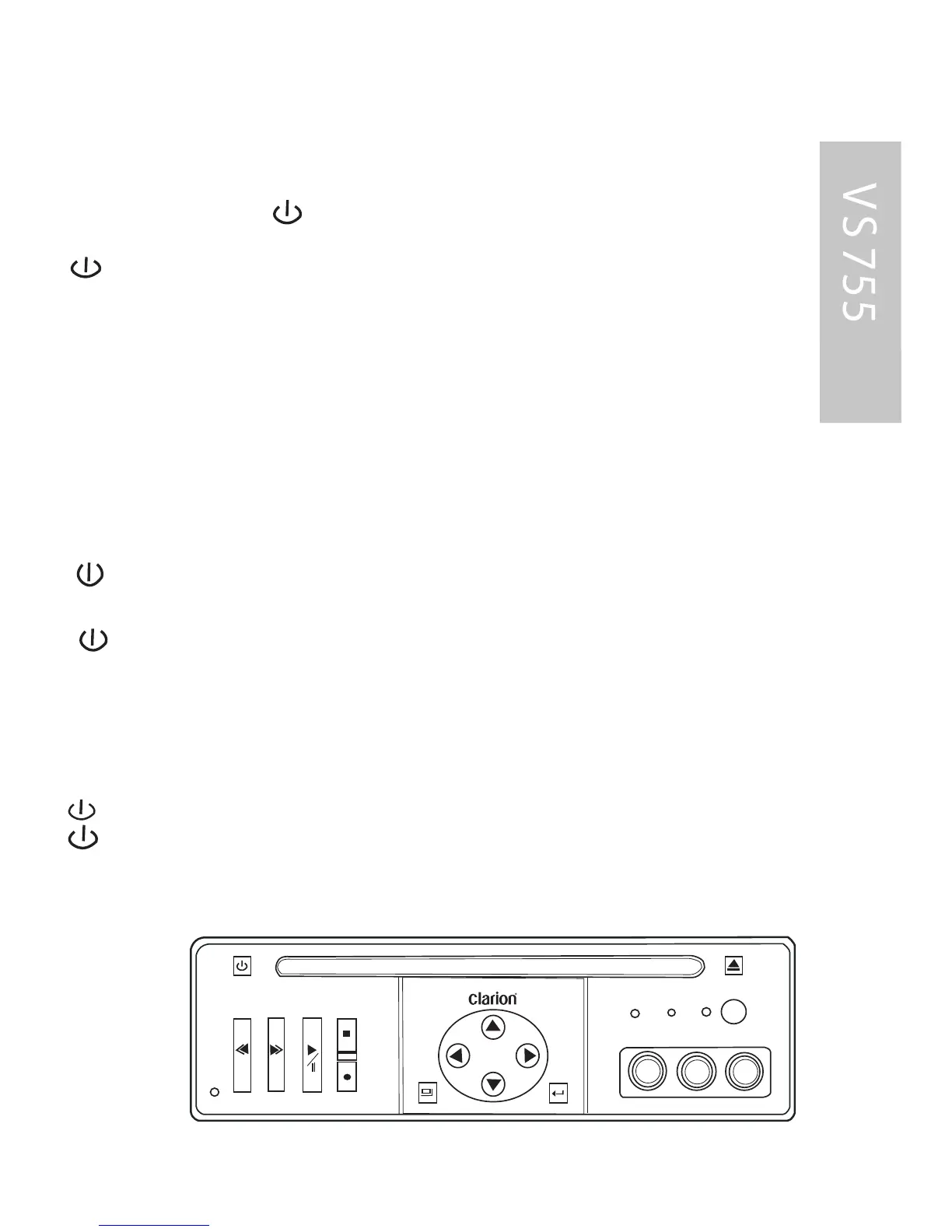
CONTROLS
ENTER
MENU
EJECT
POWER
PREVIOUS
NEXT
SOURCE
STOP
PLAY/PAUSE
VIDEO
L
AUDIO
R
DISC AV1
AV2
Note:
The unit has screen s aver
function(select “ON” in S creen
S aver setup). If the playback
is stopped and there is not any
button operation in 5 minutes,
it will activate the screen saver
function automatically;
when any button for DVD
function is pressed, the
screen s aver function will
release automatically.
R emote S ens or (IR )
P oint the remote handset to the
remote sensor IR on the front
panel. R eceive the signal from
the remote handset.
L oading a Dis c
1. Ins ert the disc with printed
side facing up into the disc s lot.
2. T he player will start
playback automatically.
17


 To Next Page