INS TAL L AT ION
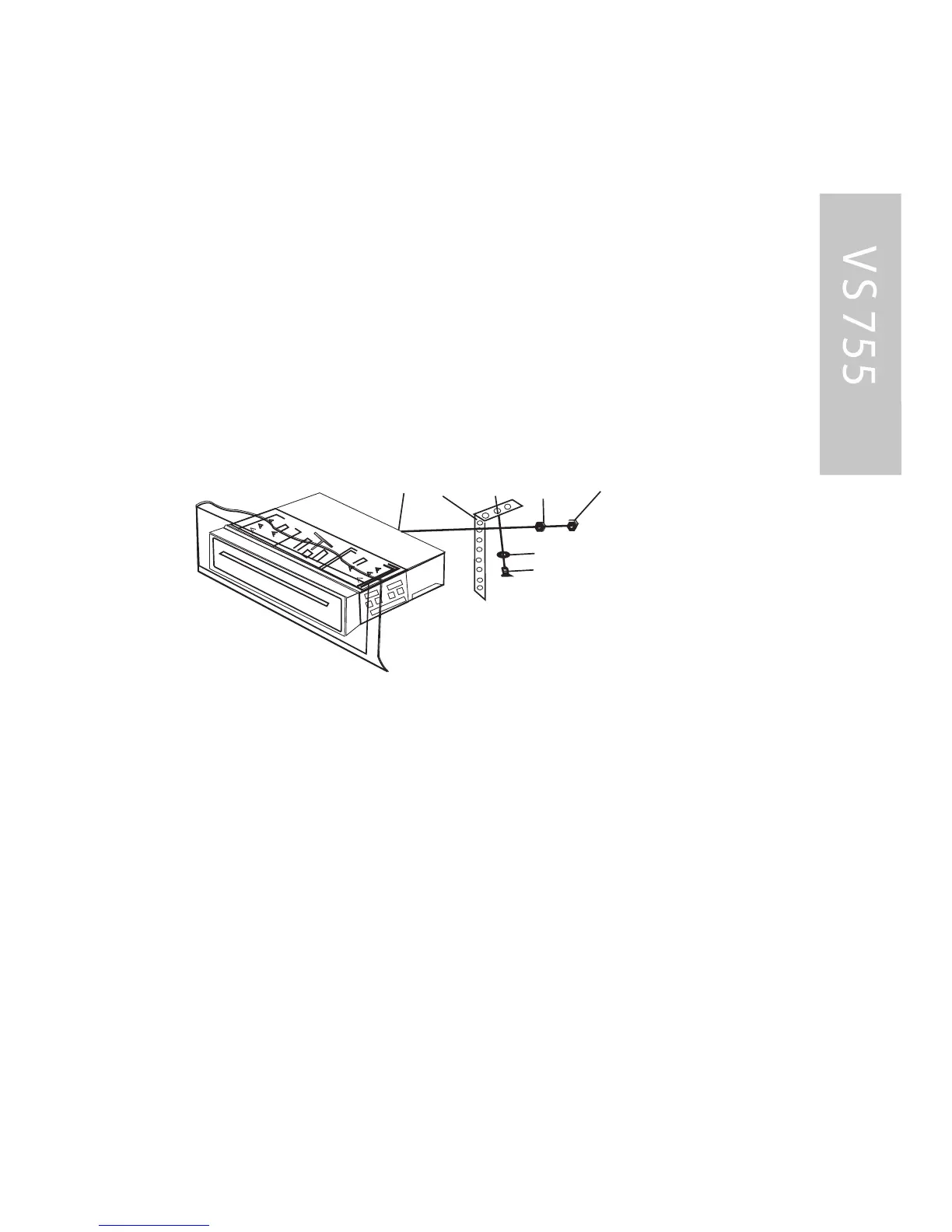
8. To further secure the unit, use the supplied metal
strap to secure the back of the unit in place. Use the
supplied hardware (Hex Nut (M5mm) and S pring
Washer) to attach one end of the strap to the mounting
bolt on the back of the unit. If necessary, bend the metal
strap to fit your vehicle•s mounting area. Then us e the
supplied hardware (Tapping S crew (5x25mm) and P lain
Washer) to attach the other end of metal strap to a solid
metal part of the vehicle under the dashboard.
This strap also helps ensure proper electrical grounding
of the unit.
9. R econnect the cable to the vehicle battery•s negative
(-) terminal. Then replace the outer trim ring.
R emoving the unit
1. Make sure the ignition is turned off, then disconnect
the cable from the vehicle battery•s negative (-) terminal.
2. R emove the metal strap attached the back of the unit
(if attached)
3. Lift the top of the outer trim ring then pull it out to
remove it.
4. Ins ert both of the supplied keys into the slots at the
middle left and right sides of the unit, then pull the unit out
of the dashboard.



 To Next Page