ADVA NC E D OP E R ATION
Make sure that the MP 3 files have file format designation of .mp3.
Two different modes of MP 3 playback are available:
- WITH ME NU
- NO ME NU
The playback mode can be set in the S E TUP menu under
“ P R E F E R E NC E S ” WITH ME NU.
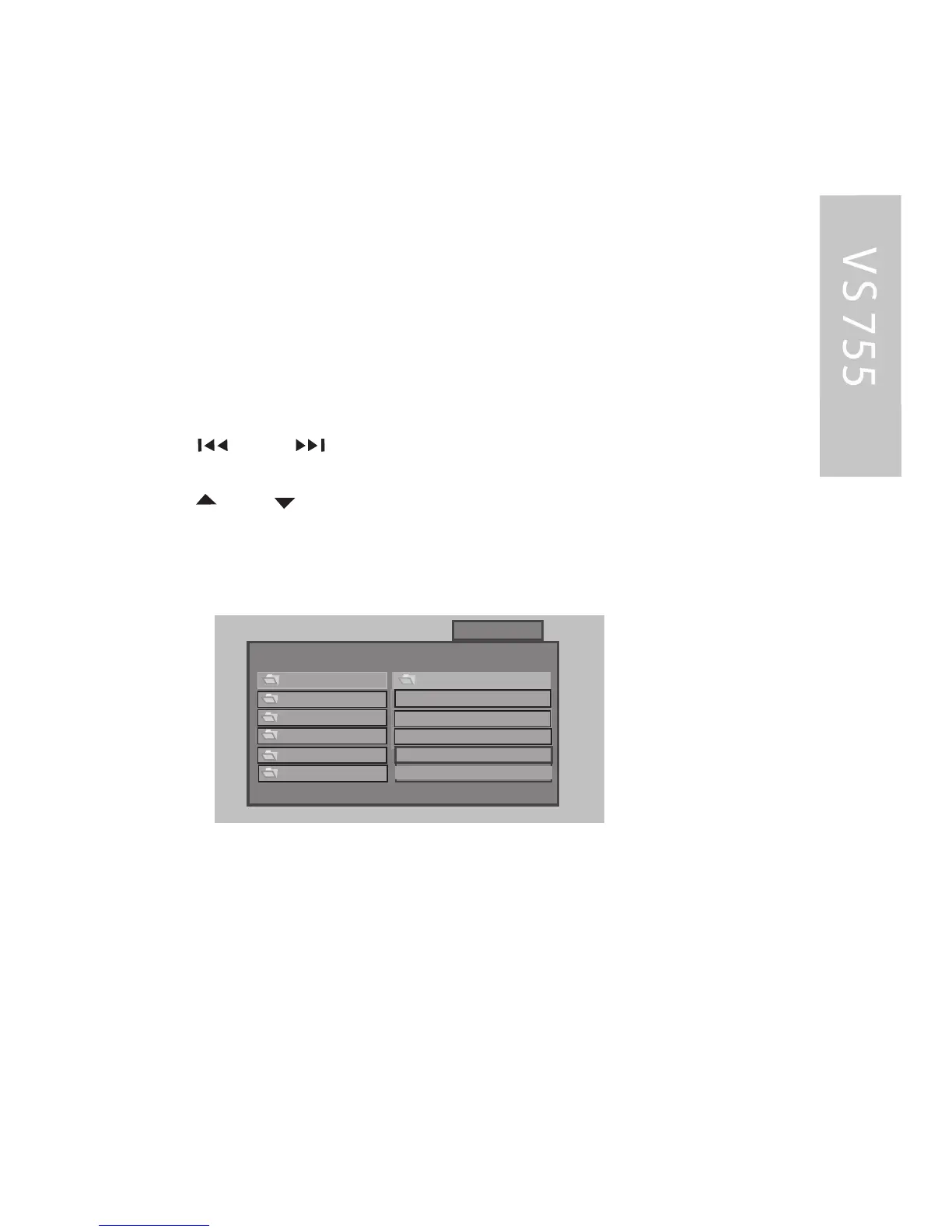
In this mode the display s hows all the MP 3 folders of the disc
on the left and the file names of the folder currently opened
on the right.
In S TOP mode:
- Use the and buttons to select between the left and
right column.
- Use the and buttons to select the desired item or folder.
- P ress the E NT E R or button to playback the selected item.
The screen shows:
0
1
SS MMAARR TT
NNAAVV
I
3
R OO T
2
4
5
00 : 02 : 5800 : 02 : 58
R OOT R OOT
AC ID - JAZZ AC ID - J AZZ
INDE PE NDE NT
LAT IN
P OP
2PAC - C ali
ANAS TAC IA
B AB Y LO N ZOO
C ULT UR E BE A
MP3
MP3
MP3
MP3
MP3
B R ANDY MONI
Notes :
The F OLDE R can only be selected in S TOP mode. During playback,
the screen will dis play the MP 3-ID3 tags instead of the R E P E AT mode.
WIT HOUT ME NU
When the S MAR T NAV function is s et to“ NO ME NU ”, only the track
(file) number and the elapsed time for the current file are displayed
on the screen. All the tracks (files) of the MP 3 C D inserted are
played sequentially.
32



 To Next Page