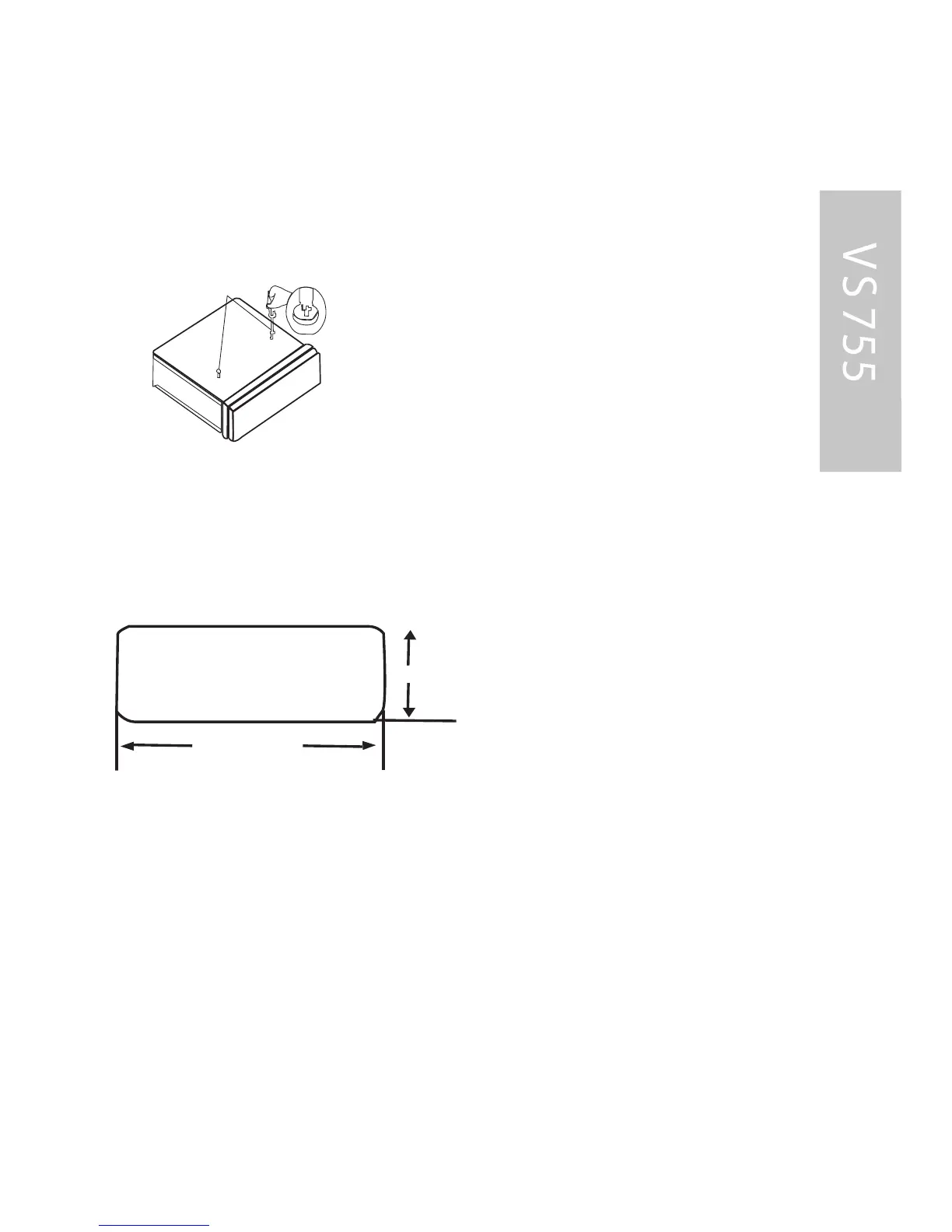
B efore install the unit, please remove the two screws.
DIN F R ONT -MOUNT (Method A) Ins tallation Opening
This unit can be installed in any das hboard having an opening
as shown below:
Ins talling the unit
B e sure you test all connections first, and then follow these
steps to install the unit.
1. Make sure the ignition is turned off, and then disconnect the
cable from the vehicle battery•s negative (-) terminal.
2. Disconnect the wire harness and the antenna.
3. Lift the top of the outer trim ring then pull it out to remove it.
182mm
53mm
INS TAL L AT ION
TAK E OUT S C R E W B E F OR E INS T AL L AT ION
42



 To Next Page