47
Section 4. Operating the Display
Display Overview
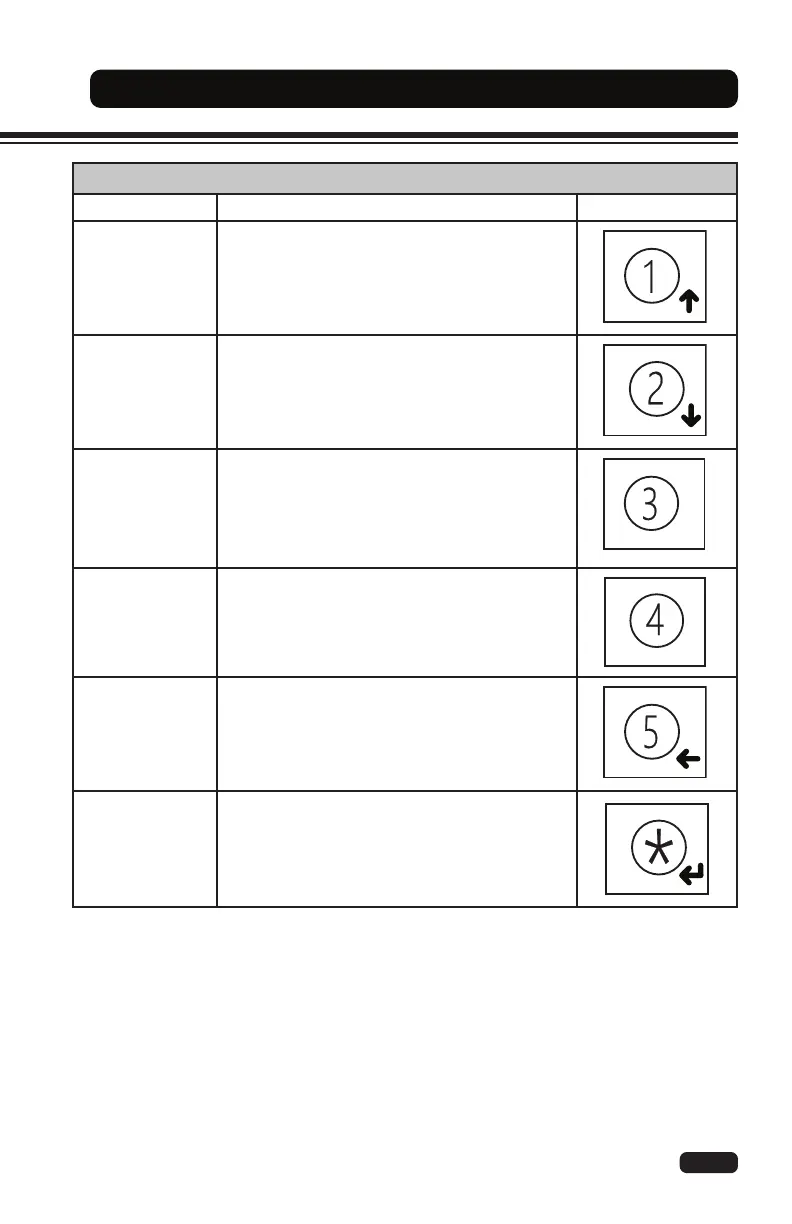
Menu Buttons
Name Function Button
Up Button
(1)
Press the UP button to change the operating
mode (default) or the speed mode (if enabled).
When in the menu, press the UP button to move
to a higher menu level.
Down Button
(2)
Press the DOWN button to change the
acceleration mode (if enabled).
When in the menu, press the DOWN button to
move to a lower menu level.
Plus Button
(3)
Press the PLUS button to increase the display
screen brightness.
When in the menu, press the PLUS button to
increase a value.
Minus Button
(4)
Press the MINUS button to decrease the display
screen brightness.
When in the menu, press the MINUS button to
decrease a value.
Exit Button
(5)
When in the menu, press the EXIT button to exit
a submenu.
Enter Button
(*)
Press the ENTER twice (2x) to enter the menu.
A password is required to enter the display
menu.
When in the menu, press the ENTER button to
save a value or enter a submenu.



 To Next Page