49
Section 4. Operating the Display
Icons
Icons
Name Description Icon
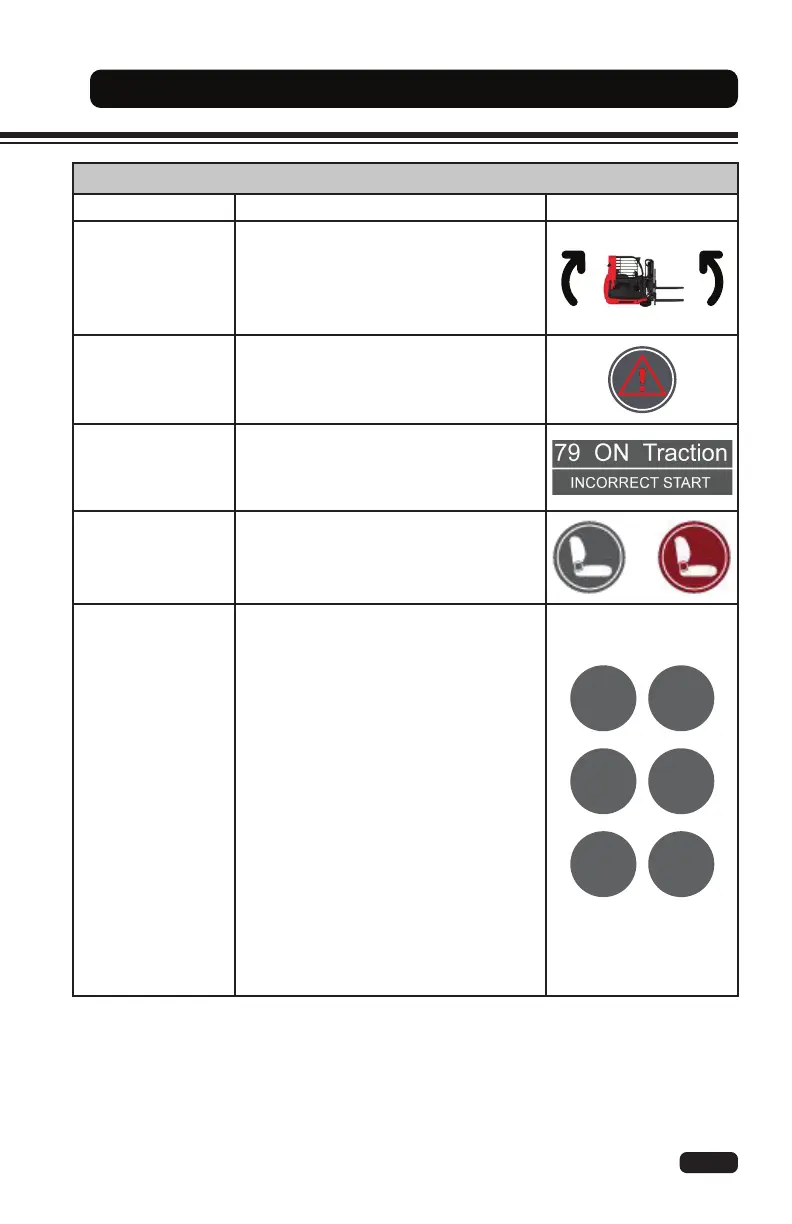
Truck Position
The truck position icon shows the
direction of travel in 360 degrees while
operating the lift truck.
Fault
The fault icon is shown when a controller
fault has occurred.
Fault Information
The fault information icon is displayed
when an alarm (error) has occurred.
The fault code, fault description, and the
controller in error mode are shown.
Seat Switch
The seat switch icon changes from
GREY to RED when the lift truck is
turned on and the operator is not sitting
in the seat correctly.
Performance
Modes
The performance mode icons show the
lift truck's current operating mode. There
are three levels of maximum speed and
three levels of acceleration.
Mode E: slow acceleration
Mode P: standard acceleration
Mode S: fast acceleration
Mode L: low speed
Mode M: medium speed
Mode H: high speed
Standard Mode: the default start mode is
H/S. Press the UP (1) button on the dash
display to change the performance mode
to L/E or H/S).
Optional Mode: press the UP (1) button
to change the speed mode. Press
the DOWN (2) button to change the
acceleration mode.


 To Next Page