4-12
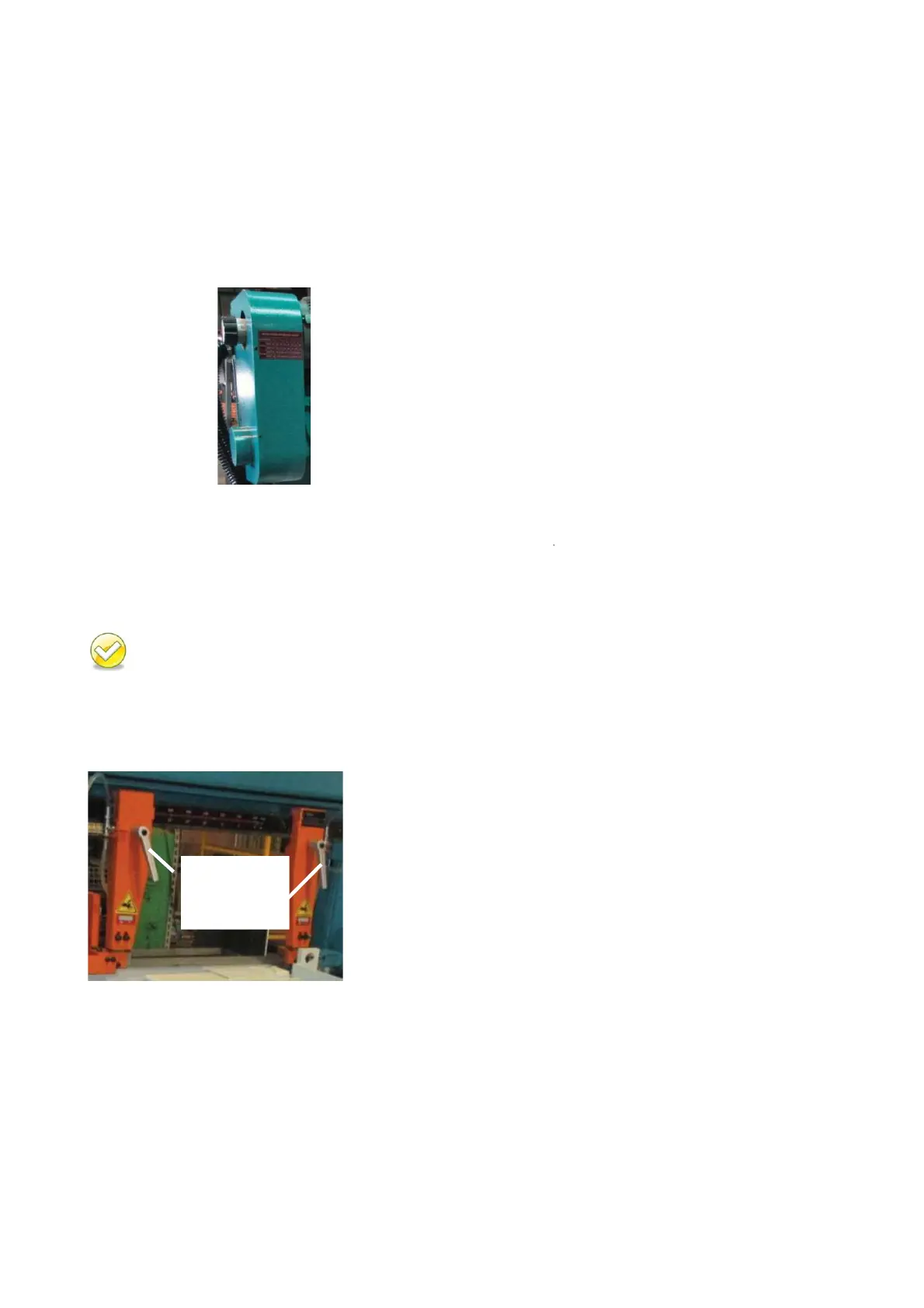
ADJUSTING BLADE SPEED
Step 1 – Set the blade speed control knob to “0” position.
Step 2 – Press the saw blade start button to start the blade.
Step 3 – Refer to blade speed reference chart and turn the blade speed control knob to adjust the
blade speed. Turn clockwise to decrease the speed and counterclockwise to increase the
speed.
ADJUSTING SAW ARM
Adjust the blade guide (guide arm) position based on the size of your workpiece:
While adjusting the guide arm, be careful not to hit the vise.
Step 1 – Loosen the blade guide locking handle. Then adjust the guide arm to a position suitable for
your workpiece size. Move the right blade guide according to the label for miter cutting.
Step 2 – After adjustment is made, tighten the blade guide locking handle.
Blade Speed
Reference Chart
MS1318M / MS1318SA


 To Next Page