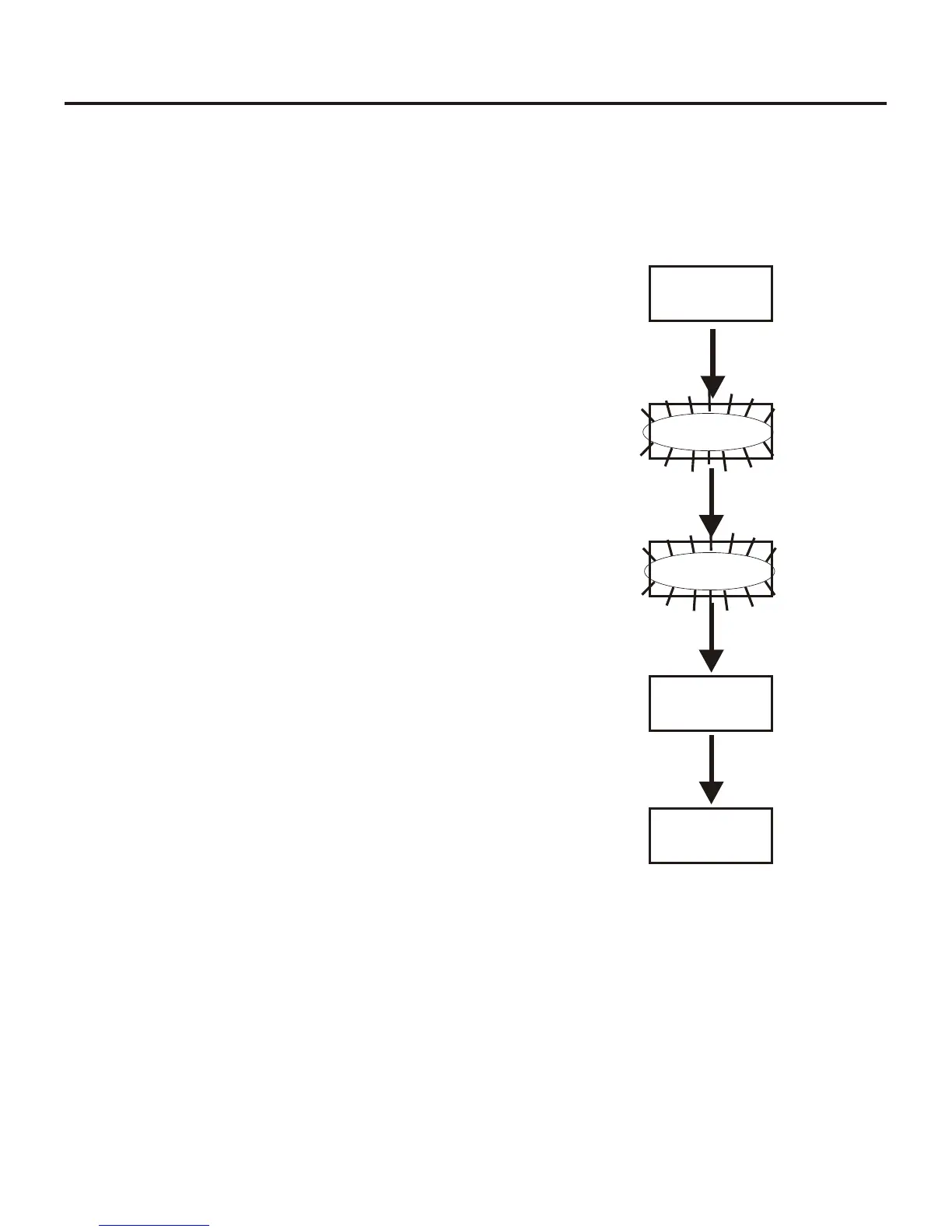
WTR-682 Menu Struc ture
Trans mit Screen
The Transmit screen al lows the user to set the beltpack trans --
mit fre quency. Fac tory-defined groups will al low only a set
num ber of pre-defined fre quen cies to be se lected.
User-programmable groups will al low the user to change the
fre quency in 25kHz steps.
•
Press [MENU] once from the group/chan nel screen to ar -
rive at the trans mit fre quency screen.
•
Press [SET] to edit the fre quency. The num ber will start
flash ing. Fac tory-de fined groups will al low only a set
num ber of pre-de fined fre quen cies to be se lected.
User-pro gram ma ble groups will al low the user to change
the fre quency in 25kHz steps.
•
Use the [UP]/[DOWN] ar row but tons to change the fre -
quency.
•
Press [SET] to place the beltpack on the fre quency se -
lected. If set is held down, dur ing that time the
group/chan nel is dis played so the user is aware of what
trans mit chan nel the unit has been placed. Once set is re -
leased, the unit re turns to the trans mit fre quency screen
with noth ing flash ing.
•
Pressing [SET] once more will start the ed it ing se quence
over again. Pressing [MENU] dur ing trans mit fre quency
edit will end ed it ing and send the user back to the trans mit
screen with out any changes.
7-25
[SET]
03A 03
GP CH
704.700
TX
706.500
TX
[UP]/[DOWN]
[SET] IS HELD DOWN
[SET] IS RELEASED
706.500
TX
END
704.700
TX
Trans mit Screen




 To Next Page