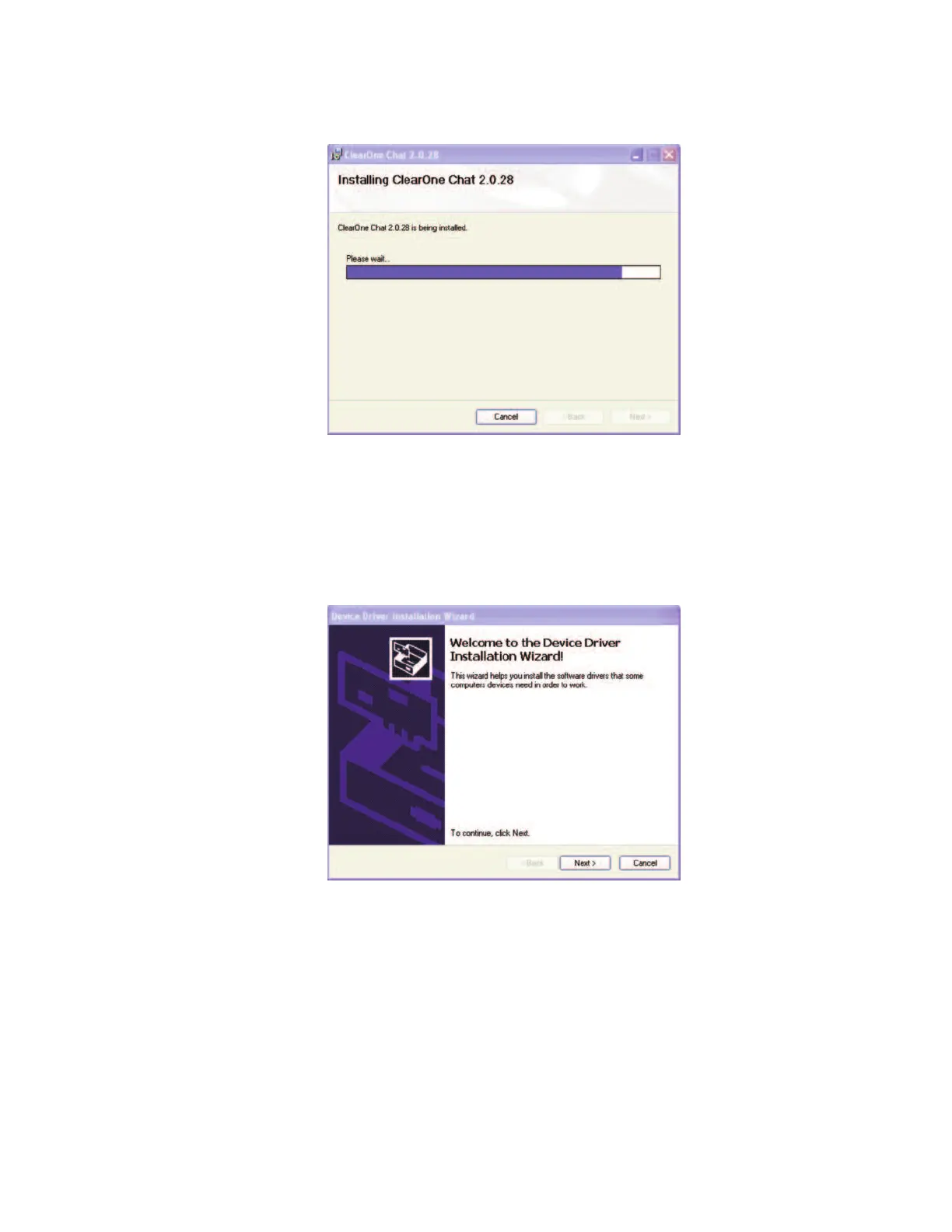
7. The
IInnssttaalllliinngg CClleeaarrOOnnee CCHHAATT
screen appears.
8. The
DDeevviiccee DDrriivveerr IInnssttaallllaattiioonn WWiizzaarrdd
screen appears. Click
NNeexxtt>>
to install the CHAT software drivers for
Windows. (When you first connect the CHAT 60 to the USB port on your PC, there is an additional driver
installation routine that installs the CHAT 60 USB 2.0 drivers for Windows, as explained in the
Connecting
and Configuring the CHAT 60 (USB)
section.)
Chapter 3 Configuring The CHAT 60
99



 To Next Page